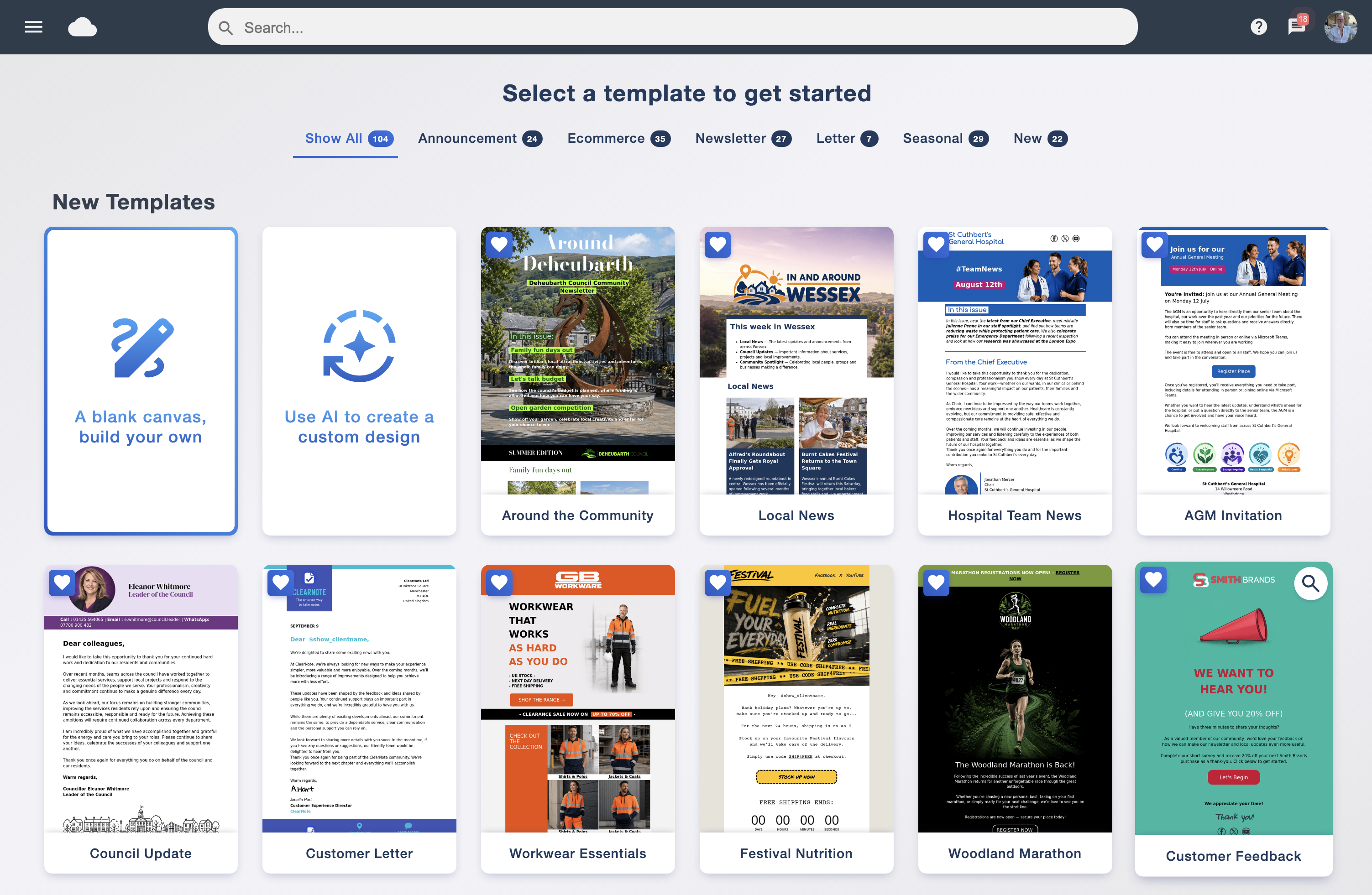
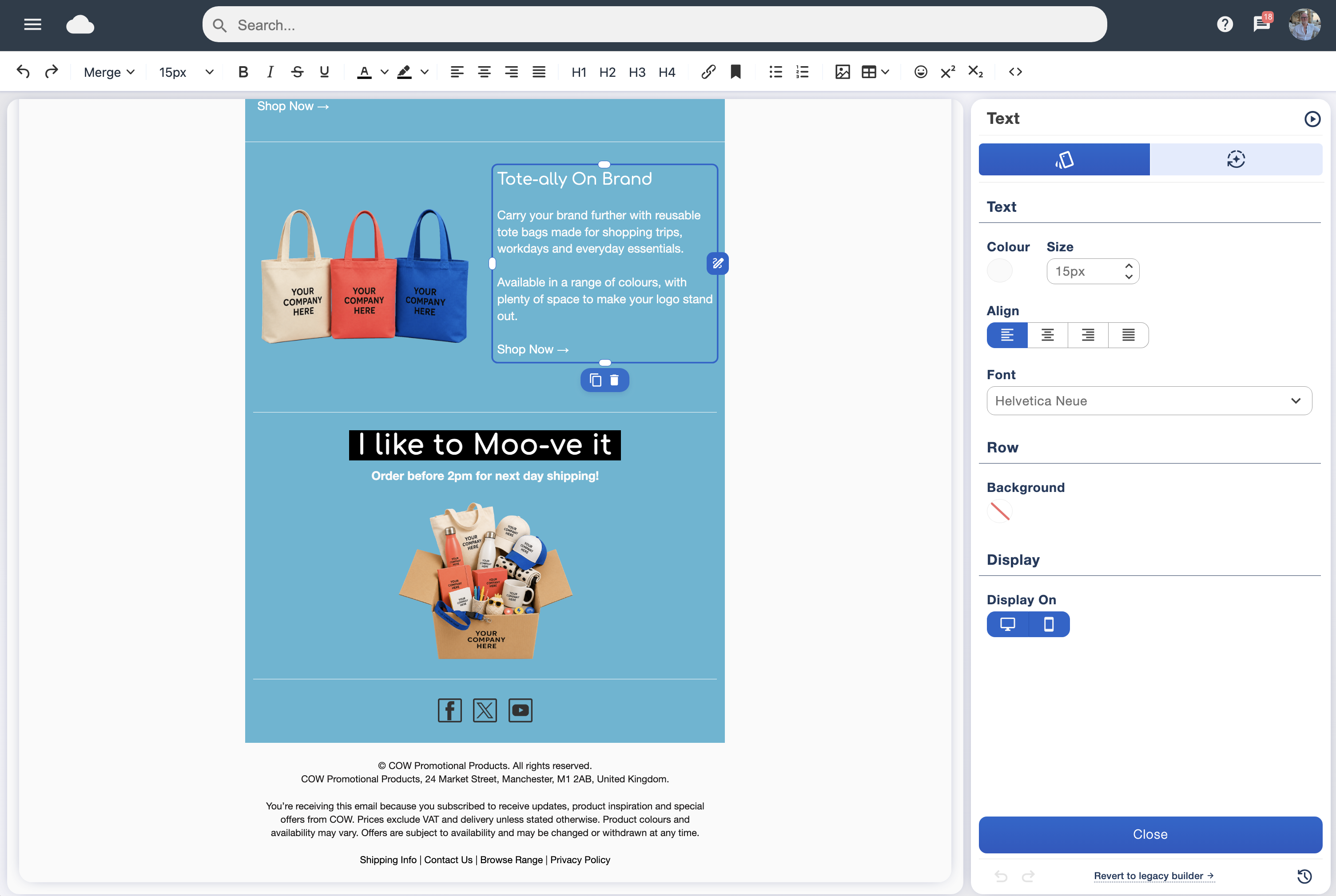

Prepare your campaign
Finish the content, preview your design and send a test. Check the audience, subject line and sender details before scheduling.
Prepare your campaign while you have time to focus. Choose a date and time for it to go out, and let Email Blaster handle the send while you get on with your day.
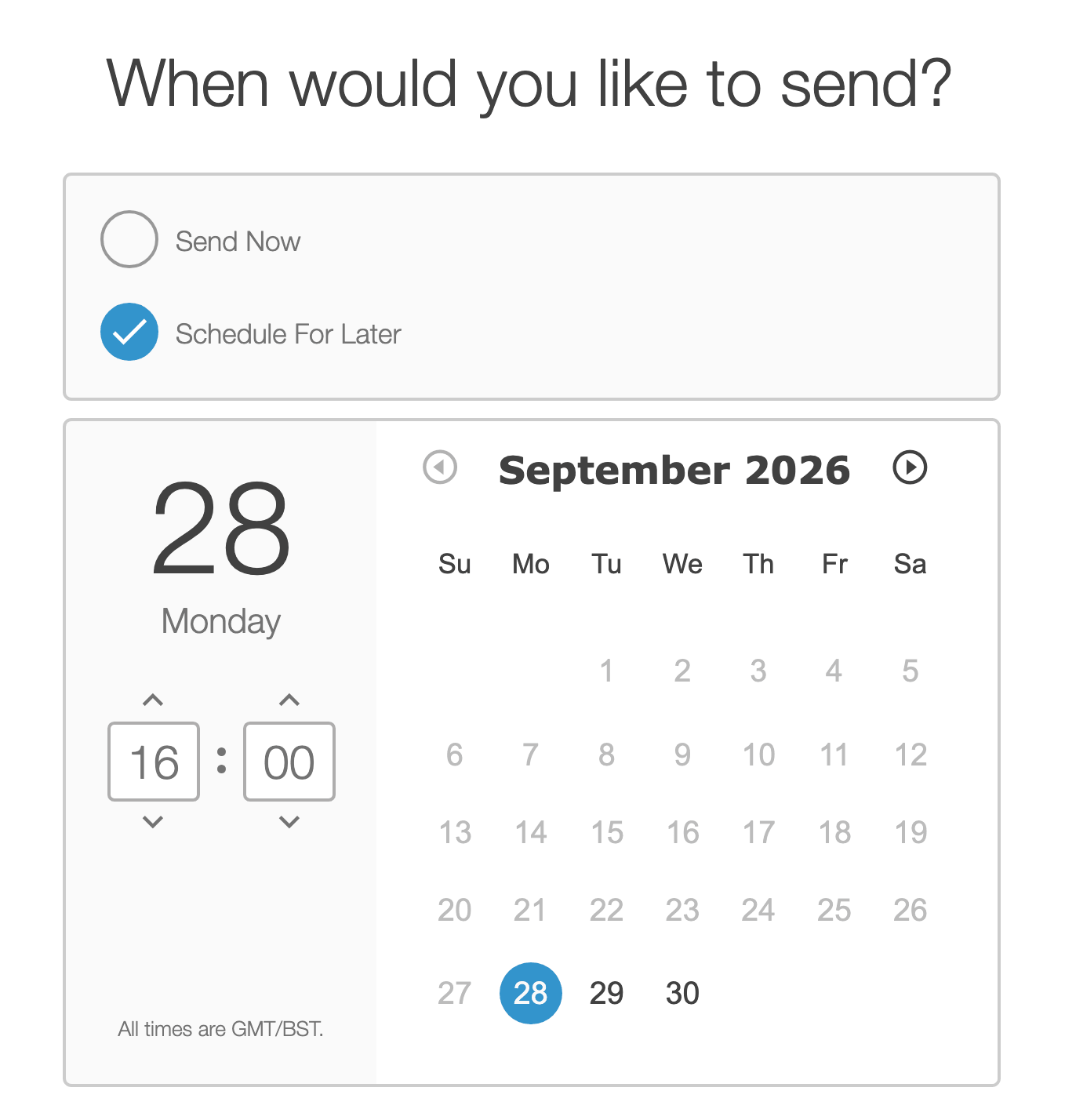
Tomorrow’s newsletter, next week’s announcement or a seasonal promotion: scheduling lets you get the work ready before the day it needs to go out. You can prepare campaigns in advance without having to be at your desk to press send.
Bring design and sending together in our UK email marketing software. Build your message in the drag and drop email designer, review it and choose when to send.
Finish the content, preview your design and send a test. Check the audience, subject line and sender details before scheduling.
Select Schedule For Later, pick the date and set the time. Check the time zone shown in the scheduler before confirming.
Email Blaster handles the scheduled send. Review the response afterwards to help plan your next campaign.
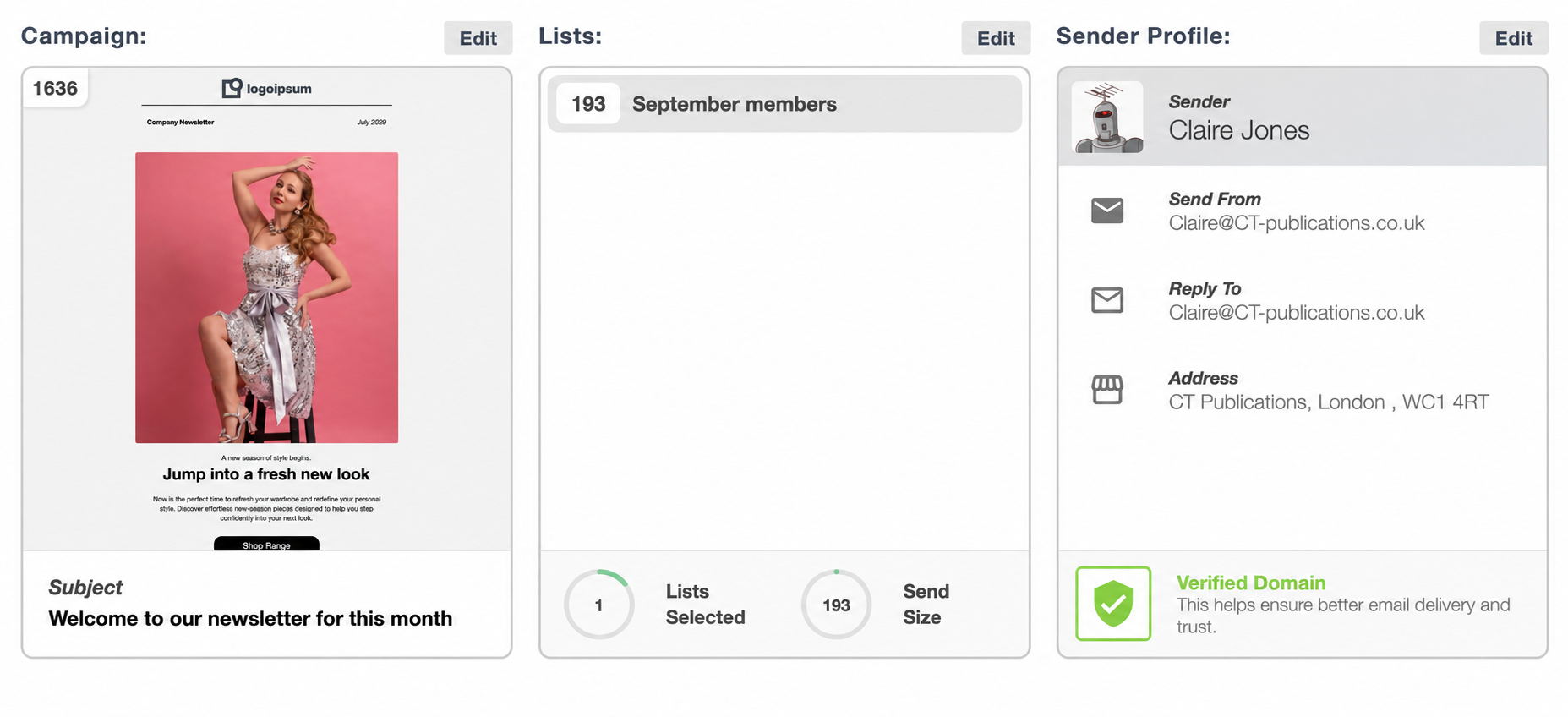
The send workflow brings your campaign, selected mailing lists, sender profile and send settings together. Review those details alongside the timing so you know what is due to go out and who will receive it.
Use data segmentation to keep the audience focused, and check your sender setup with the domain verification guide.
Choose a sending time that makes sense for the people receiving your email and the purpose of the message. A business update and a weekend promotion may call for different timing.
Use A/B testing to compare send times with your own audience. There is no single best time for every campaign.
Calendar view gives you a way to review and manage scheduled sends. See which campaigns are due to go out, make amendments or cancel a send when plans change.
Use it to keep your campaign calendar organised and avoid overlooking an upcoming message.
After sending, review engagement and delivery in the analytics suite. Look at clicks and useful outcomes alongside recorded opens when comparing campaigns and their timing.
For a sequence that begins when someone subscribes, on a birthday or at another starting point, explore Smart Automation. Send scheduling is a straightforward way to prepare an individual campaign for a chosen date and time.
Prepare your email, choose your time and keep your plans moving with Email Blaster.