Welcome new subscribers
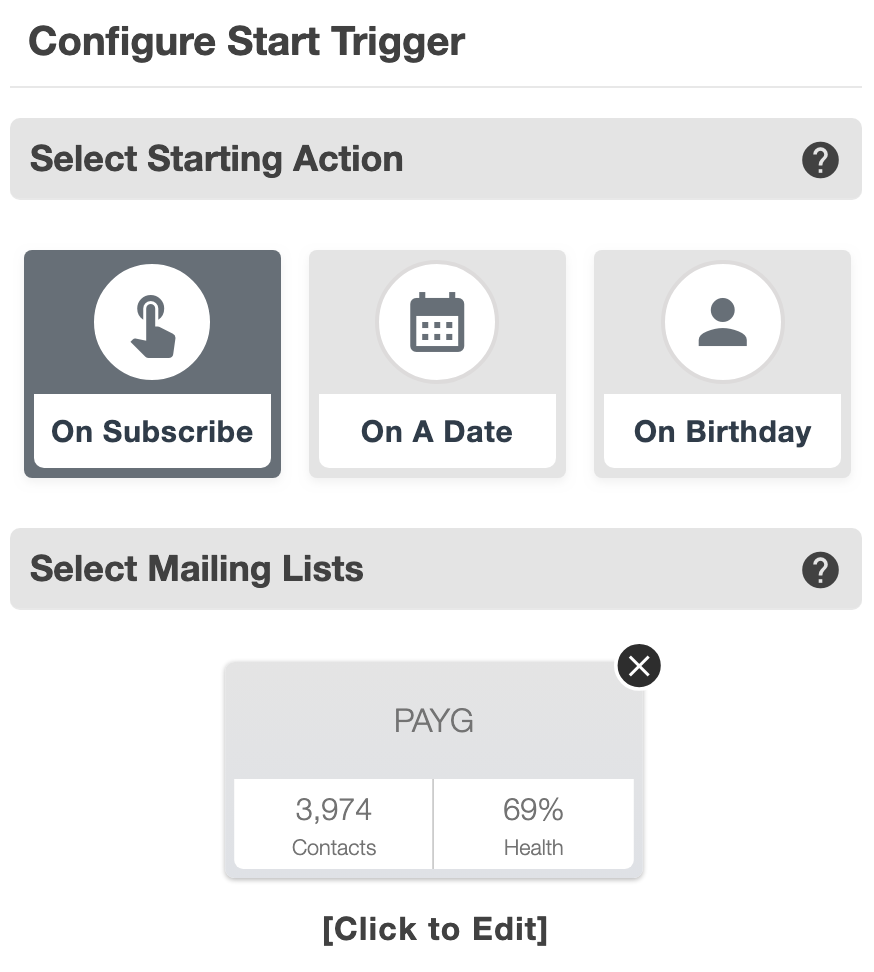
Start a journey when someone subscribes. Introduce your business, explain what they can expect and help them take their first useful step.
Welcome new subscribers, follow up on interest and remember the dates that matter. Build your email journey visually, choose the timing and let Automate take care of the sequence.
A useful email often leads to another. Email marketing automation lets you plan that conversation ahead, so you can guide new subscribers through an introduction or share relevant information over time.
Start a journey when someone subscribes. Introduce your business, explain what they can expect and help them take their first useful step.
Use decisions to shape a follow-up around recorded engagement. Give interested subscribers more detail about the product, service or offer they explored.
Start an automation on a chosen date or a subscriber’s birthday. Prepare the message ahead so a relevant update is ready when the occasion arrives.
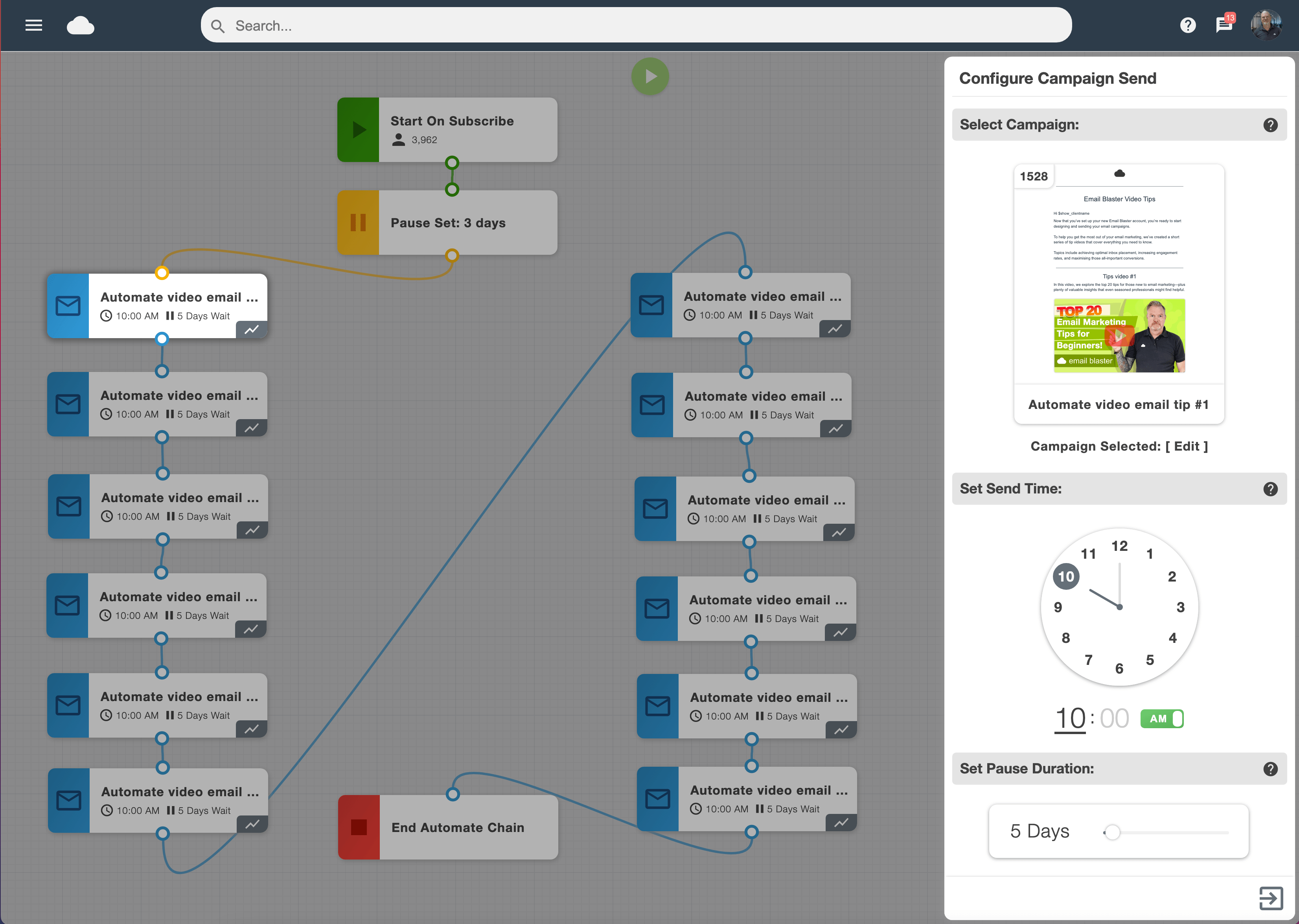
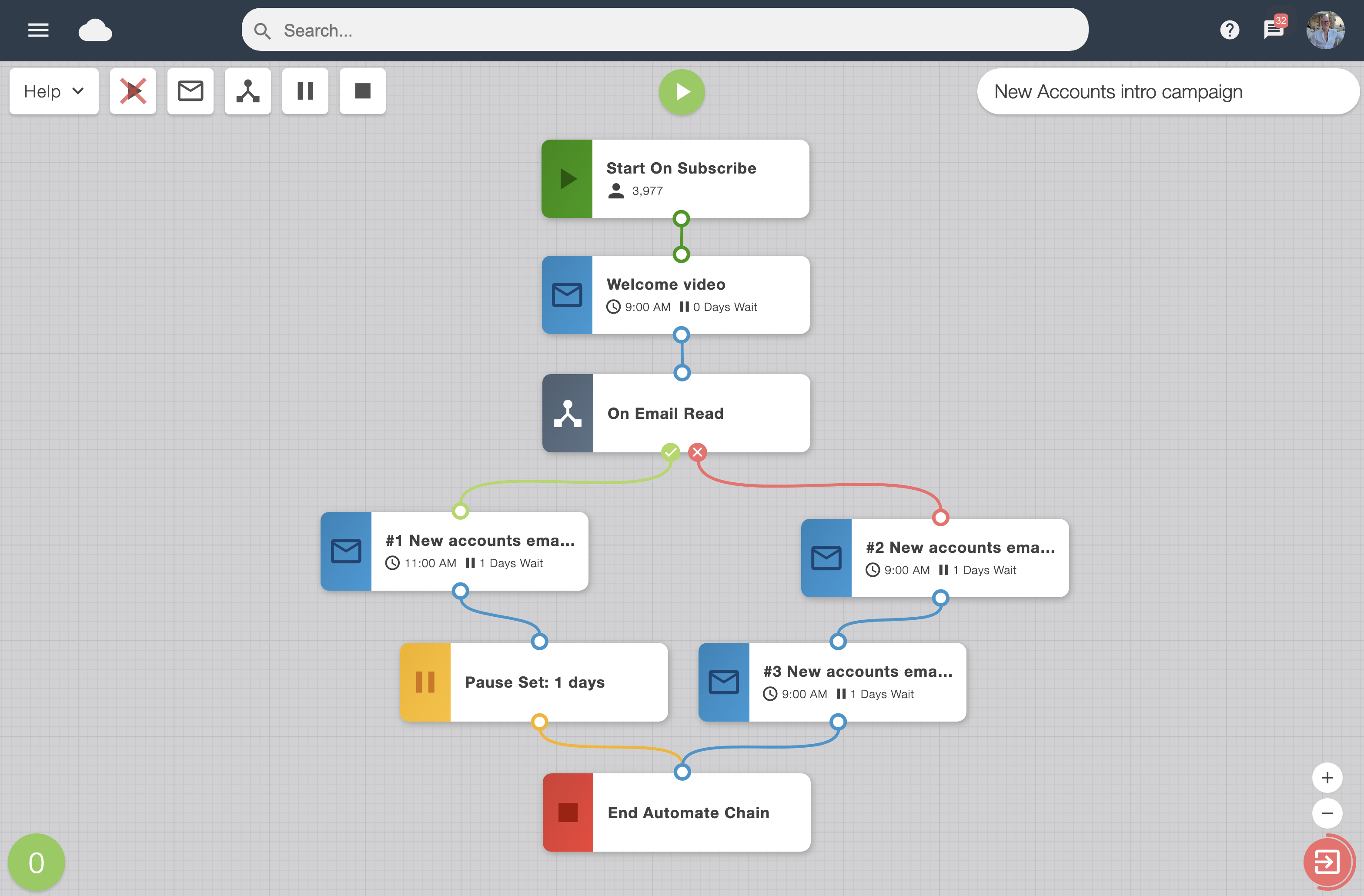
The visual workspace connects your starting point, campaign sends, pauses and decisions. See how each step leads to the next, including where different paths branch and come back together.
Build a straightforward welcome series or a decision-based drip campaign. Keep each email focused on one purpose and give subscribers time between messages to take action.
Joining your list is the beginning of a relationship. A welcome sequence can introduce your team, explain your service and answer the questions people often ask when they first get started.
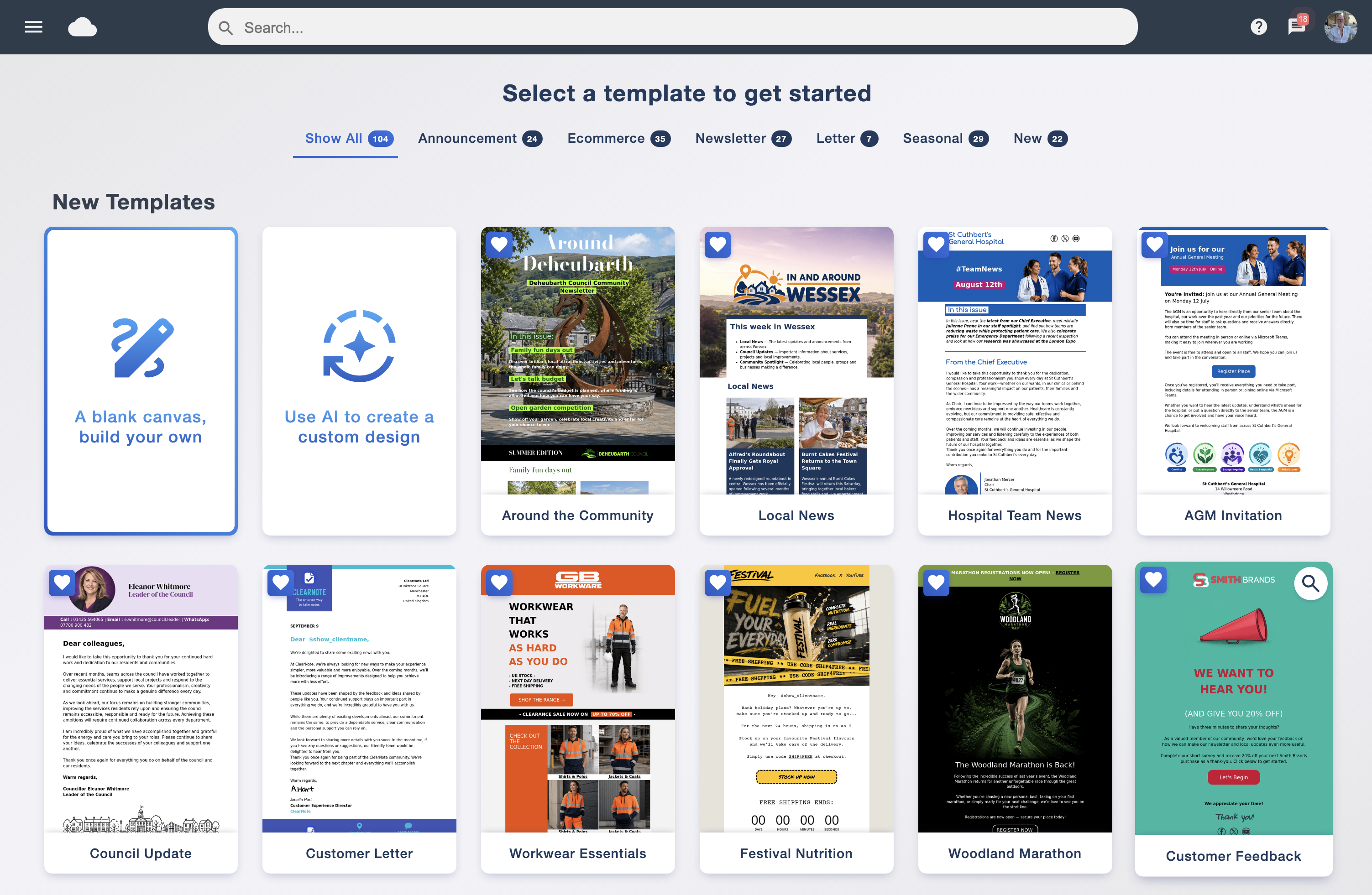
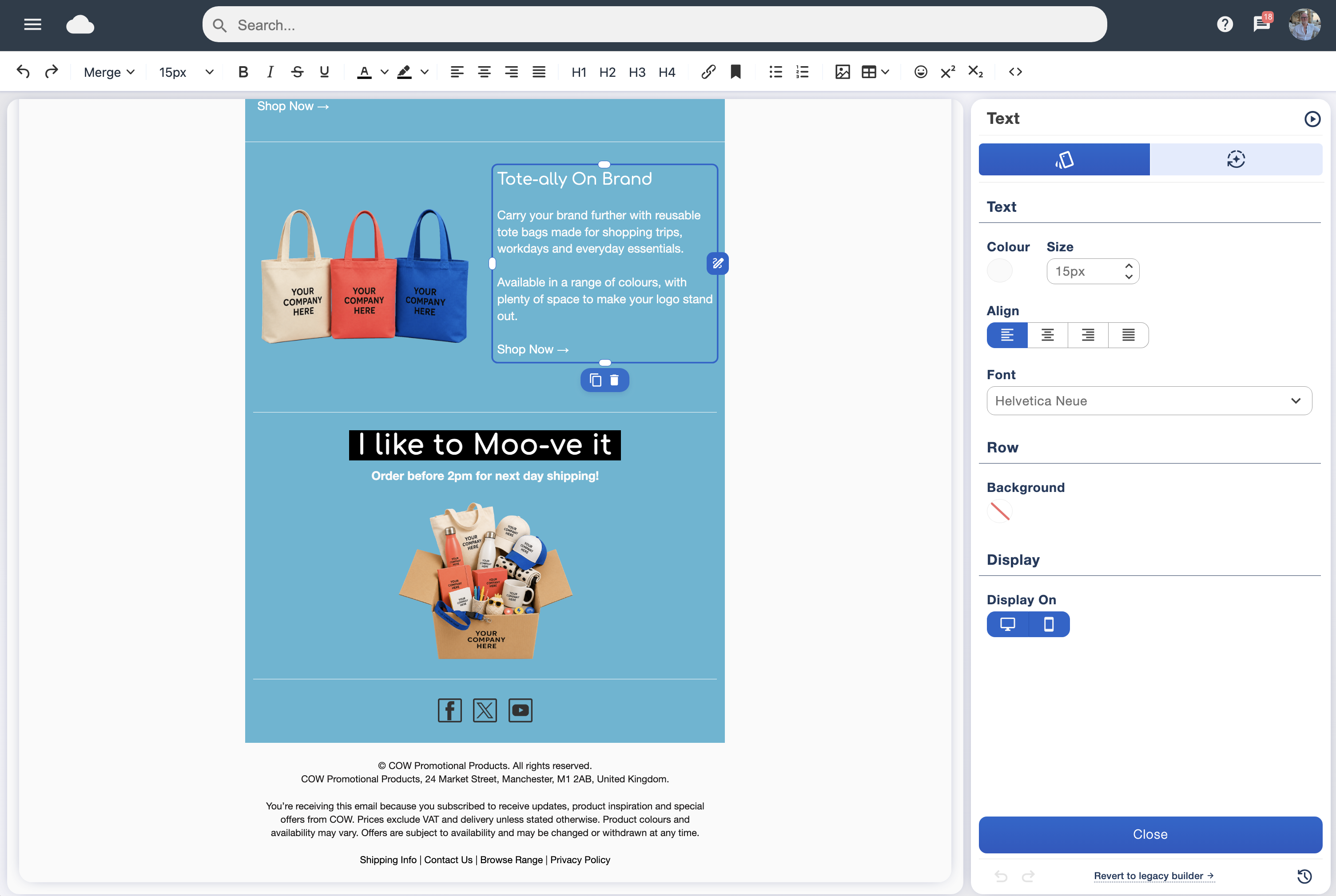
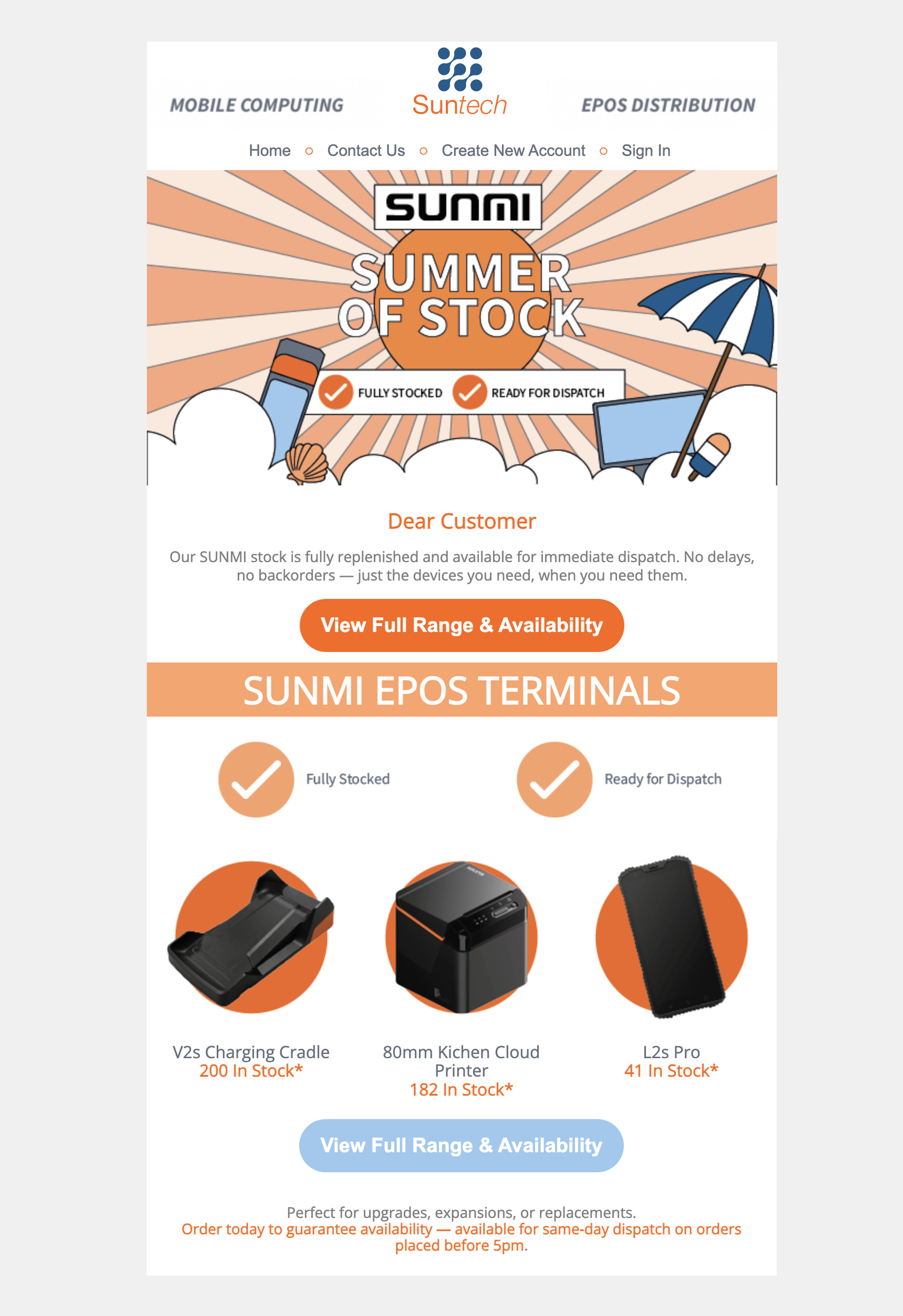
Begin with a friendly welcome, follow with practical advice and make the next step easy to find. Create a consistent look in the drag and drop email designer, or use the AI email builder for a first draft.
Add subscriber details with smart personalisation. Keep the content suited to the audience and use data tagging to organise contacts around your business.
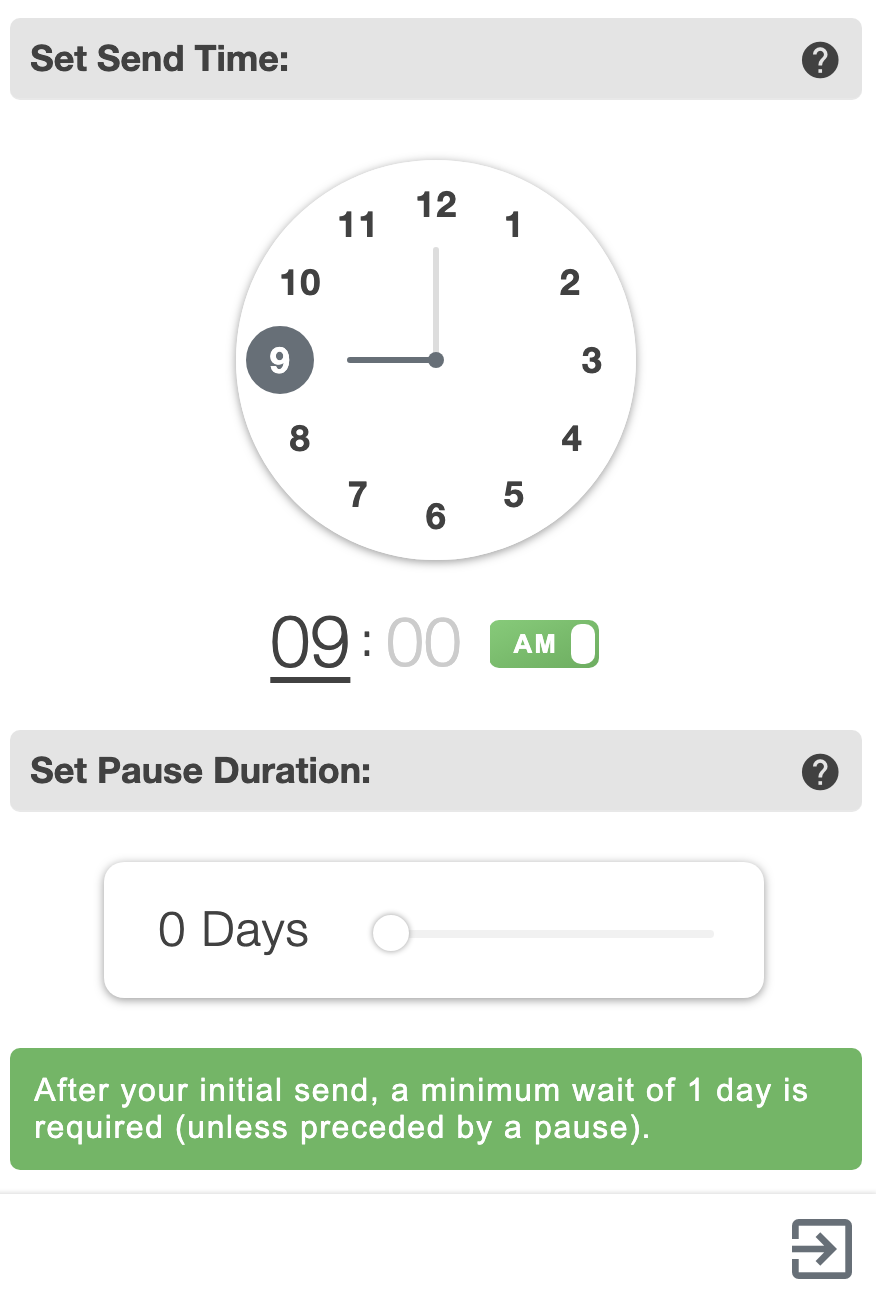
A good drip campaign gives each message its own space. Choose the campaign for a step, set a waiting period and select the send time, rather than sending the whole sequence at once.
Plan the pace around the content. A short introduction might need a different interval from a detailed guide or a series of product updates. Check your settings before starting the journey.
Subscribers do not all respond in the same way. Smart Automation lets you use recorded campaign interactions to guide different follow-up paths, so the next message can reflect the interest someone has shown.
For example, a click on a particular product or service can help you plan a more focused follow-up. Think about what would be useful next: further detail, an answer to a common question or a clear invitation to act.
Each branch should have a reason. Avoid adding another email simply because you can; make it a helpful continuation of the subscriber’s experience.
Review engagement in campaign analytics and use what you learn to improve the sequence. Read recorded interactions in context when deciding whether a follow-up is working.
Prepare a birthday greeting, a relevant offer or a simple thank-you in advance. With the subscriber’s birthday information available in your list, choose the birthday starting point and connect the campaign you want to send.
For a planned occasion, use a date-based start instead. Choose your mailing list and sending profile, then review the journey and its timing before putting it into use.
Bring your email designs and subscriber journeys together in Email Blaster’s UK email marketing software. Use data cleansing to keep your mailing data in shape, build your messages in the designer and review the results before refining the next send.
For an individual campaign you simply want to send later, explore send scheduling. Automate gives you a way to connect multiple messages into a planned sequence.
Start with one useful journey and grow from there. Our UK team can help you find your starting point.