Subscriber and CRM data
Create a connection that adds new subscribers and updates relevant details from your customer database. Decide which system owns each field, so a change in one place does not overwrite useful information elsewhere.
Build around the information your business needs, and choose the documented API calls that support each part of your workflow.
Create a connection that adds new subscribers and updates relevant details from your customer database. Decide which system owns each field, so a change in one place does not overwrite useful information elsewhere.
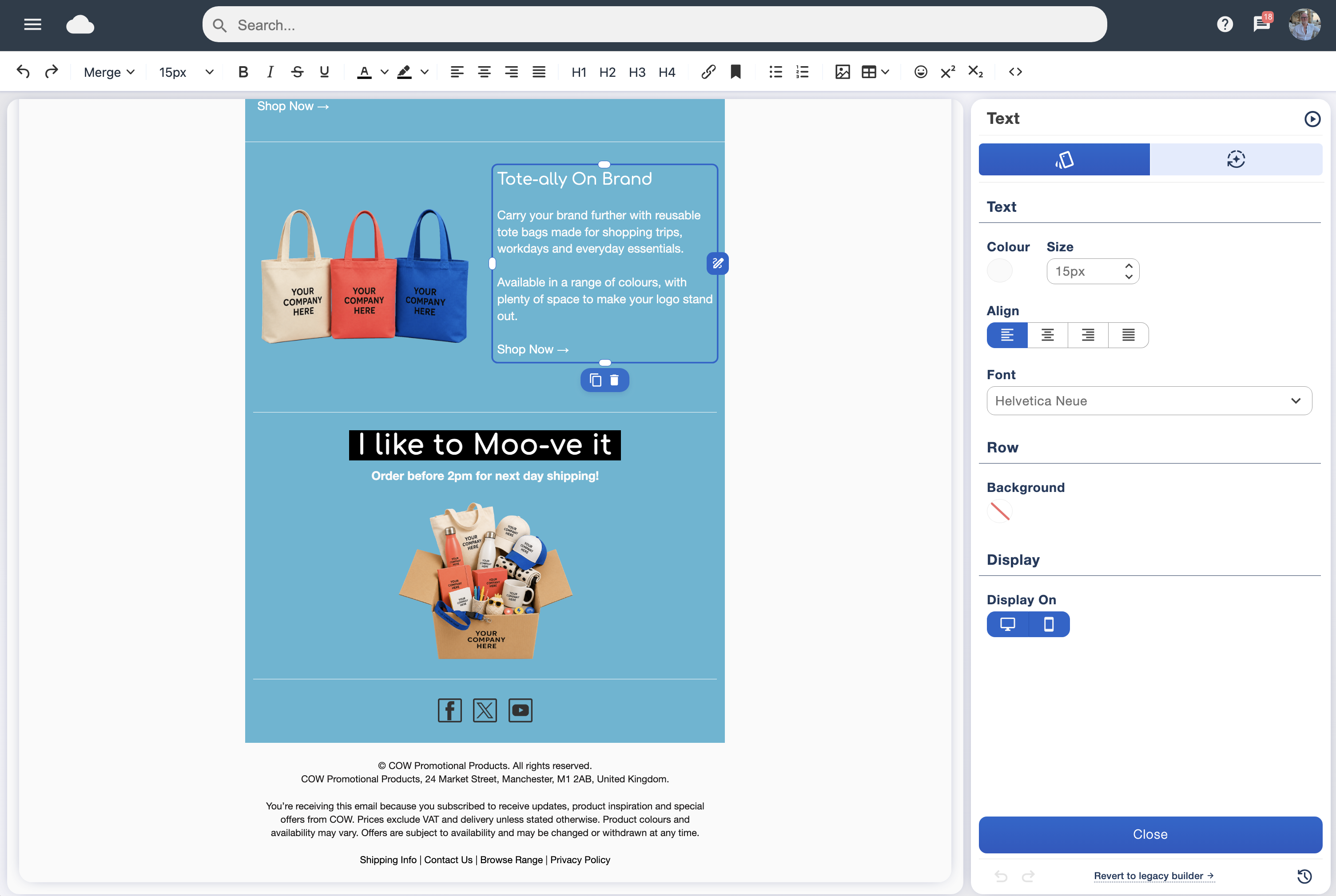
Use the API’s sending tools to arrange campaigns from another system. Your developers can build the checks and timing your workflow needs, while your team creates the email in the drag-and-drop designer.
Retrieve campaign analytics for your own reporting workflow. Bring email results into the dashboards or reports your colleagues already use, alongside the detail available in our analytics suite.
Our easy-to-use Zapier integration gives you another way to connect Email Blaster with the tools you use each day. It is a practical starting point when you want to automate a routine task without commissioning a full bespoke integration.
Zapier is an online automation service that connects different apps. You create a workflow, called a Zap, by choosing an event in one app and the action you want to happen next.
The starting event is the trigger. The next step is the action. Once the workflow is switched on, Zapier runs those steps for you, reducing the need to move information by hand.
For example, a form submission could start a workflow that passes subscriber details to your email marketing list. The exact steps depend on the apps, triggers and actions available in your connection.
An event starts the workflow.
Your connected apps carry out the next step.
Connect your accounts, choose the available steps and match the fields you want to pass between them. Test the workflow with a sample record before turning it on. Keep subscriber permissions and unsubscribe preferences part of your setup.
Need a hand choosing the right connection? Speak to our UK team about your apps and what you would like to automate.
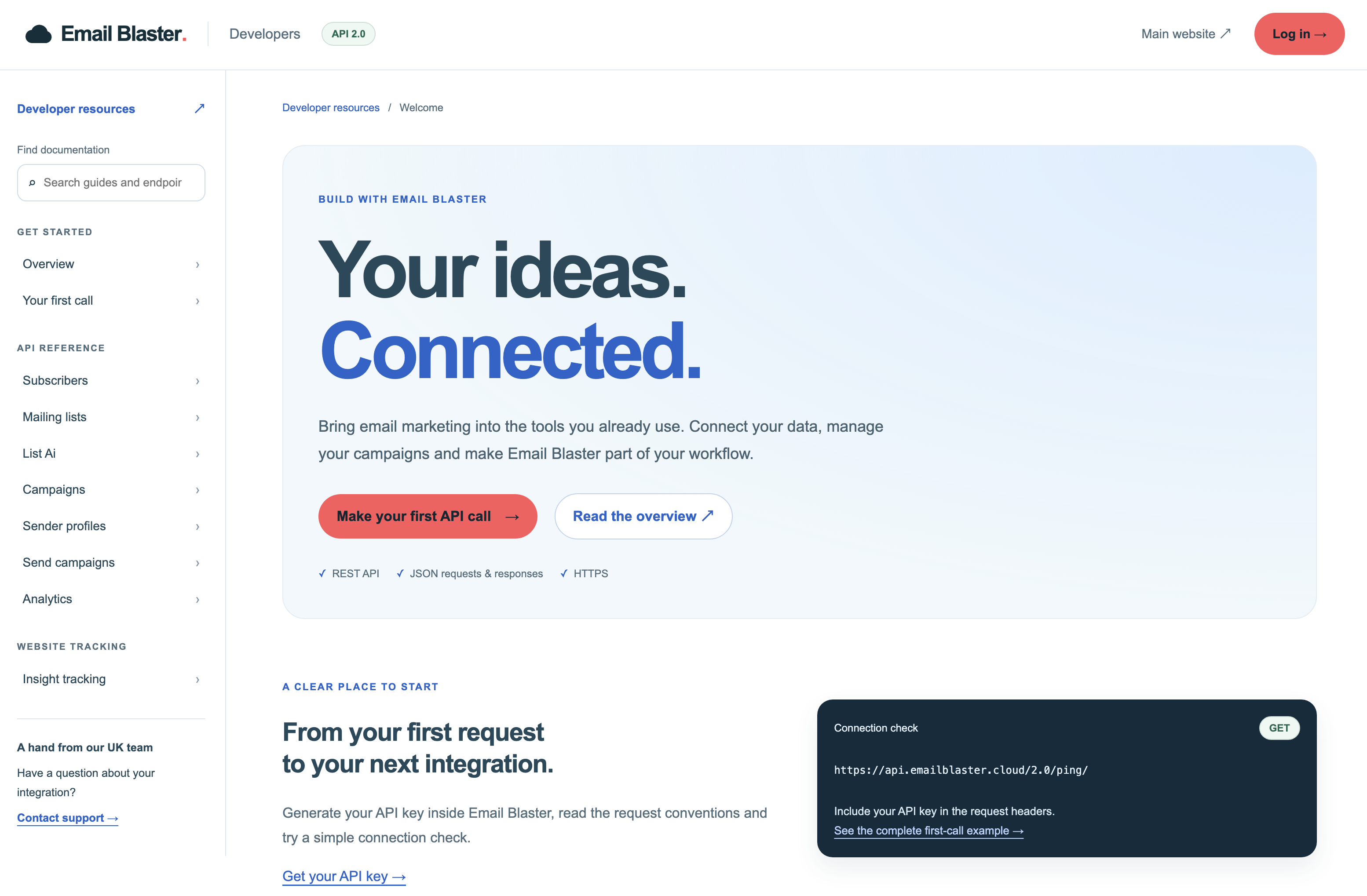
Email Blaster API 2.0 uses REST over HTTPS, with JSON for exchanging data. These familiar standards give your developers a clear foundation for a custom connection.
The developer area covers authentication, request methods, endpoint details and responses. Your team can use the guides to plan the integration and handle the limits and errors relevant to your workflow.
Read the API overviewInstall the API app from Apps → Add more apps in Email Blaster, then open Apps → API to generate your account’s API key.
Your developer can follow the first-call guide to check the connection before building the rest of your workflow. Keep the key in your integration’s secure configuration.
Follow the first API call guideZapier is useful for straightforward workflows between supported apps. A direct API integration gives your developers more room to shape the connection around your own database, processes and reporting.
Both routes help you bring email marketing closer to the rest of your business. If your next step is a series of timed emails, explore email marketing automation. If you want to understand activity after a campaign click, take a look at website and revenue tracking.