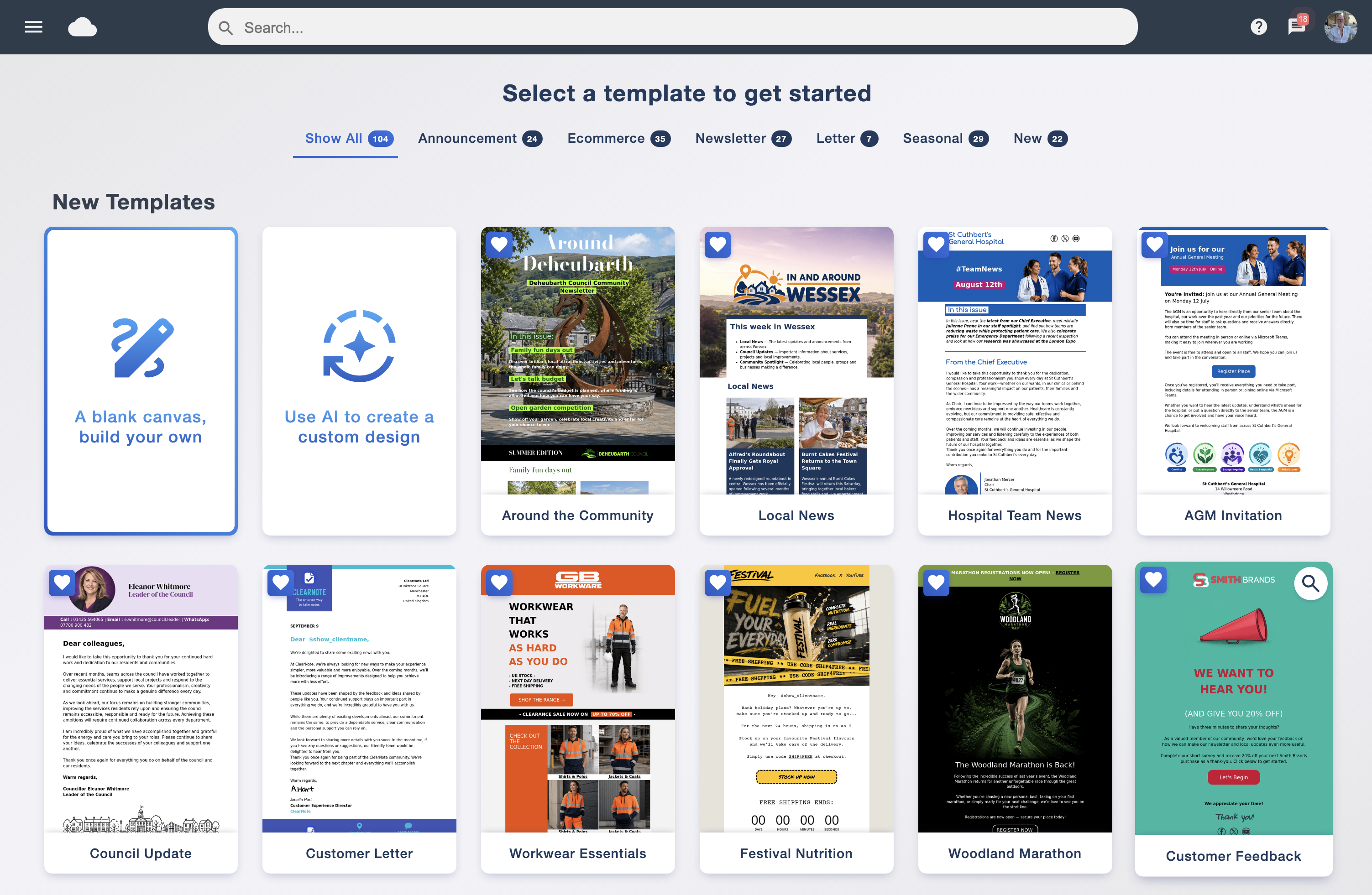
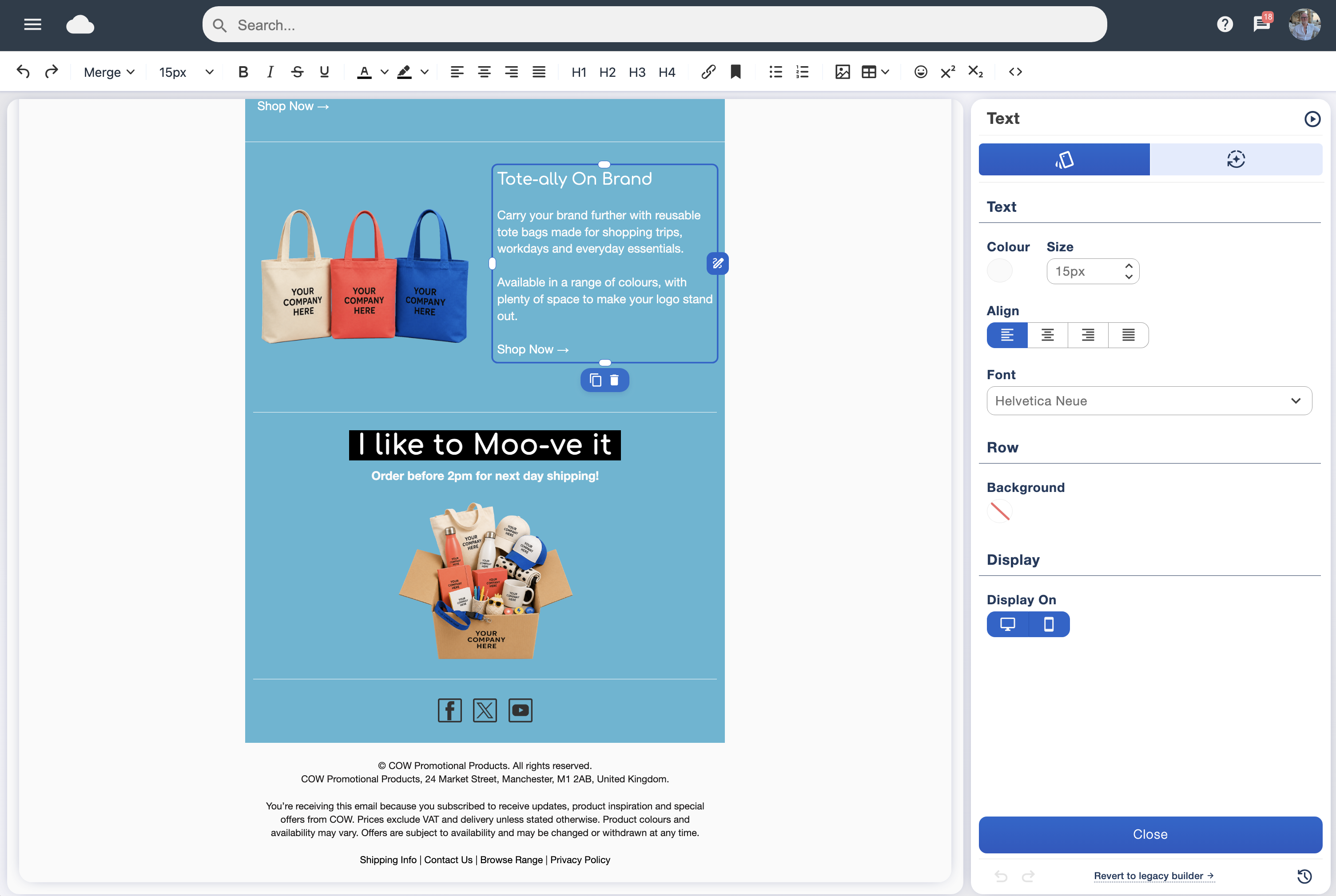
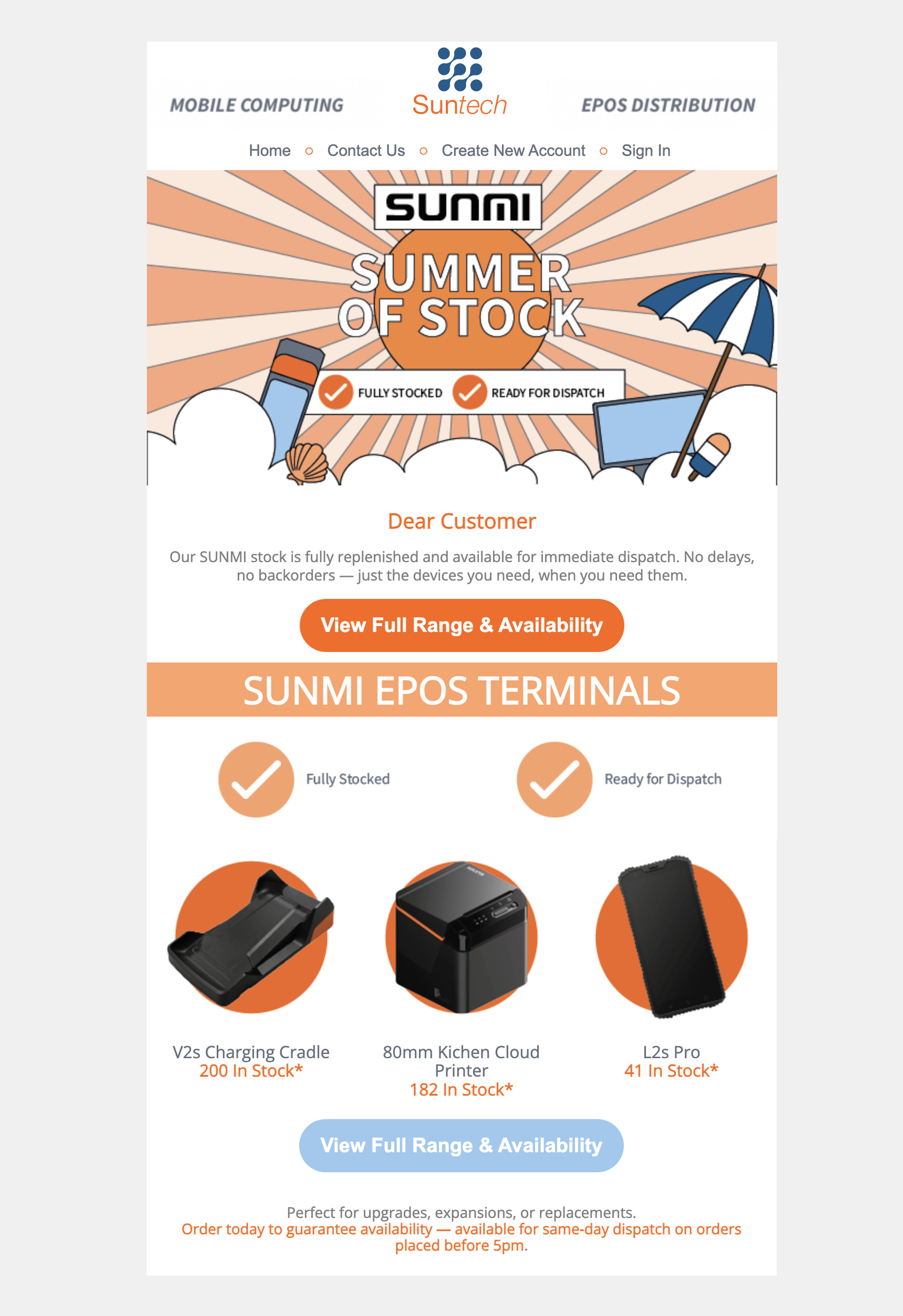
Include the people your message is for
Send a welcome update to contacts tagged “New Clients”, or promote a workshop to a group tagged with an interest in training.
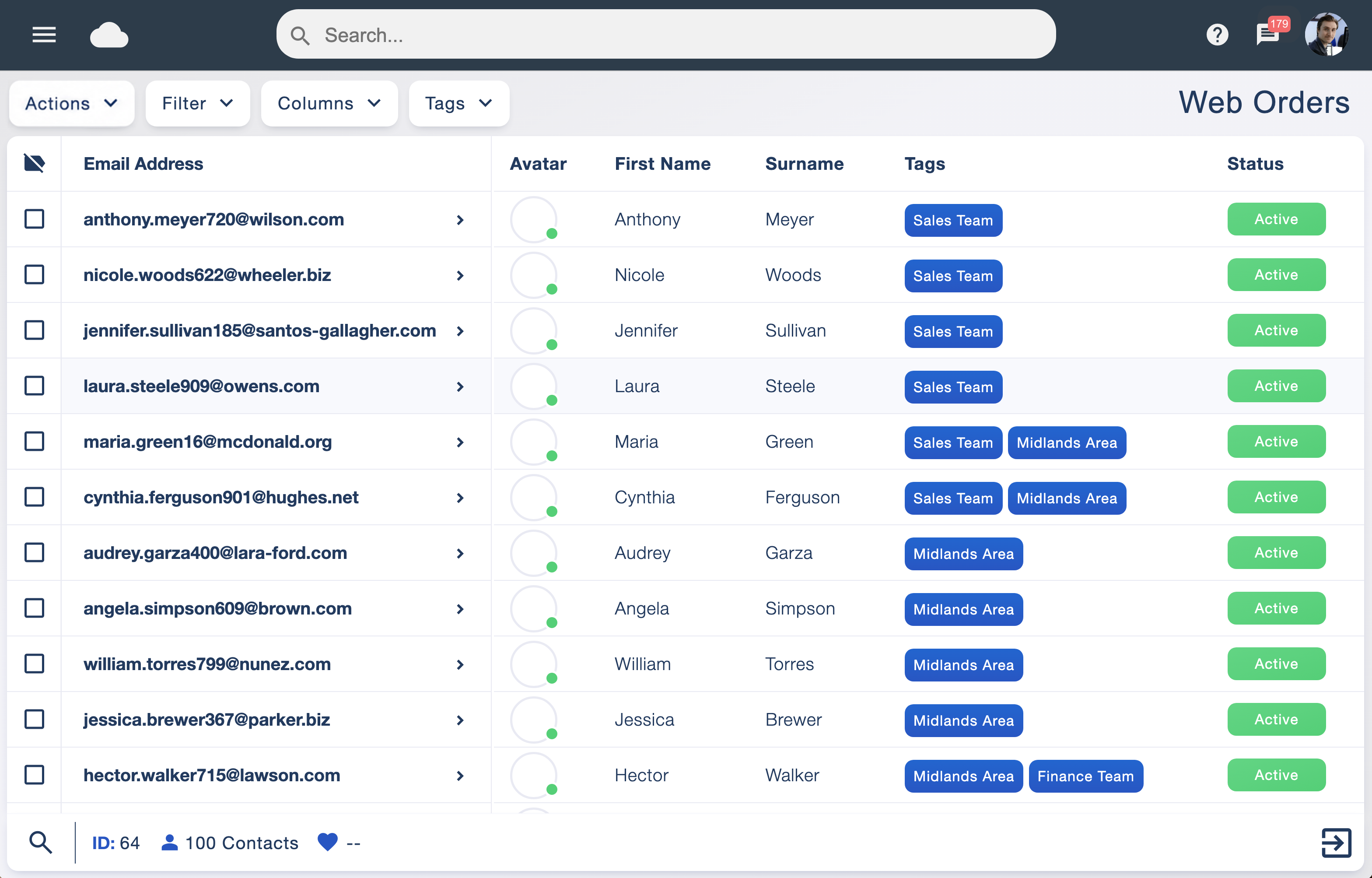
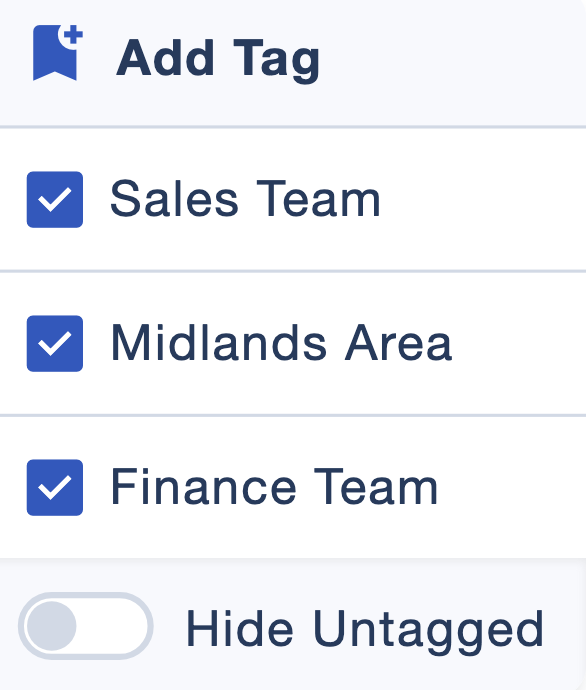
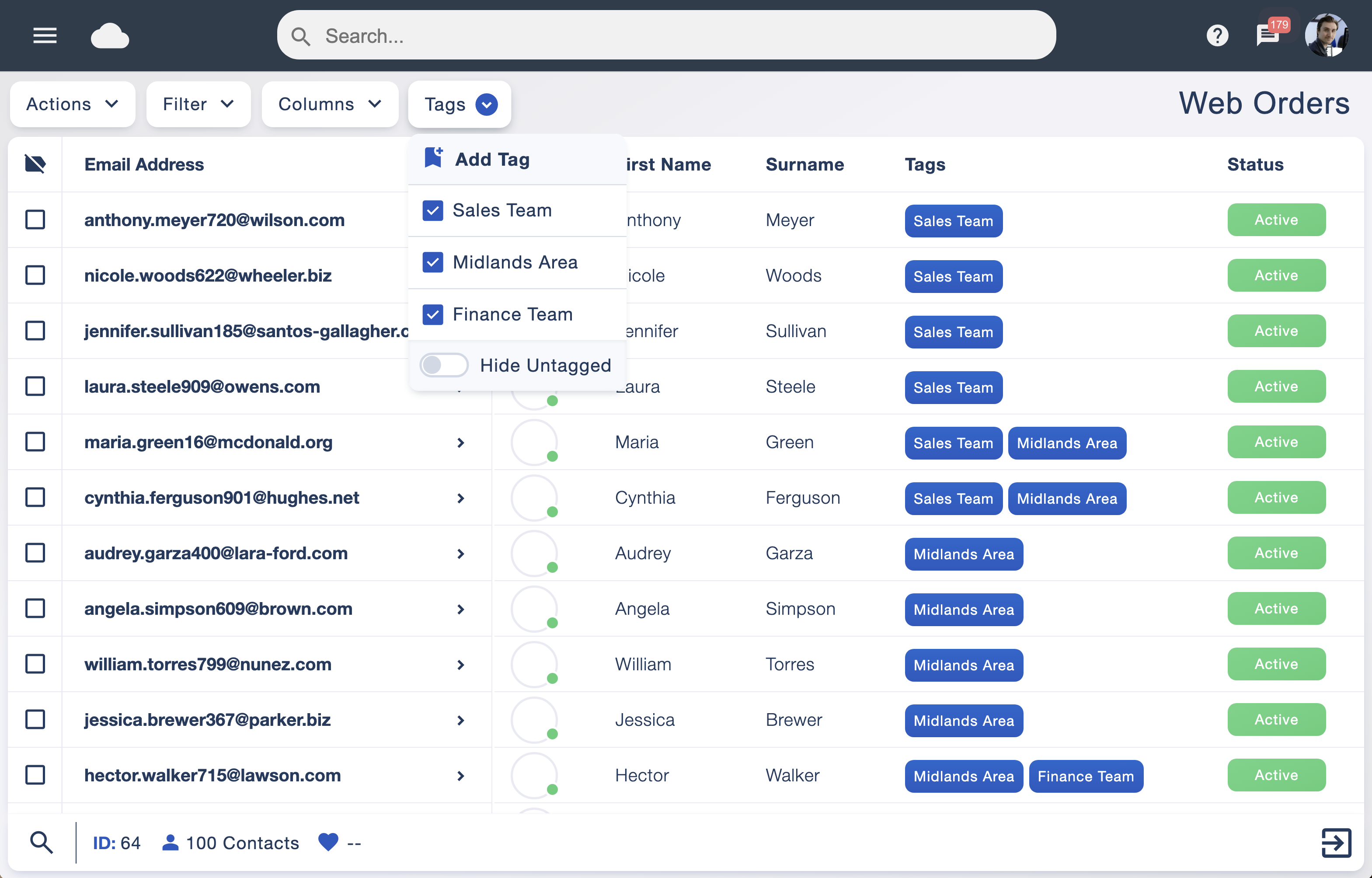
Data tagging puts you in control of your campaign audience. When sending an email, you can choose to include a tagged group or exclude a tagged group from the recipients.
These choices let you adapt your recipient selection to each campaign, making better use of your data and reducing irrelevant messages.