Follow up on interest
Use recorded clicks to identify an audience that has taken a next step. Plan a follow-up that adds helpful detail, answers common questions or explains what to do next.
A good segment starts with a clear purpose. What would make the next email more useful to this group?
Use recorded clicks to identify an audience that has taken a next step. Plan a follow-up that adds helpful detail, answers common questions or explains what to do next.
If readers show interest but the response is weaker than expected, consider a clearer offer or a simpler next step. Use the available engagement filters to build the audience for a considered follow-up.
The bounced filter helps you identify records that need attention. Review the cause before deciding what to do with the data; our email bounce guide explains temporary and permanent failures.
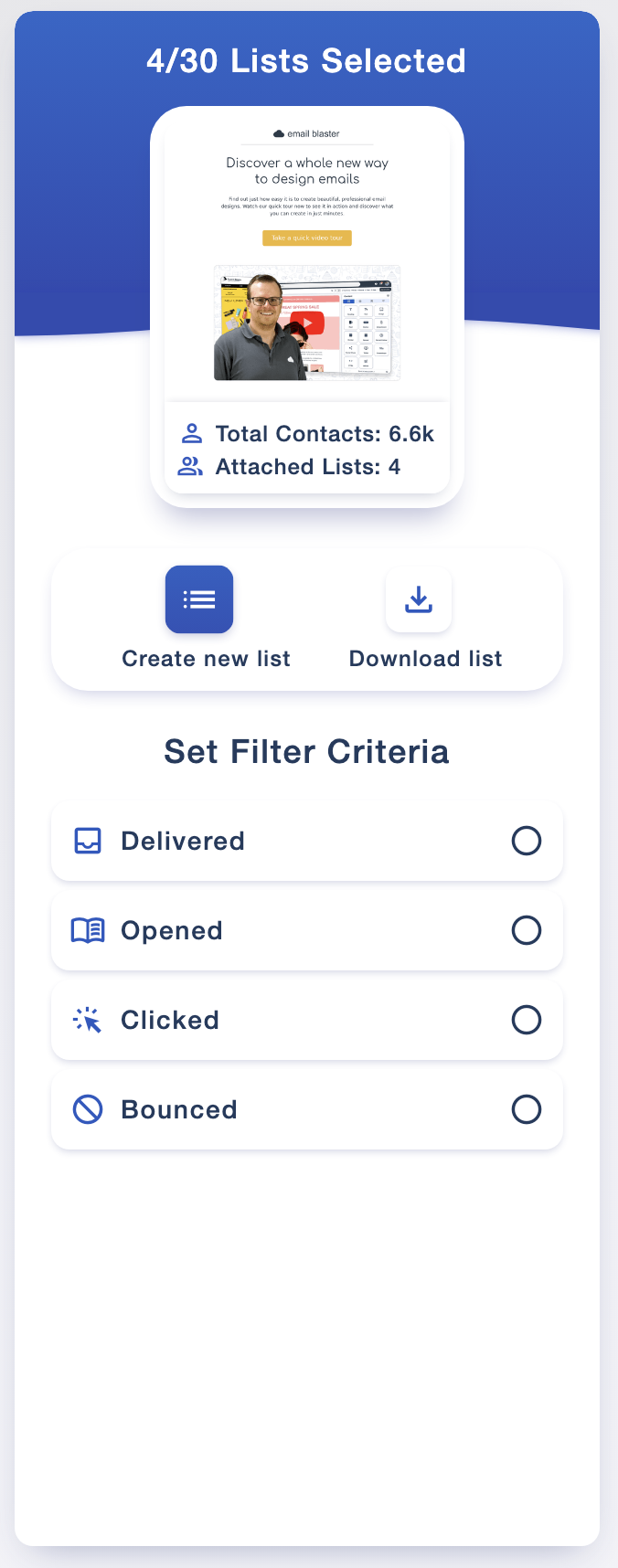
List Builder guides you through choosing your criteria and creating your list. You stay in control of the audience and how you organise the result.
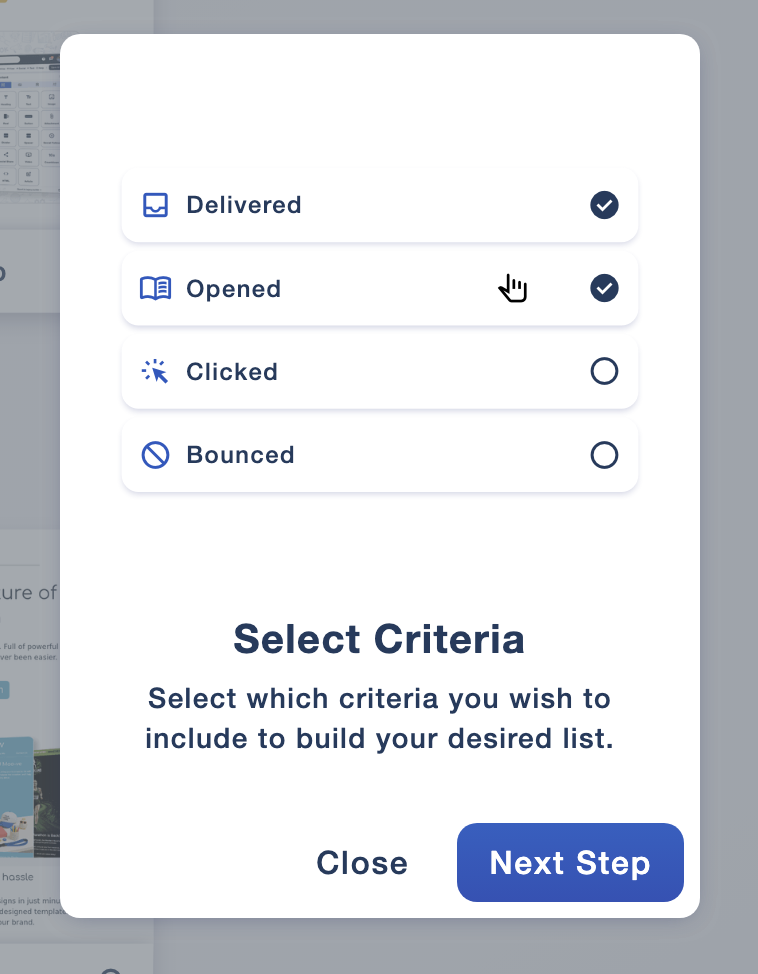
Choose from the available options, including Delivered, Opened, Clicked and Bounced. Review the criteria against the audience you want to create before continuing.
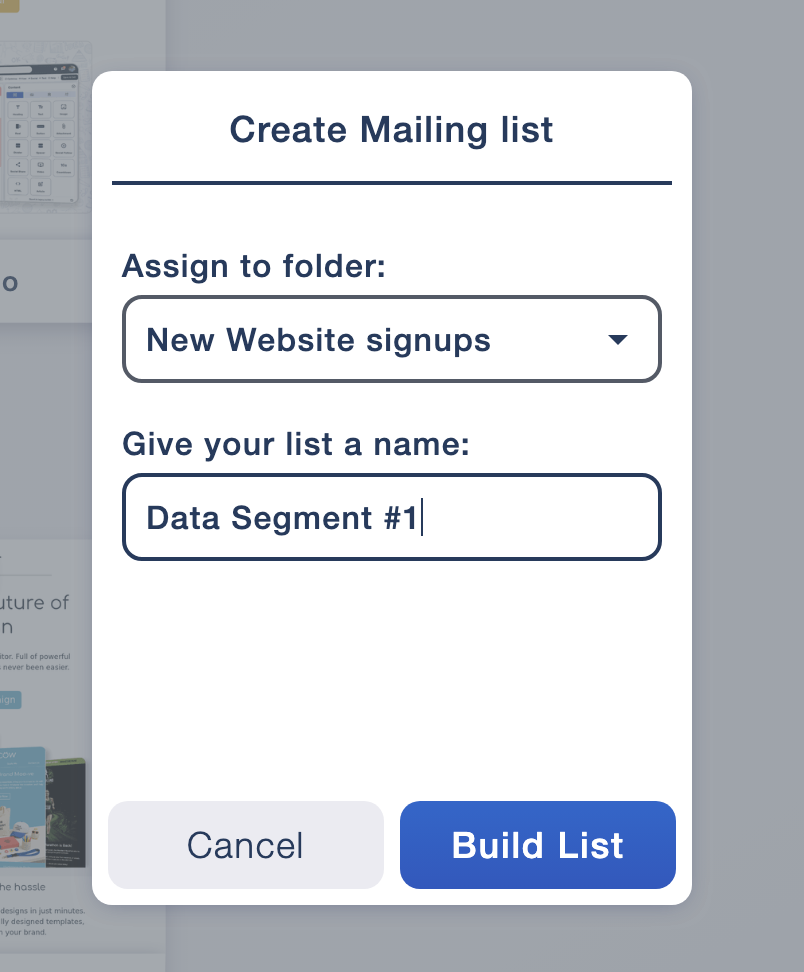
Choose a folder and name your new mailing list. A descriptive name helps your team recognise its purpose when selecting an audience for a future campaign.
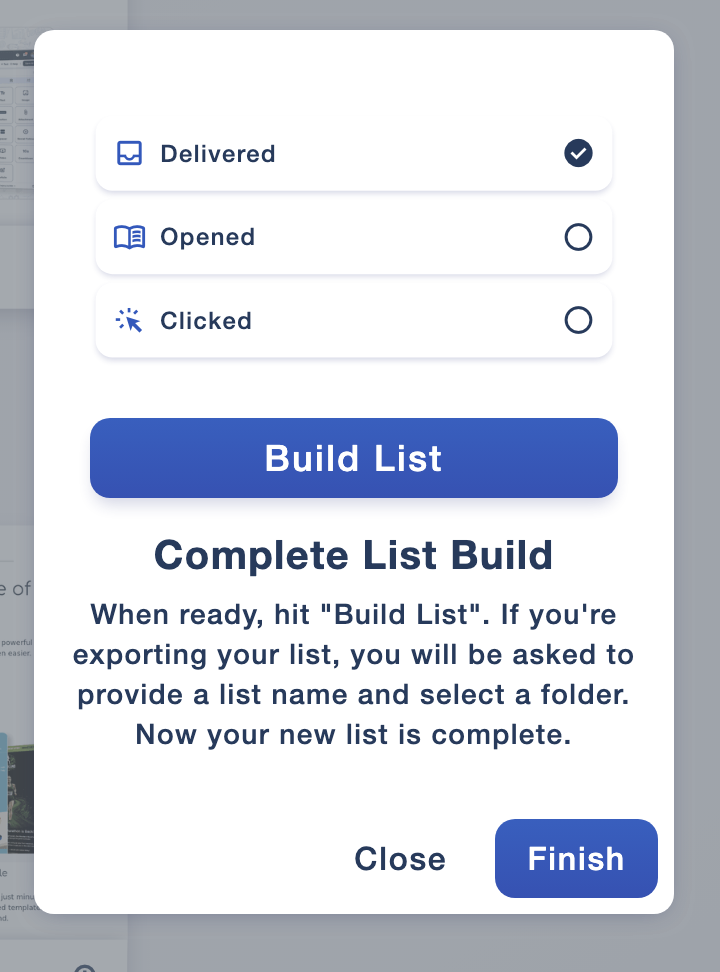
Complete the list build to keep the audience in Email Blaster, or use the download option for work outside the software. Check the resulting list before using it in your next campaign.
Once you have a focused list, write with that group in mind. Someone who has already shown interest may need more detail, while another audience might benefit from a shorter introduction.
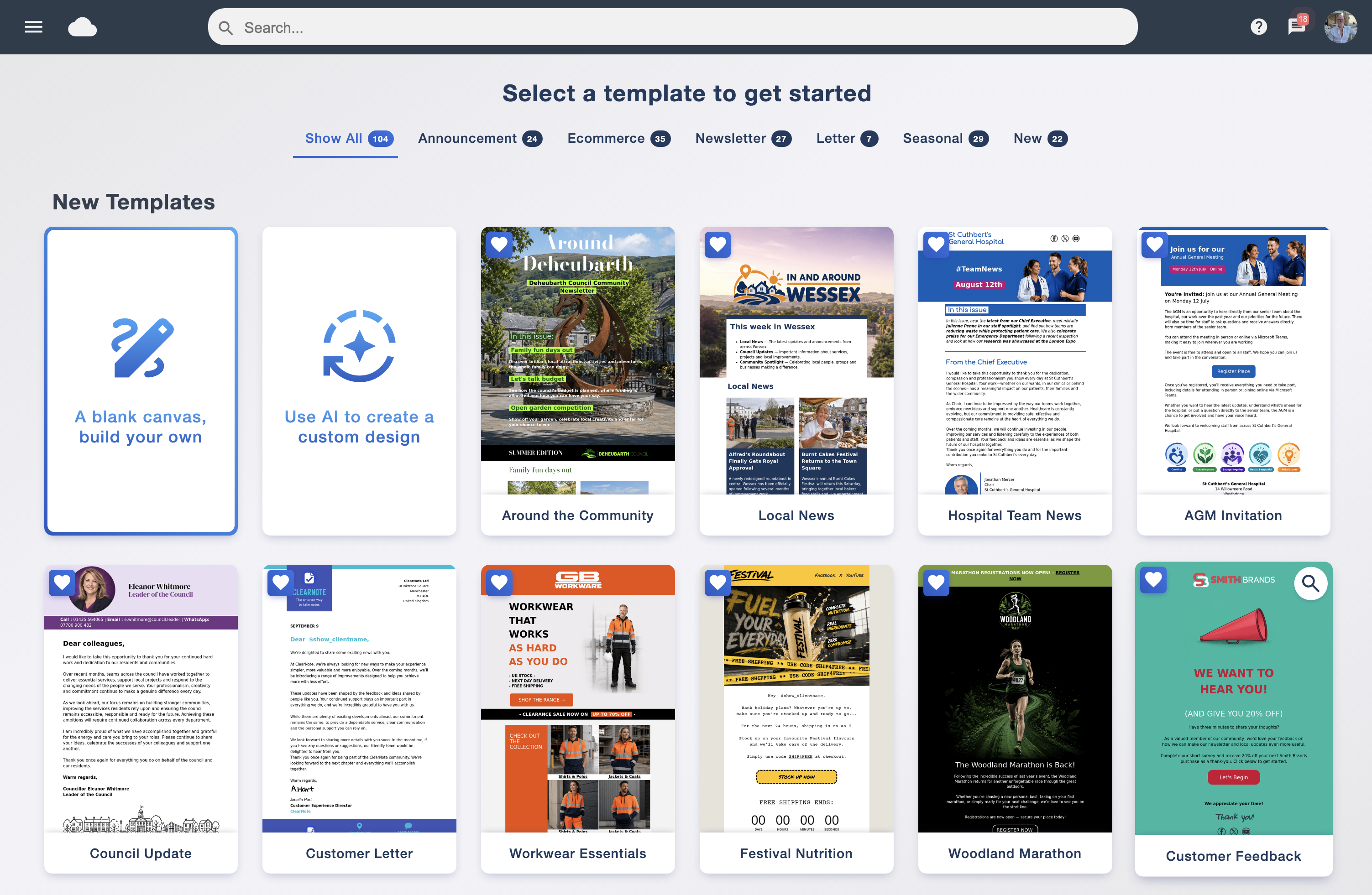
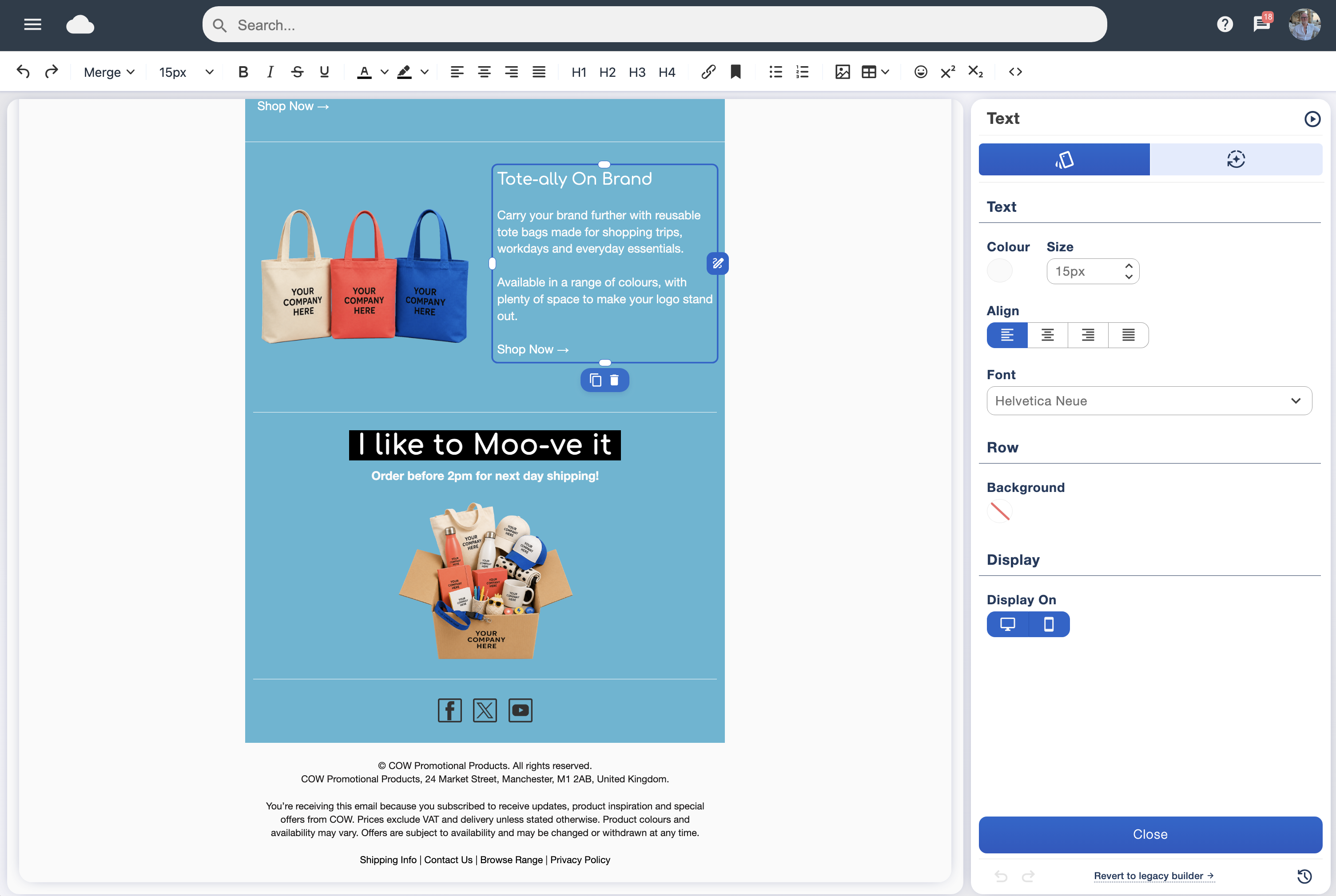
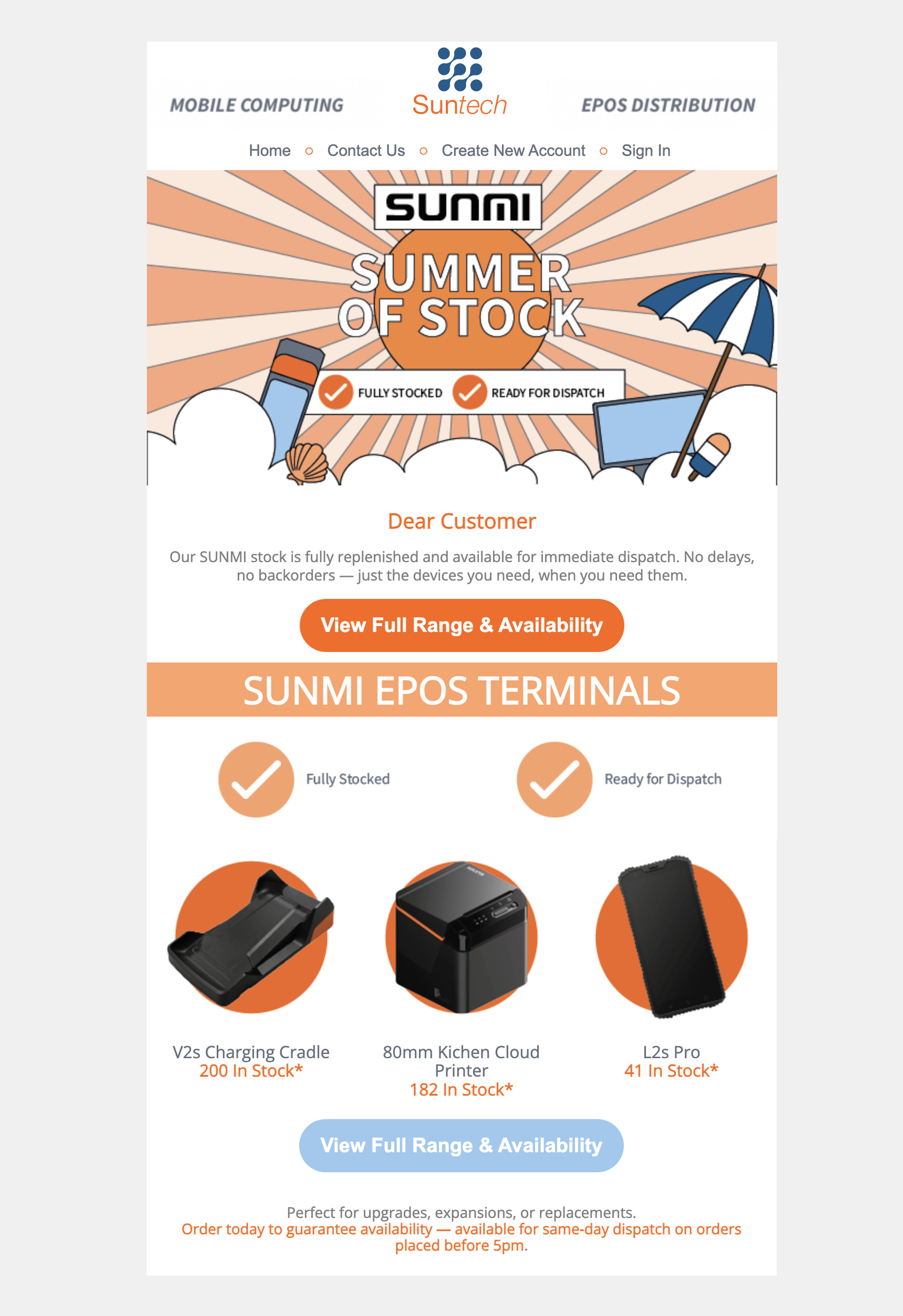
Use the drag-and-drop email designer to give the message a clear structure. Add relevant mailing-list details with personalisation, and keep the call to action easy to find.
Compare the response to your segmented campaigns in the analytics suite. Look at clicks and useful outcomes alongside recorded opens to decide whether your approach is working.
Opens are a signal rather than proof that someone read your email. Use A/B testing to assess a specific change, and web tracking to explore what happens after the click.
Segmentation gives you a manageable way to work with different audiences inside the same email marketing workflow. Keep lists organised, choose recipients with a clear purpose and review the response before planning the next send.
Subscriber permissions still apply when you create or download a segment. Keep unsubscribe preferences respected and use delivery-problem data to improve list quality with data cleansing.