Everyday
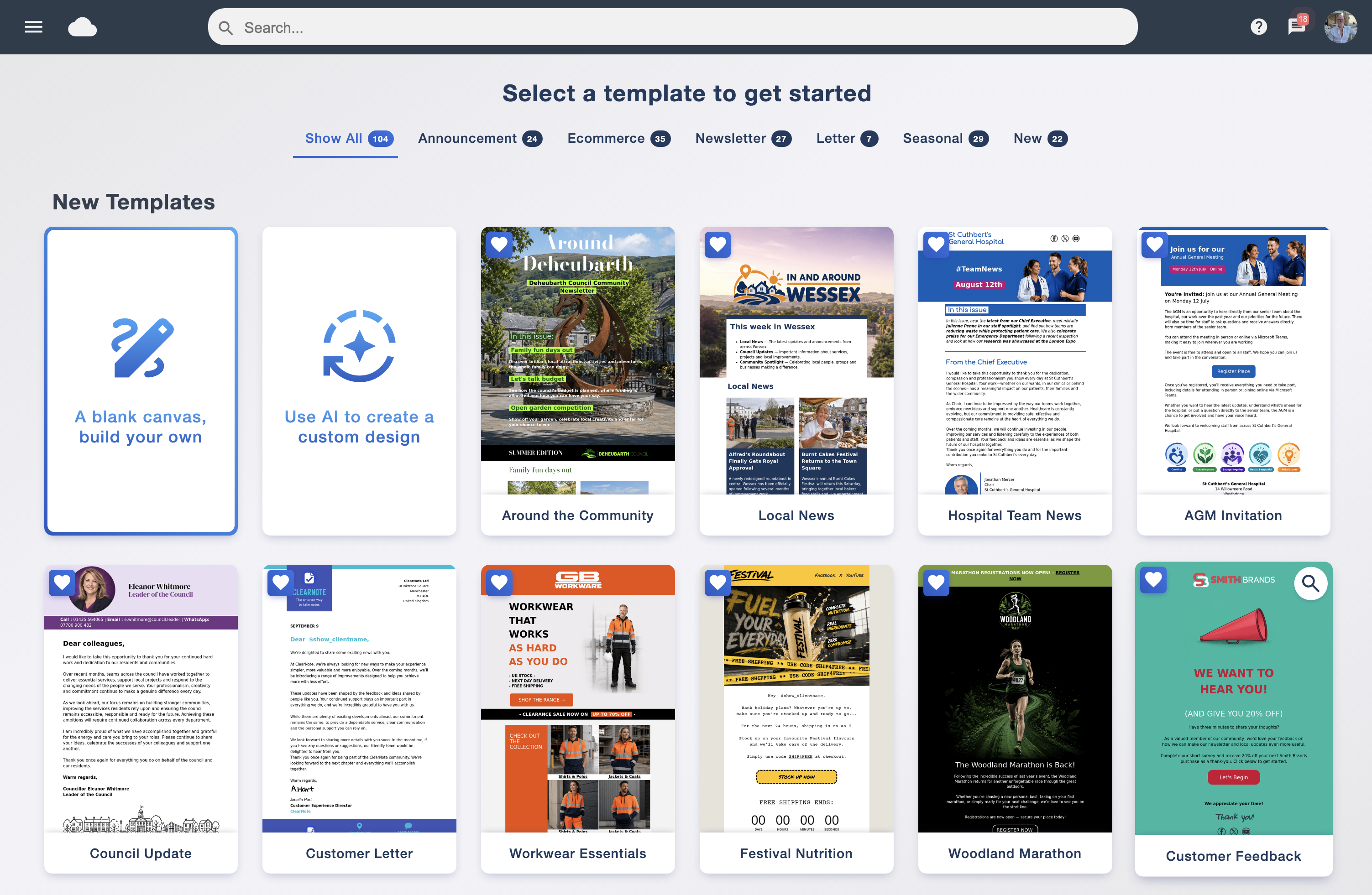
FreeProfessionally designed. Fluid and mobile friendly. Ready for your colours, your words and your next big idea.
Every template is free to use inside Email Blaster.
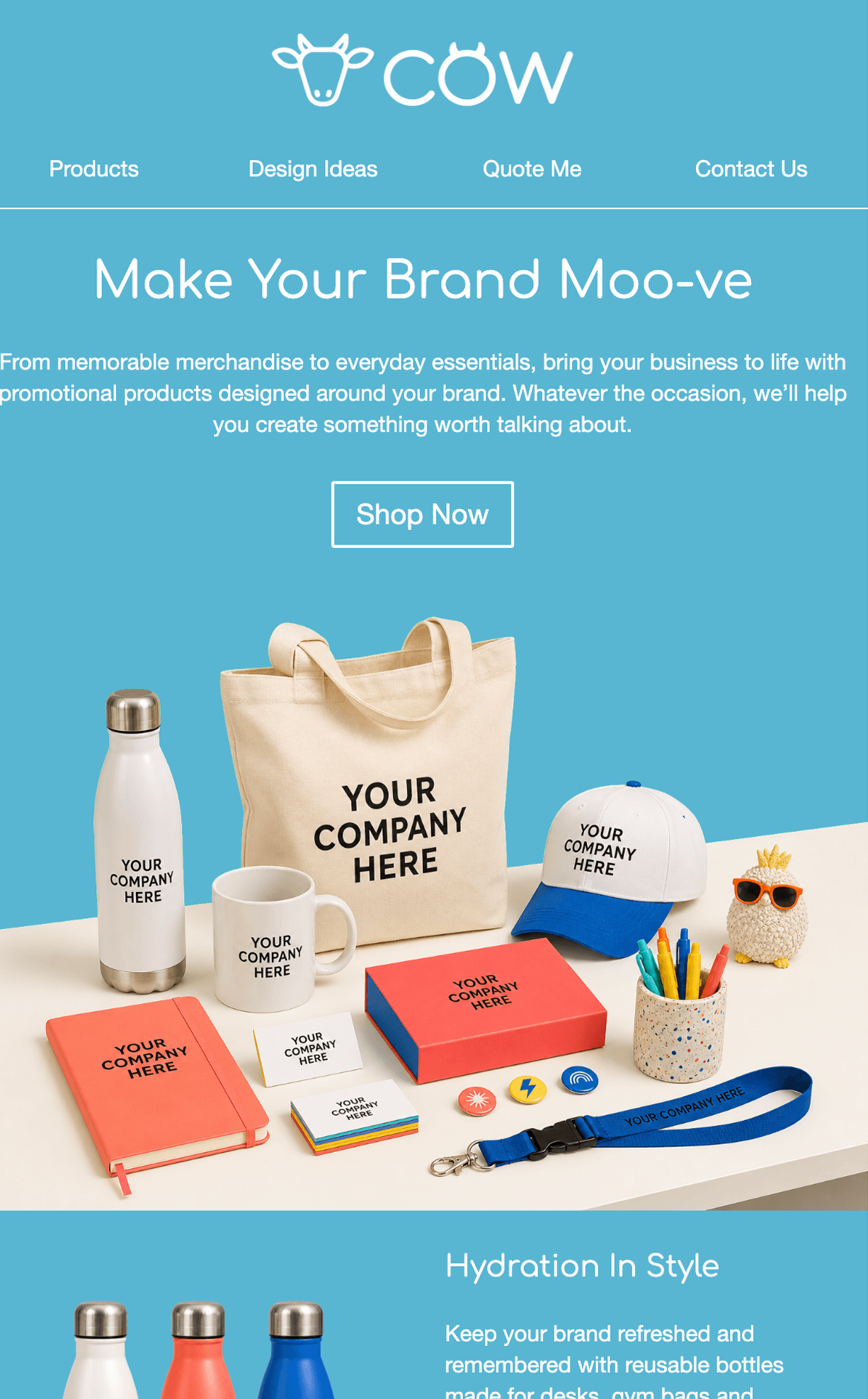
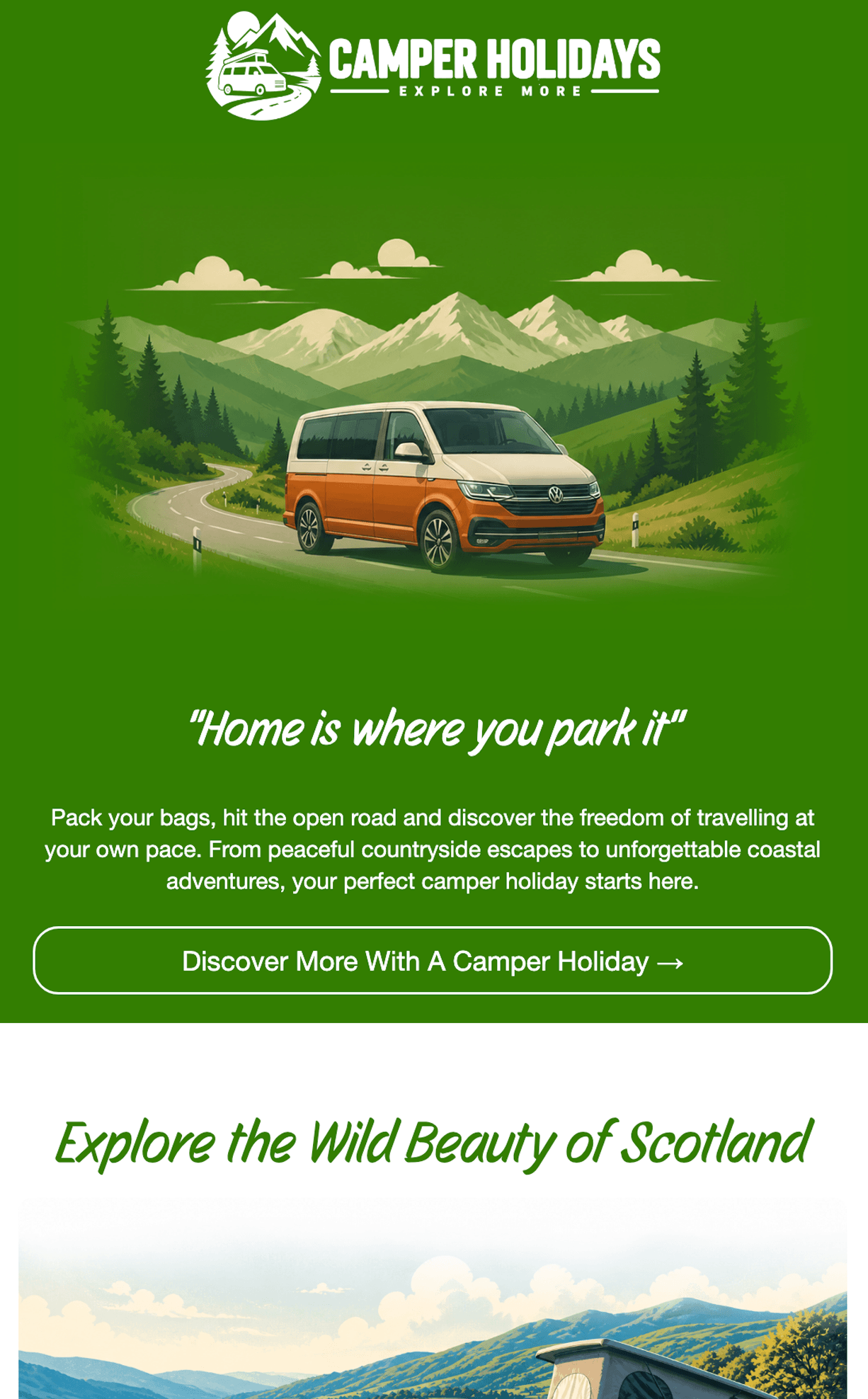
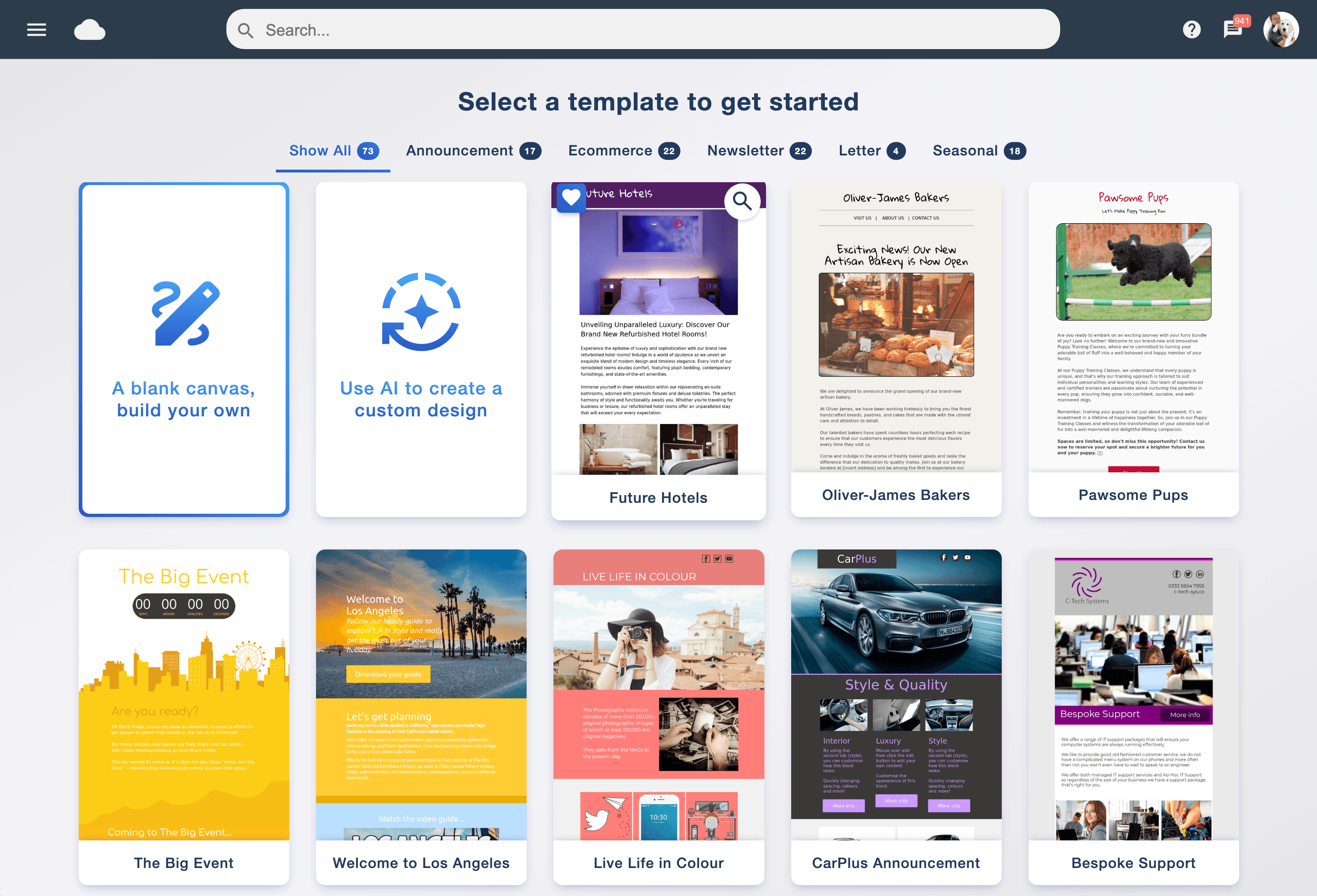
Clean and understated. Bright and bold. Seasonal and celebratory. Choose a design to take a closer look, then make it your own in Email Blaster.
40 designs to explore · Select any design for the full preview
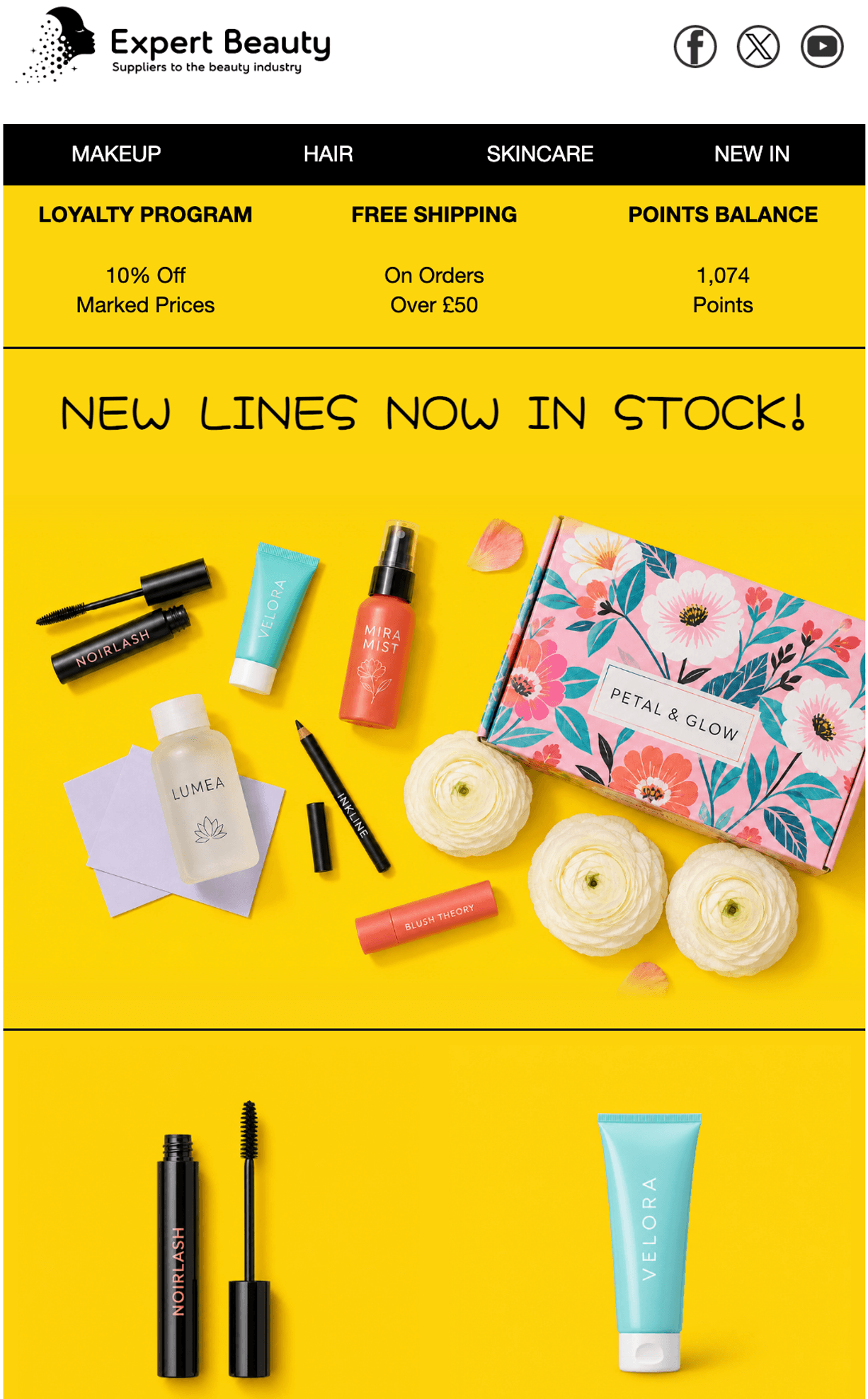
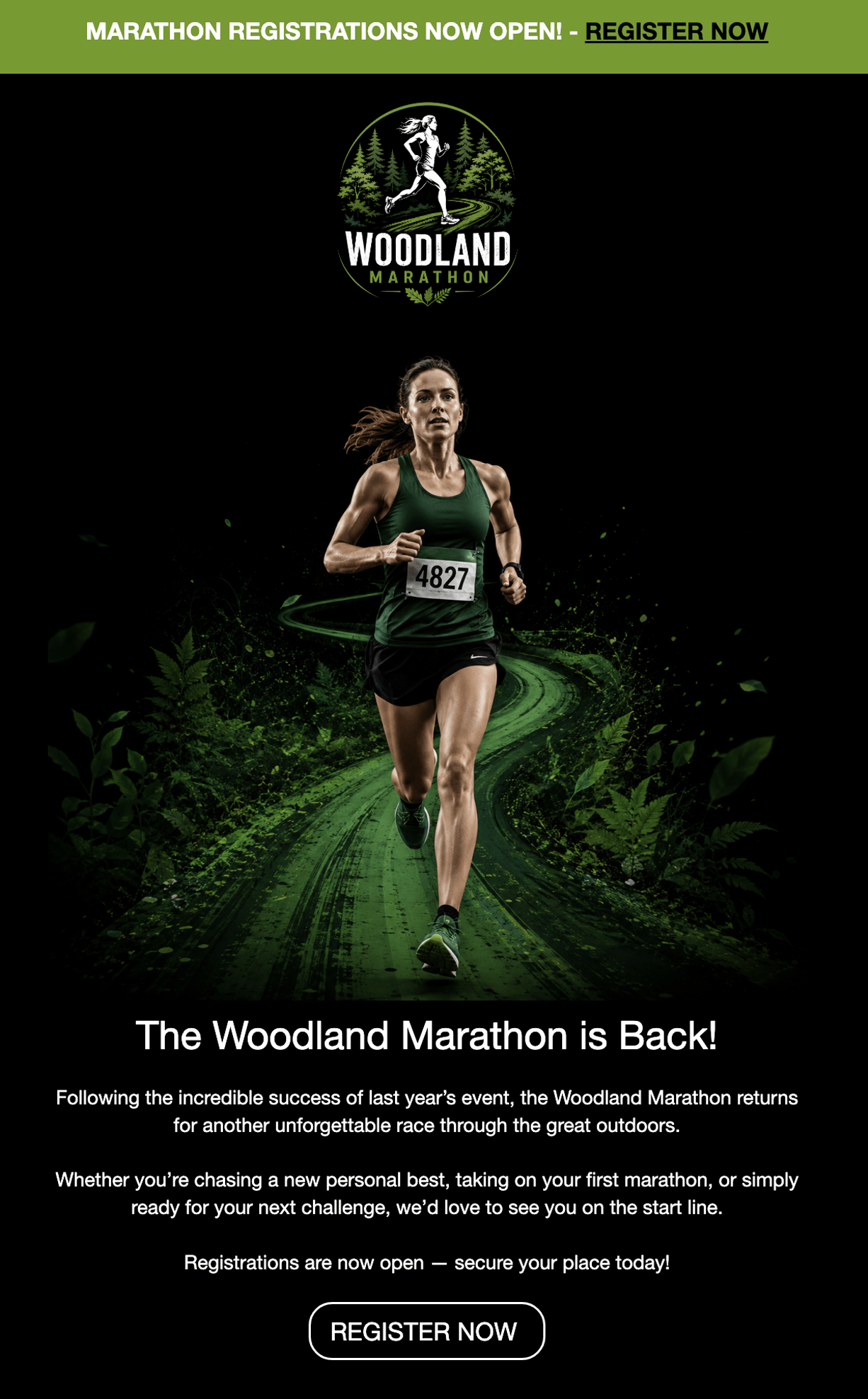
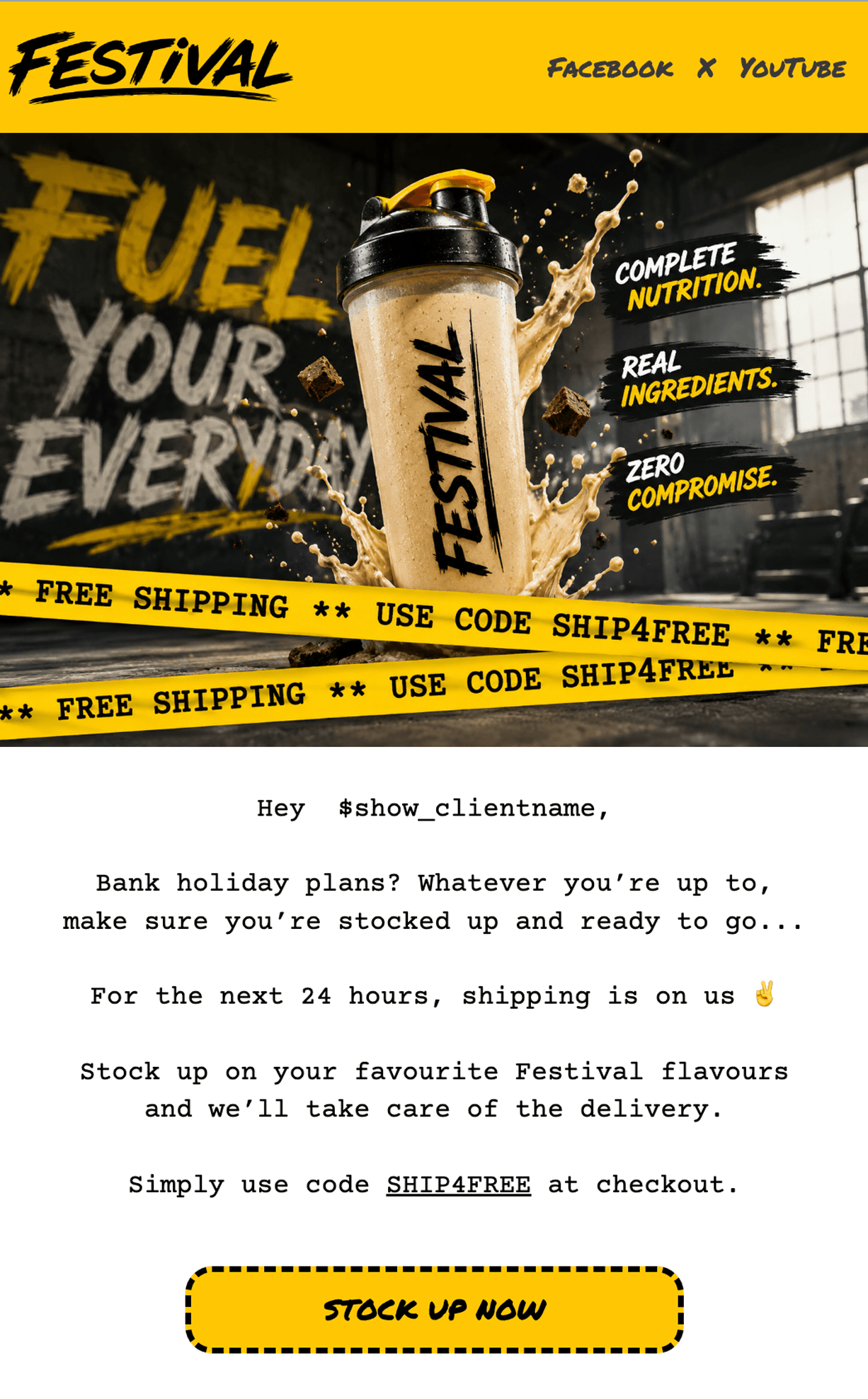
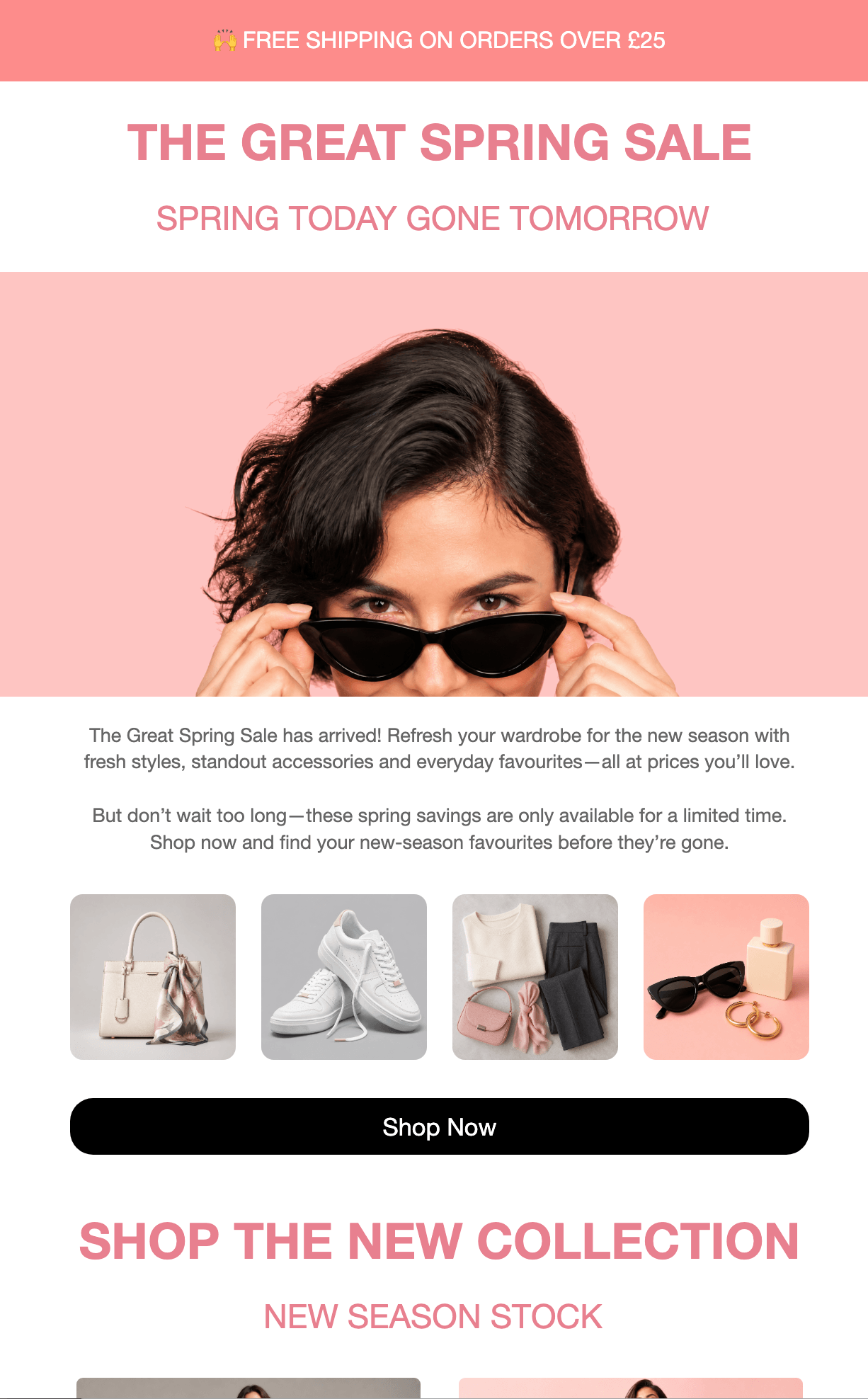
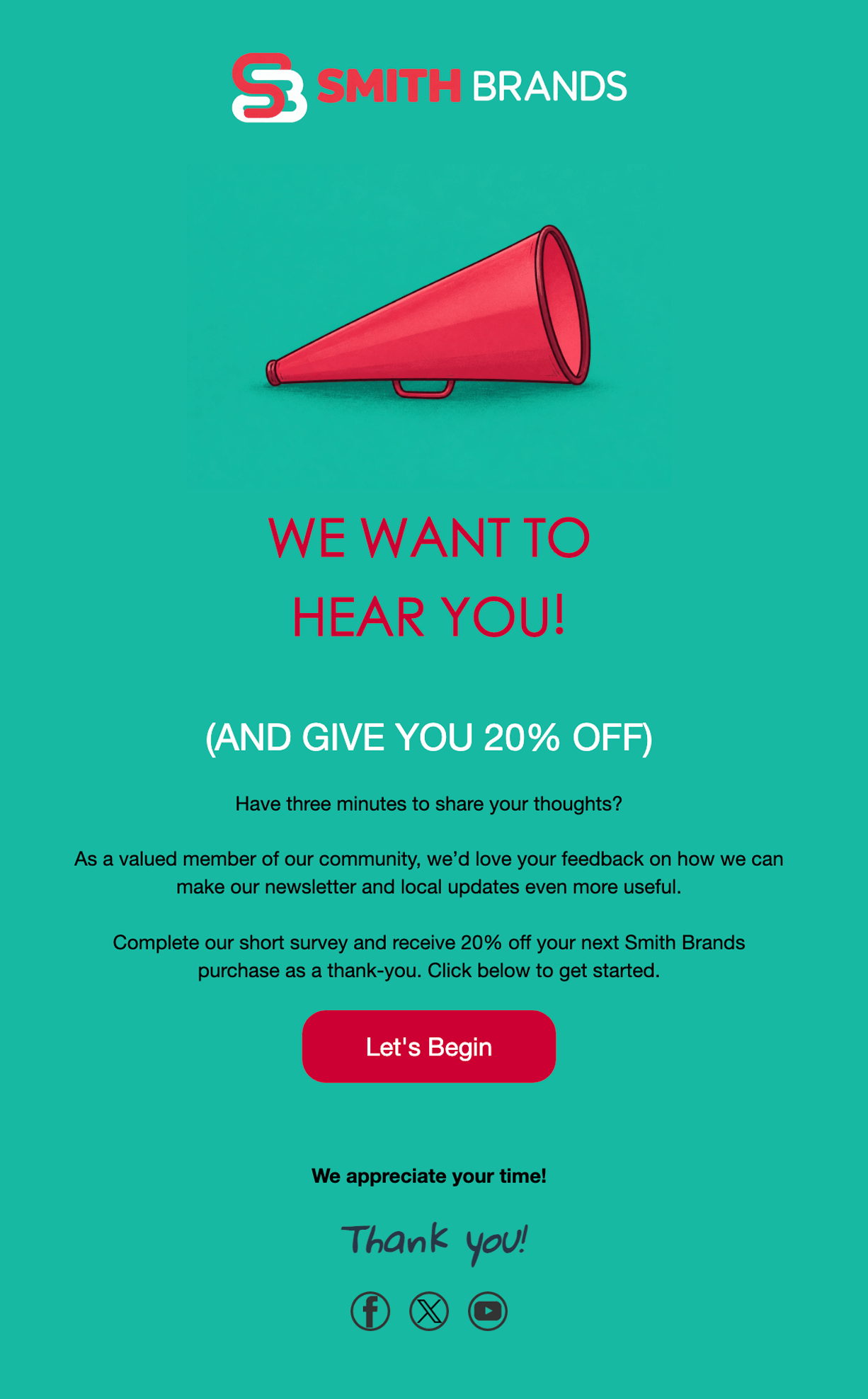
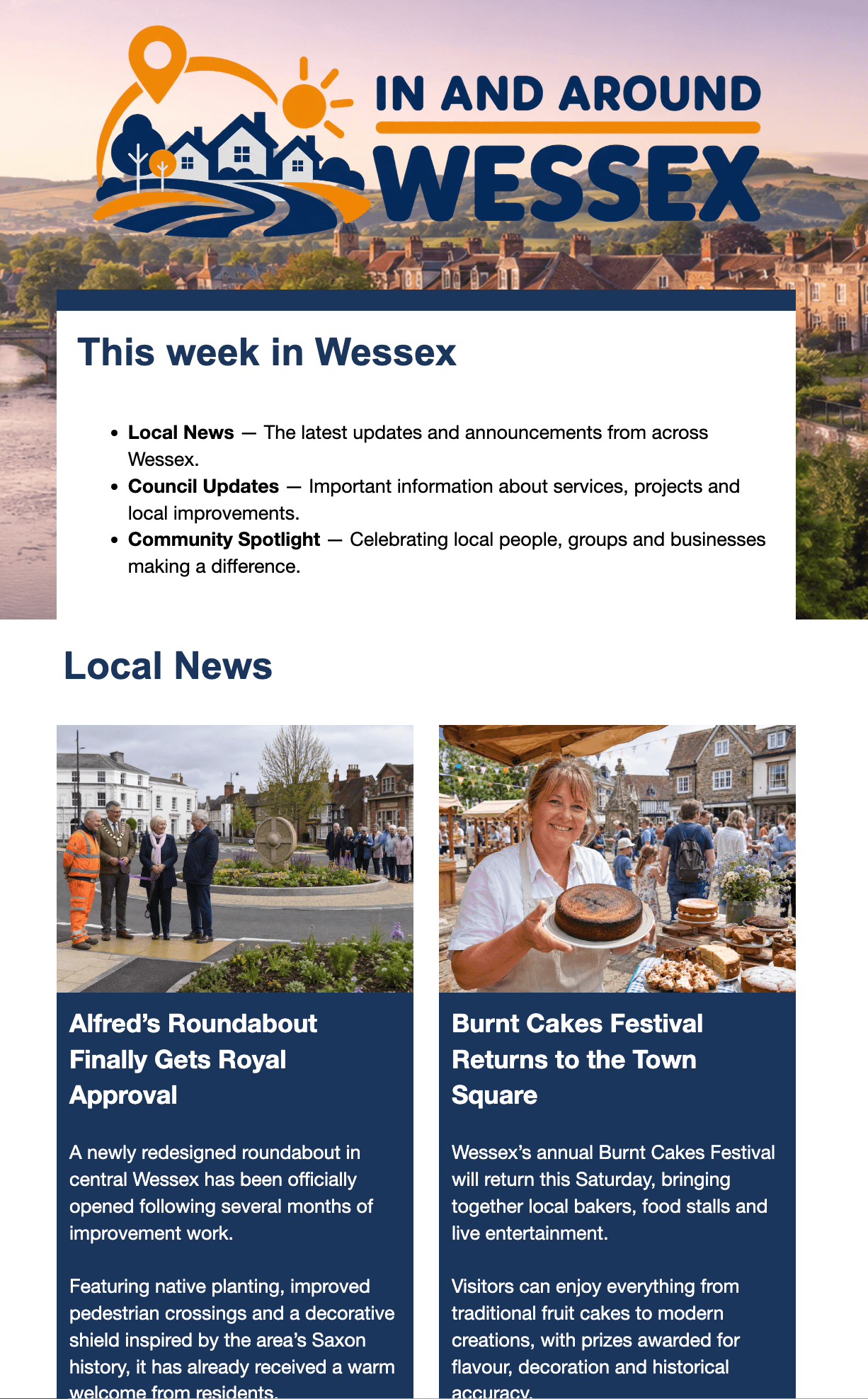
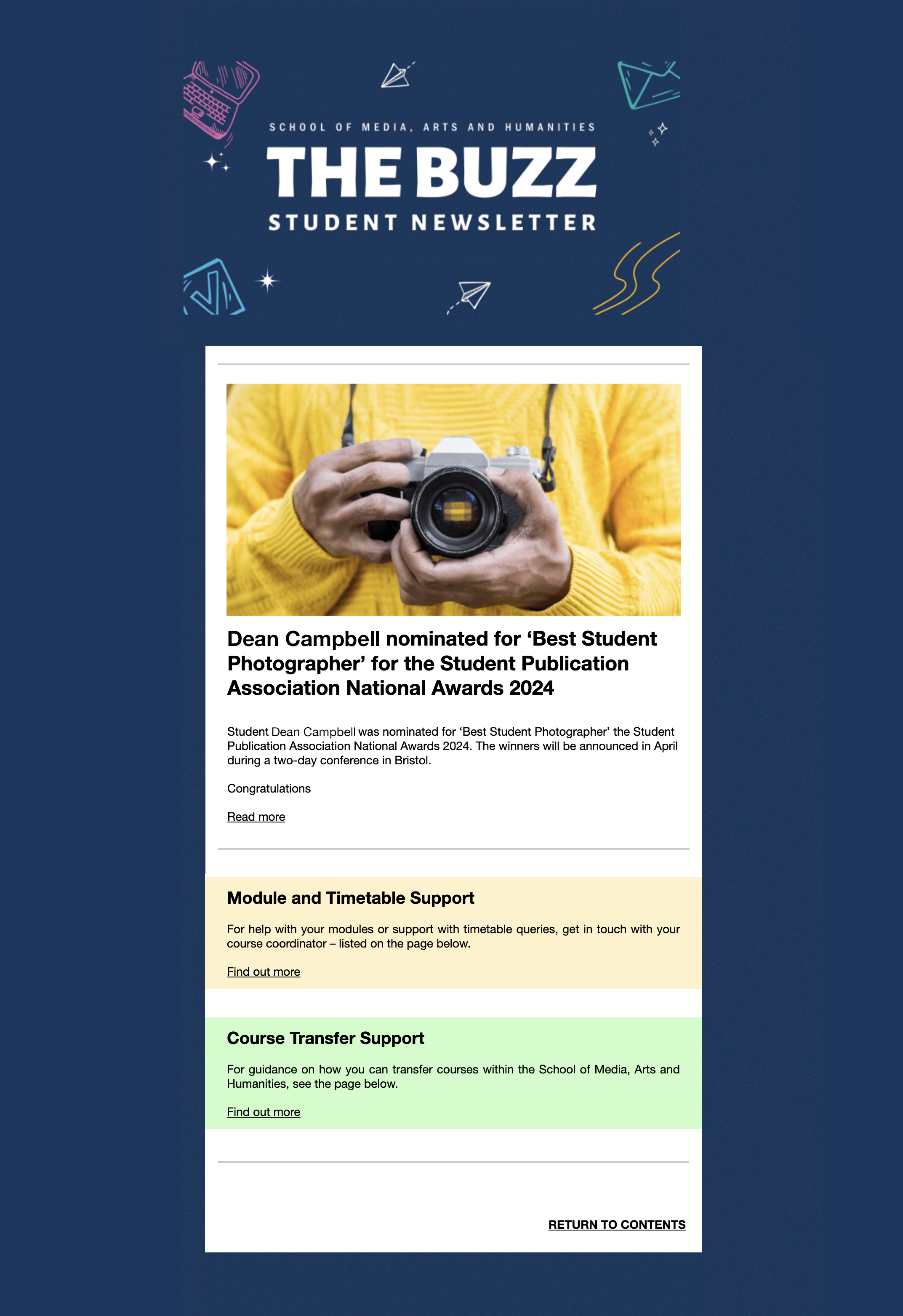
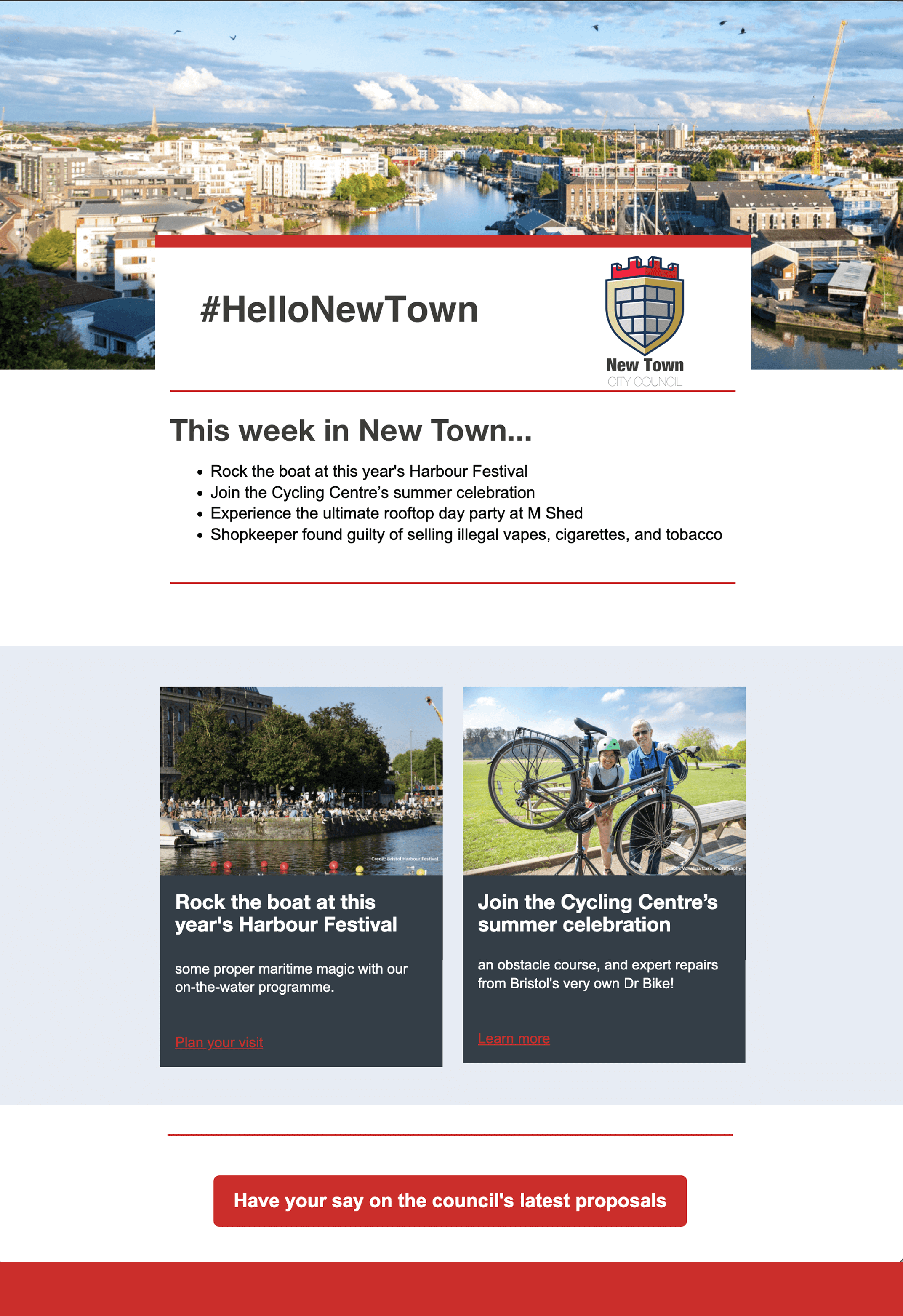
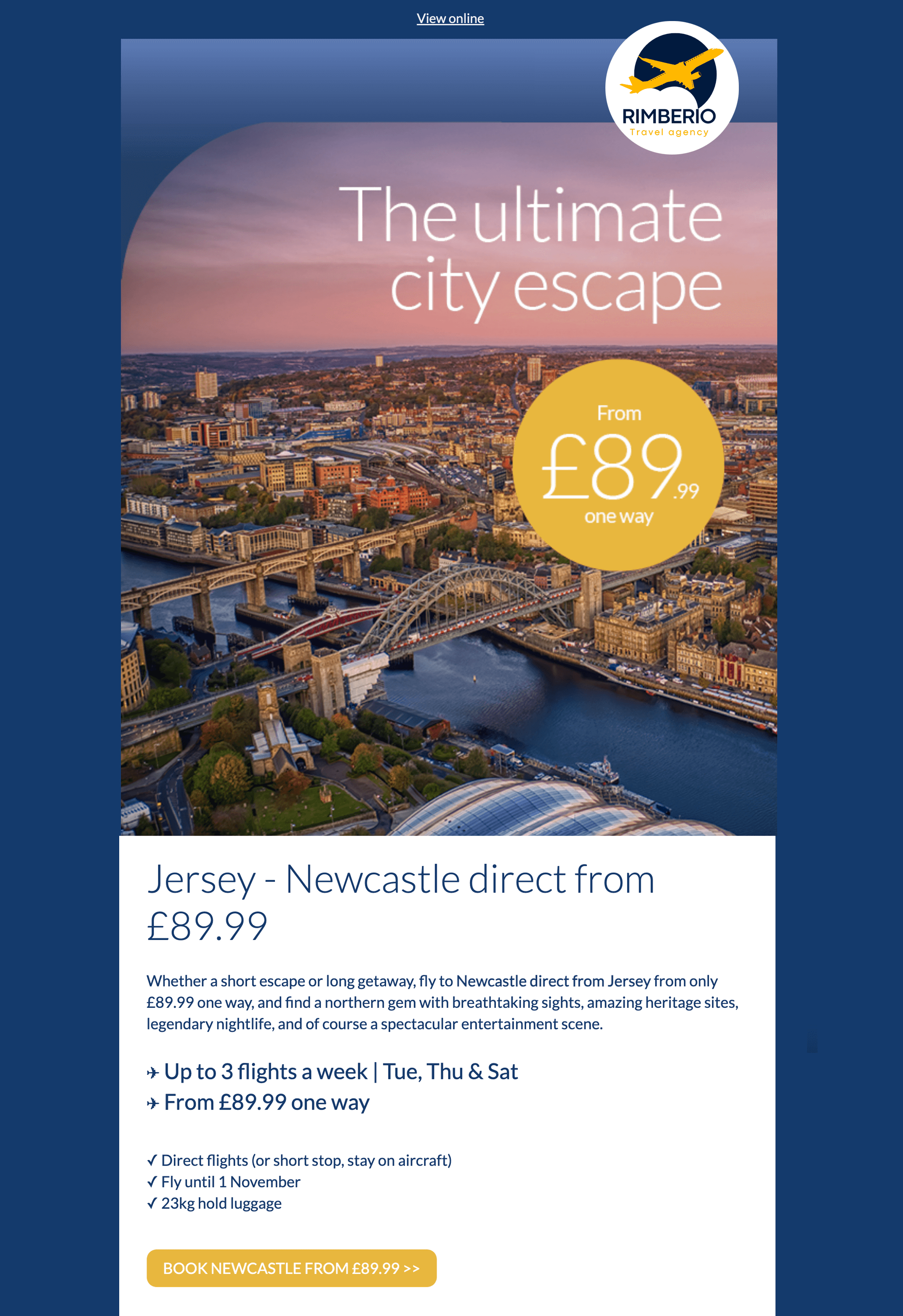
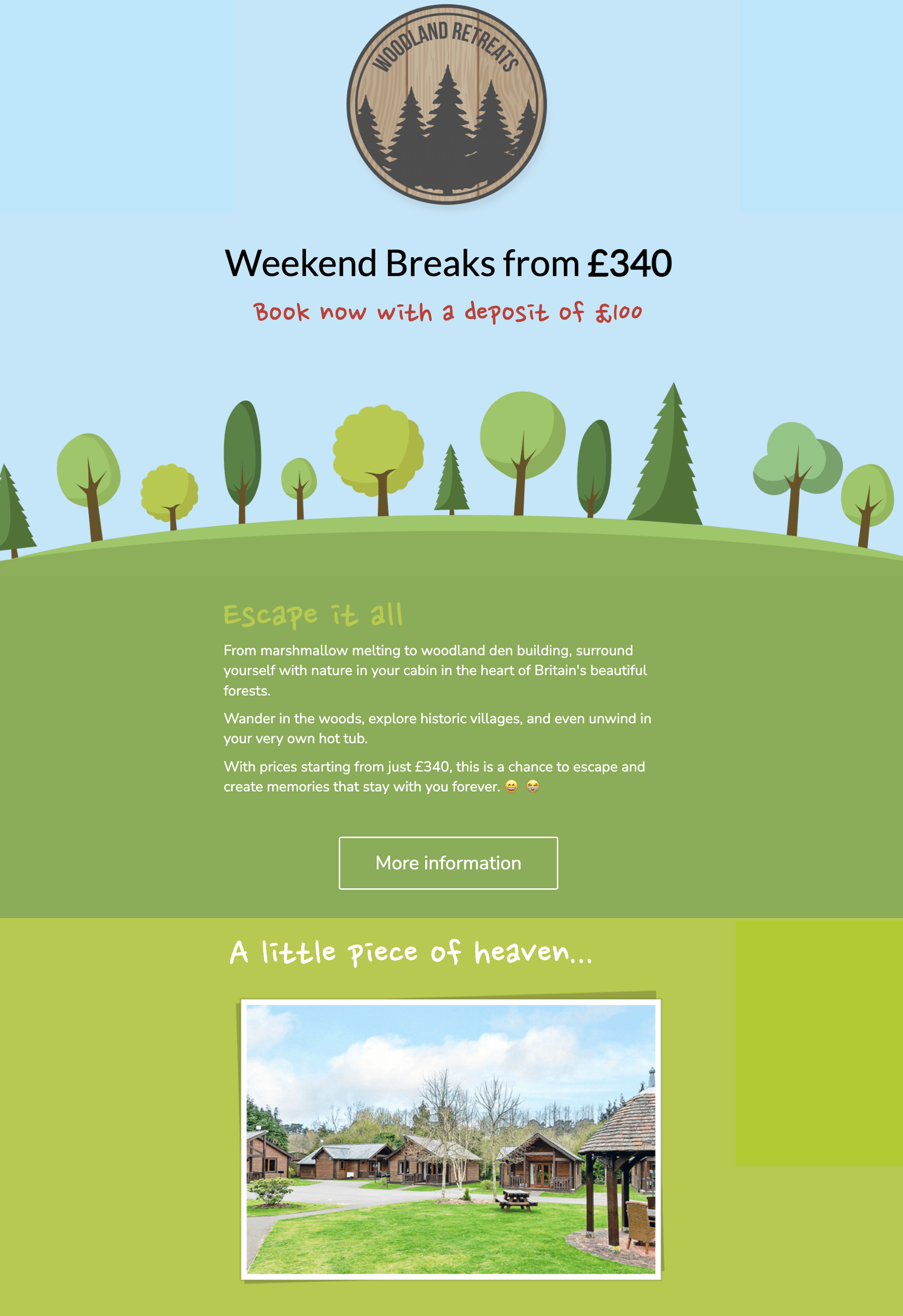
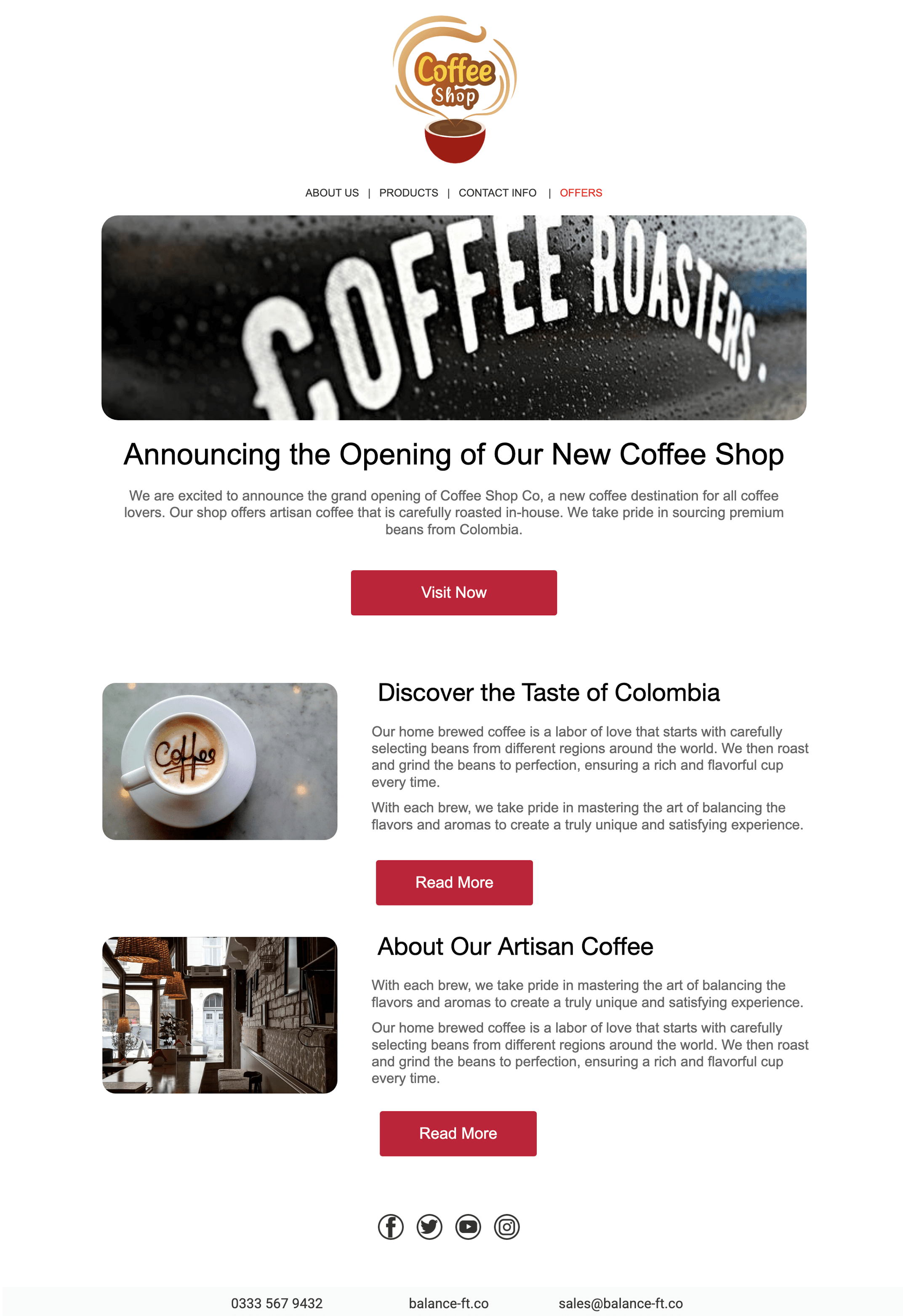
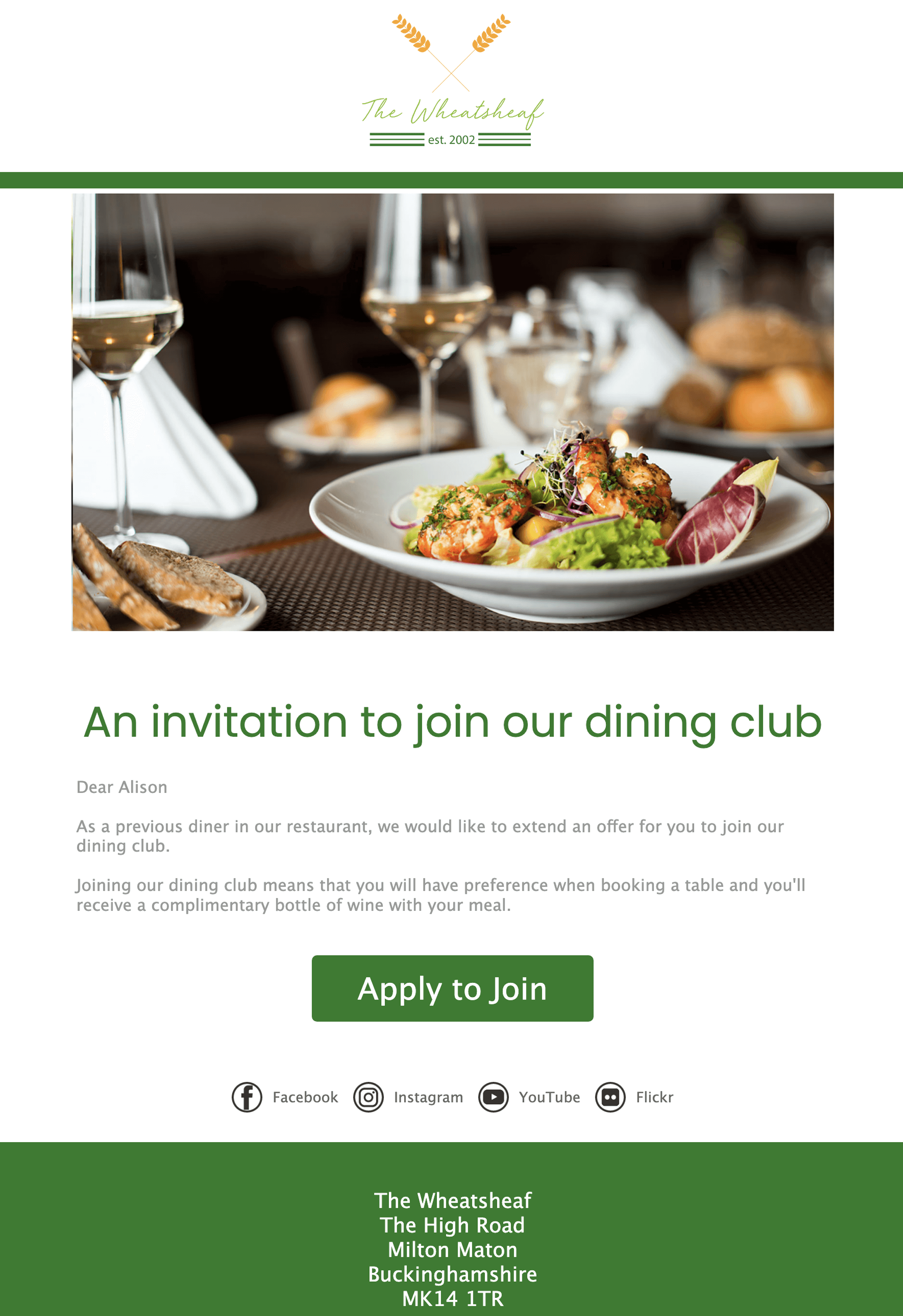
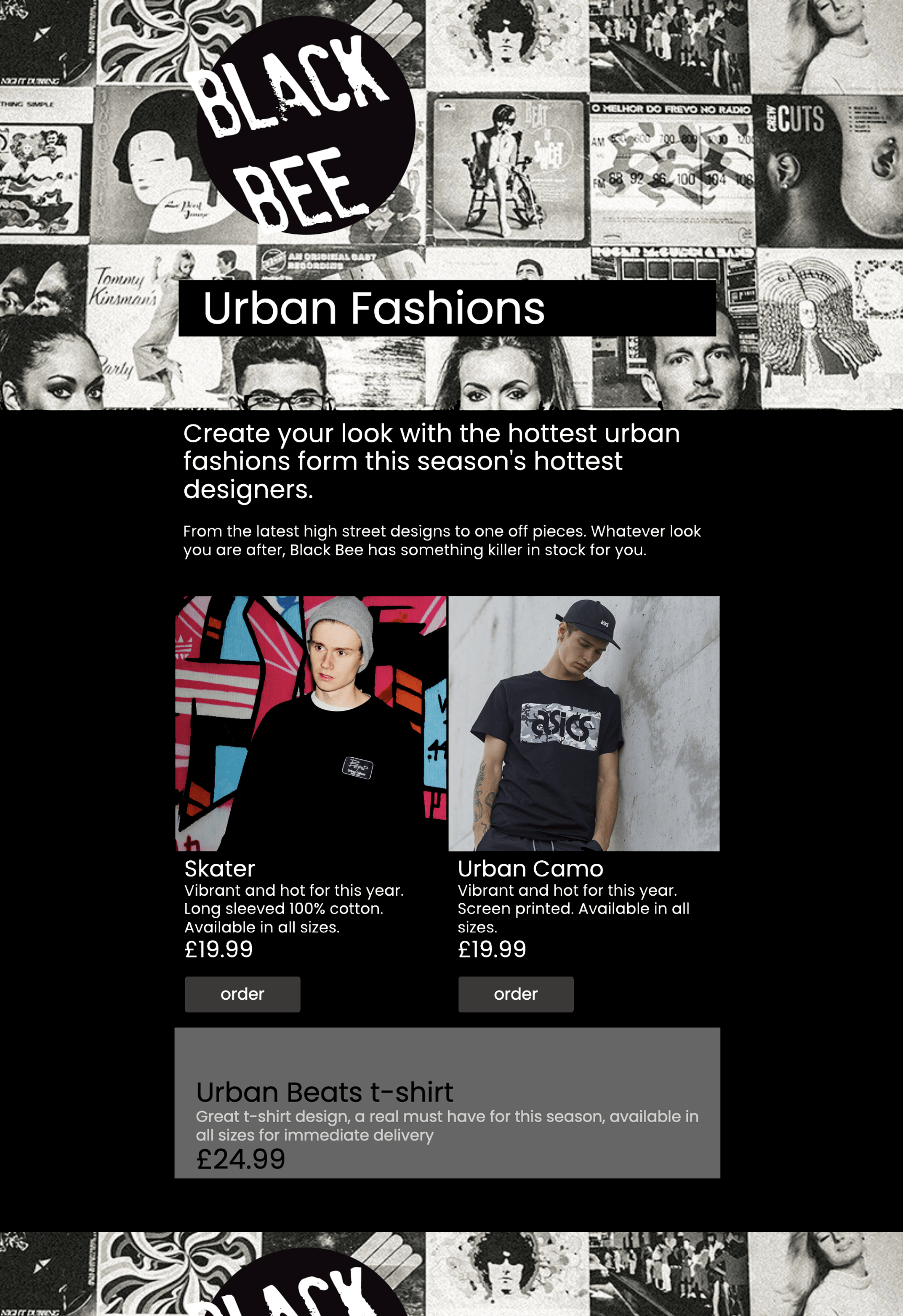
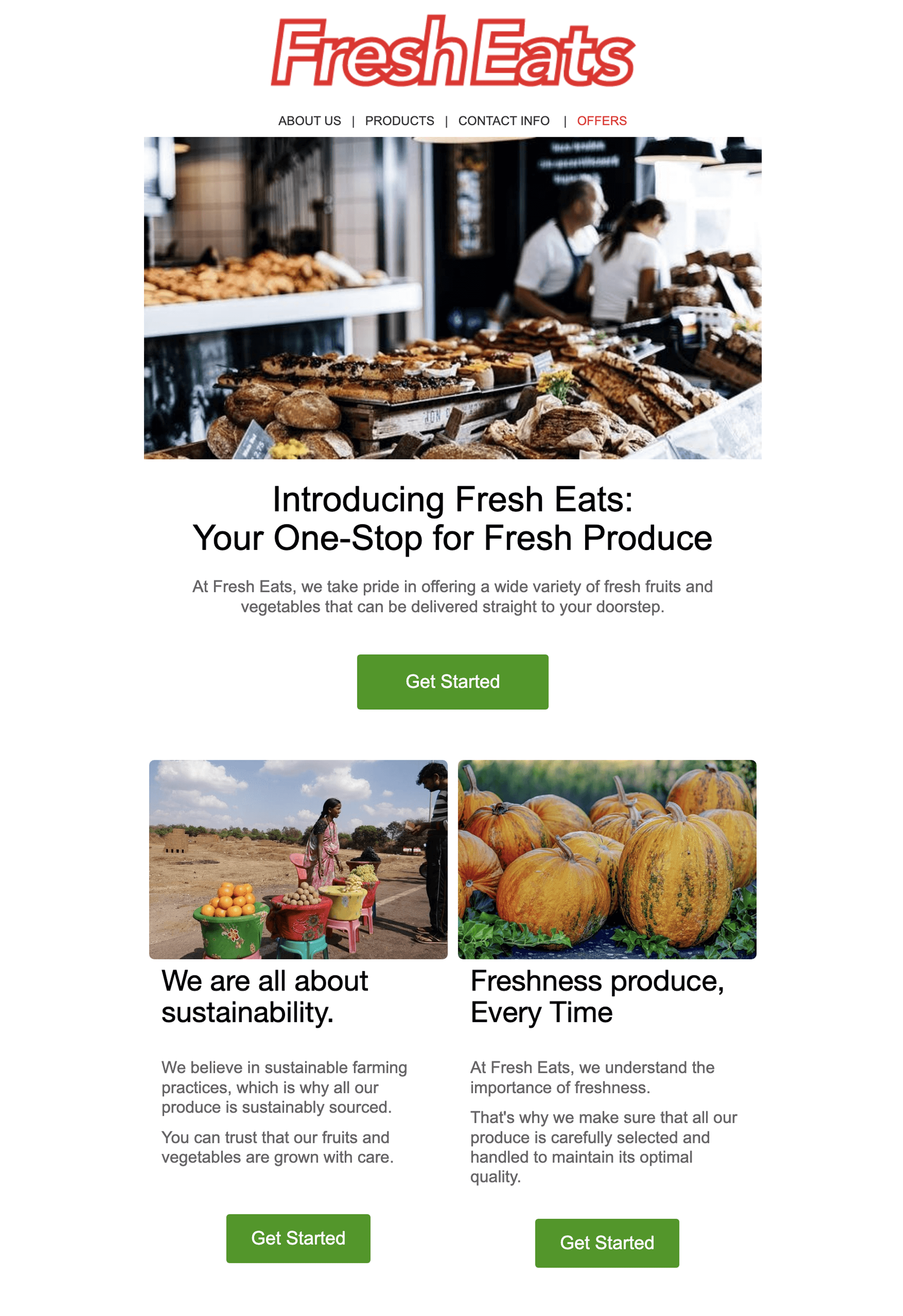
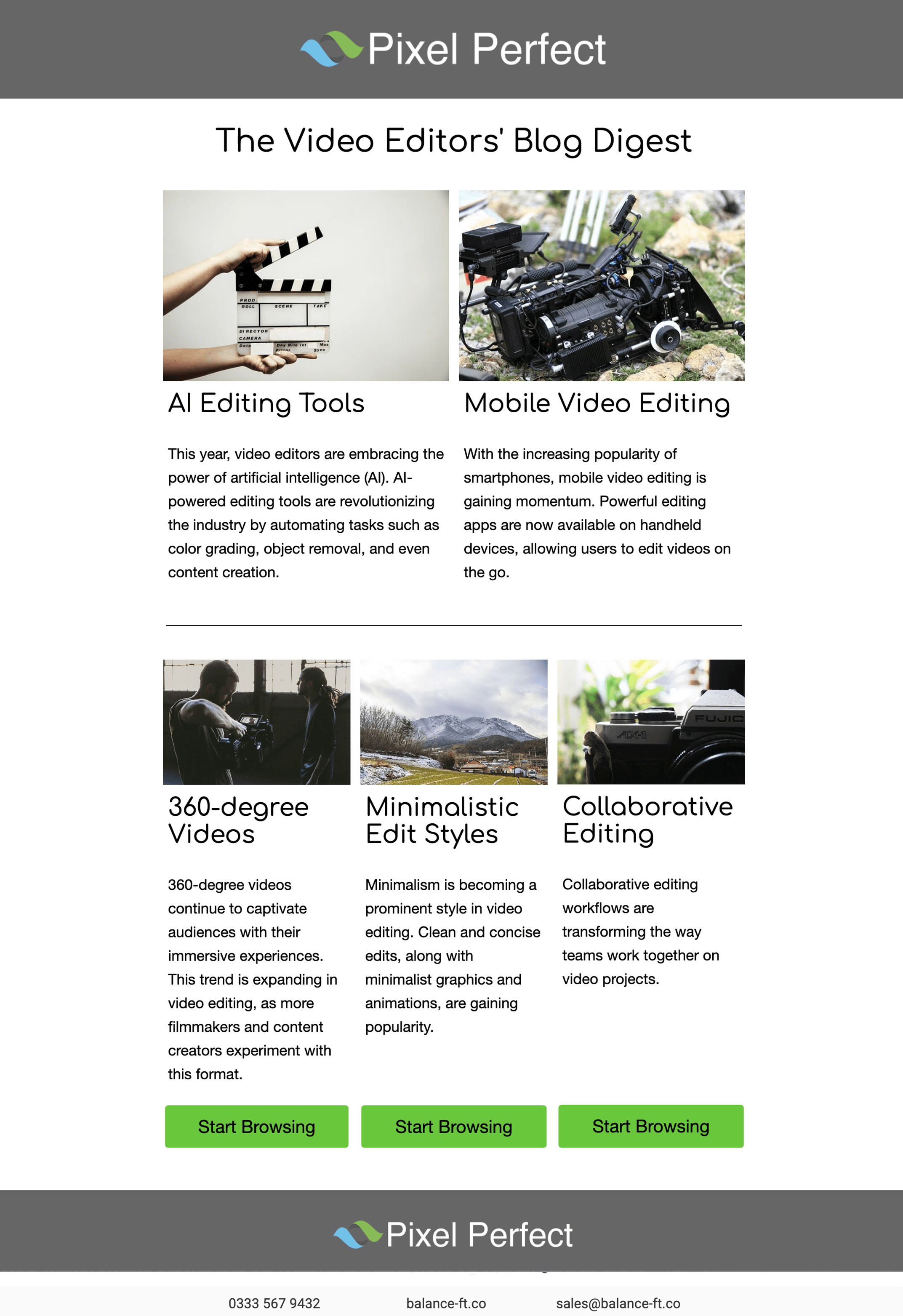
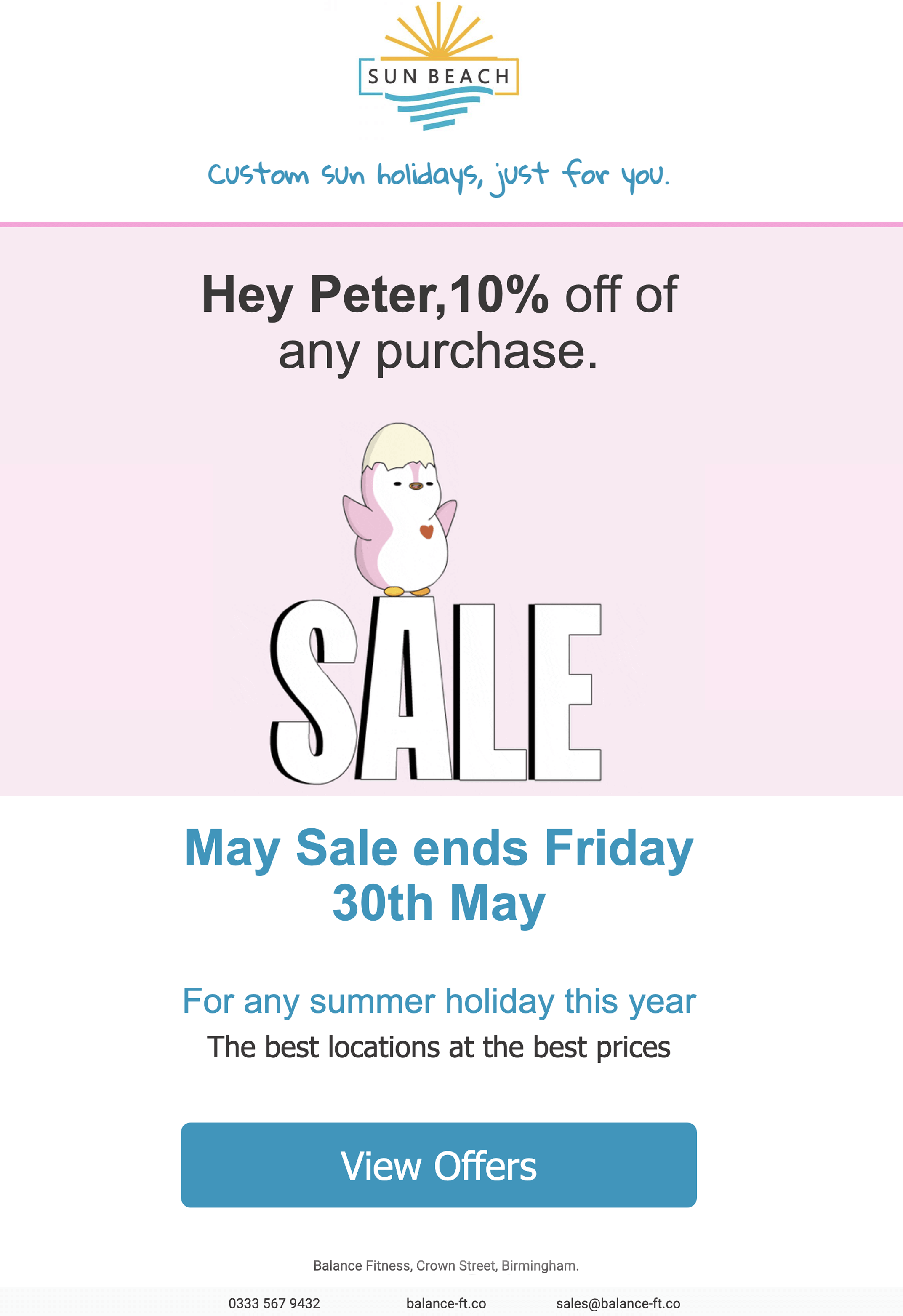
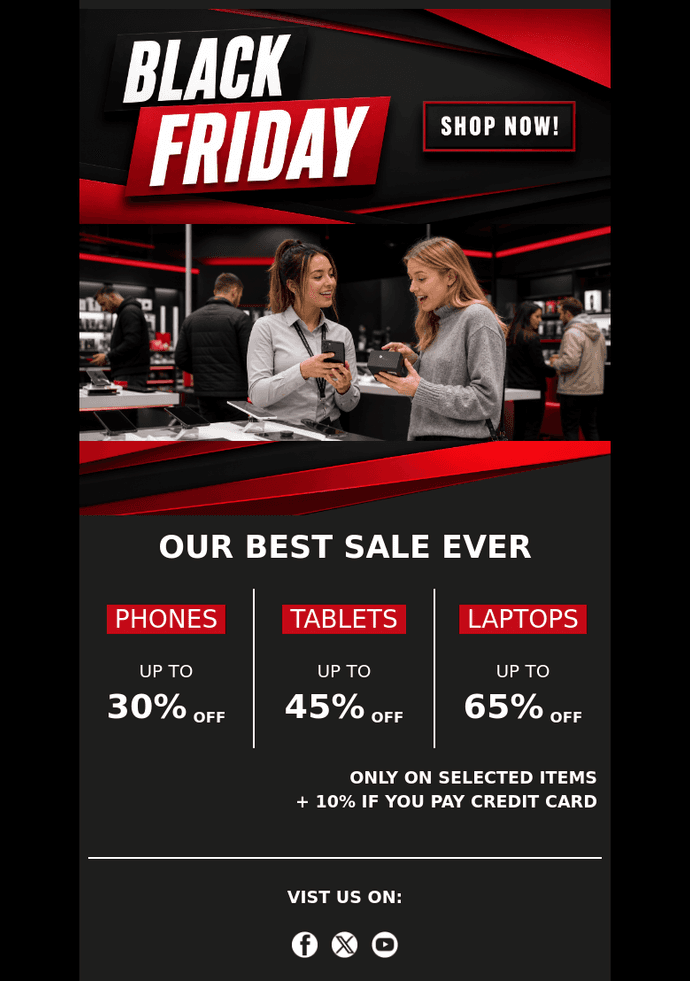
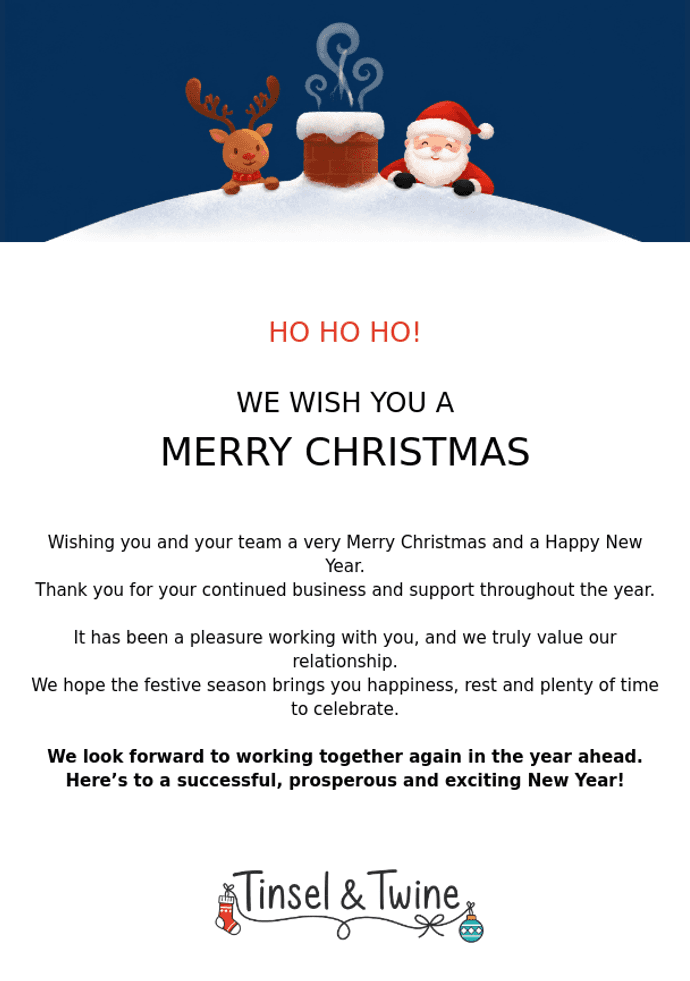
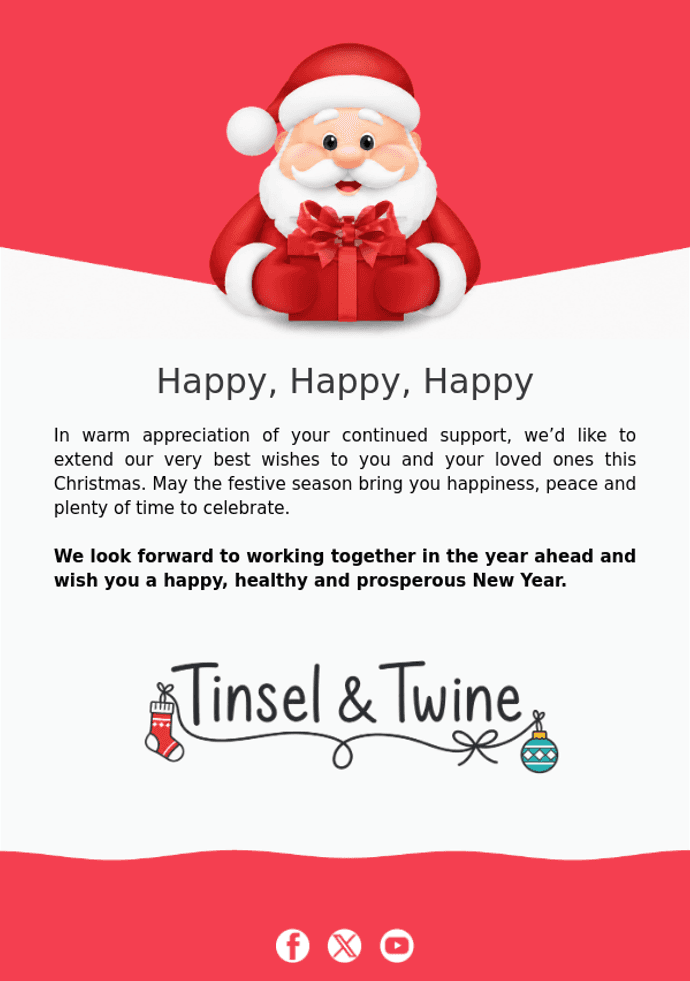
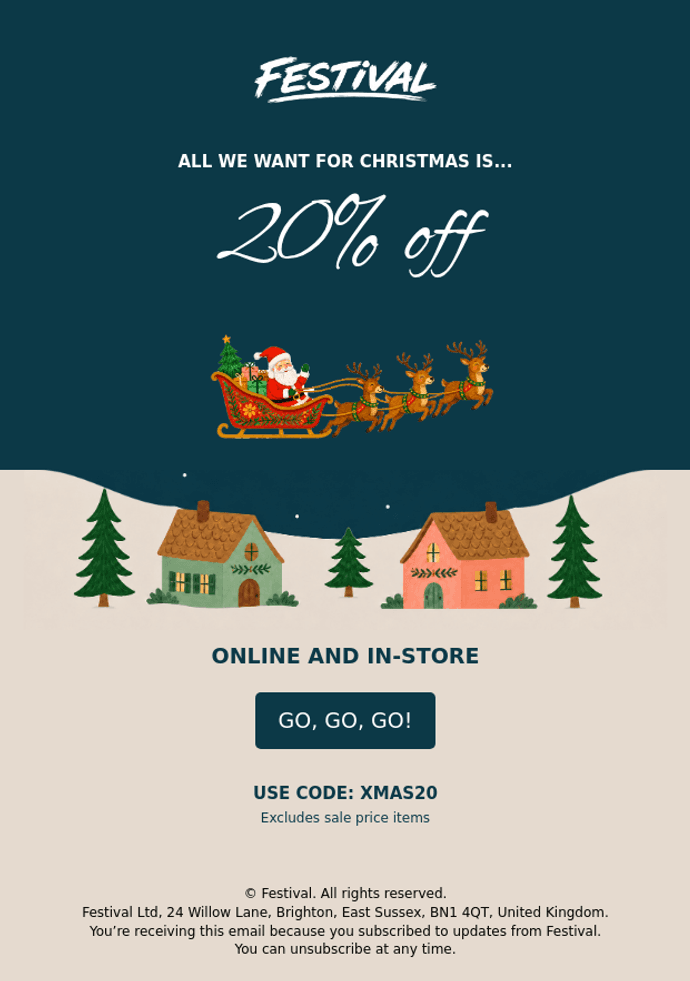
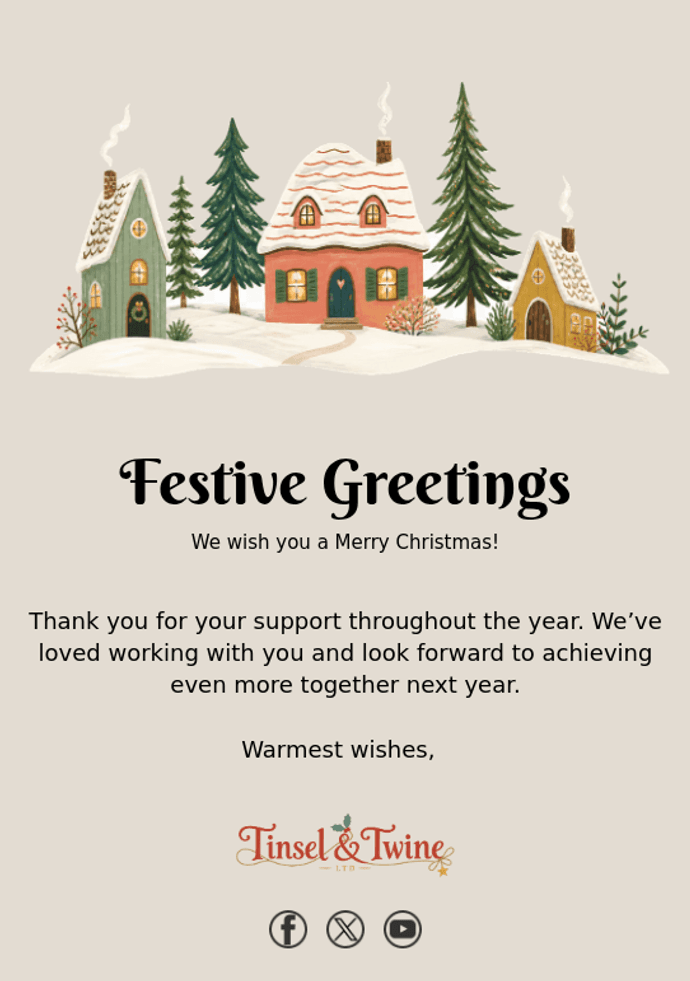
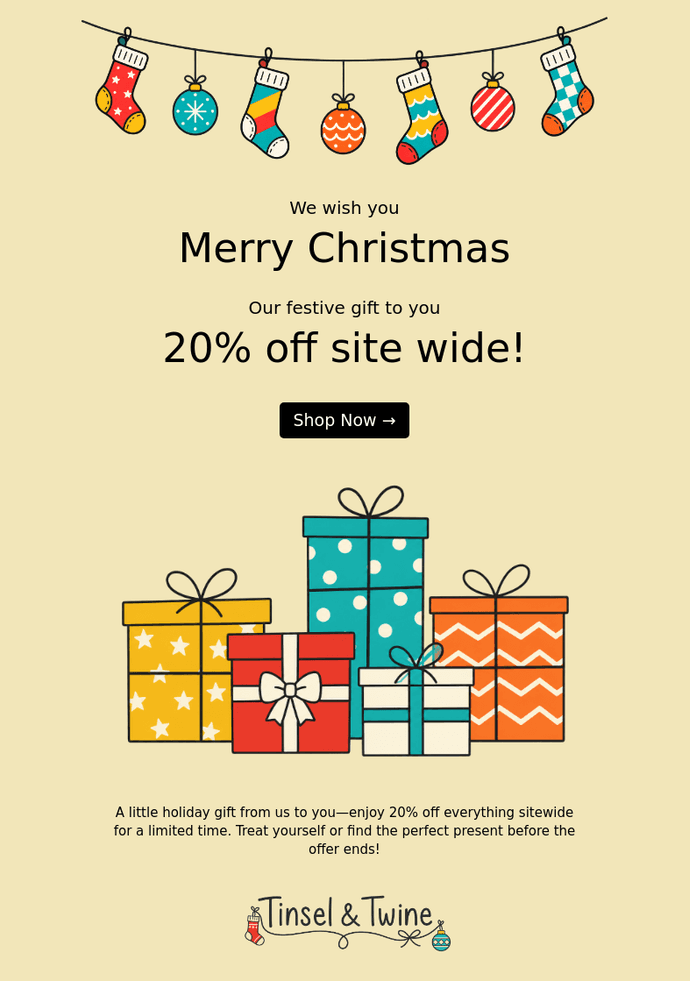
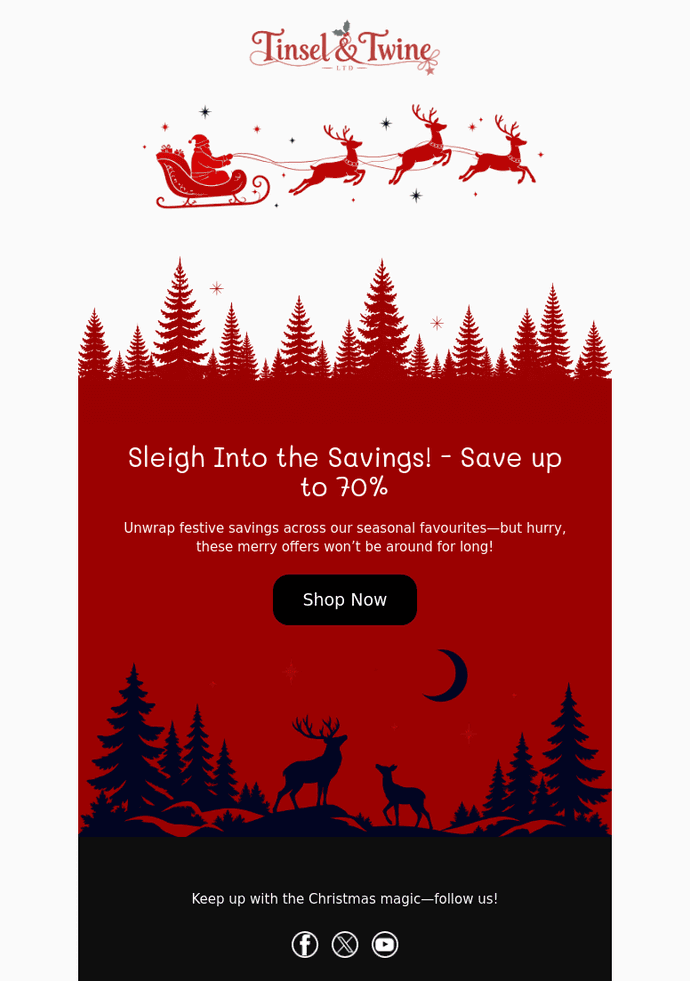
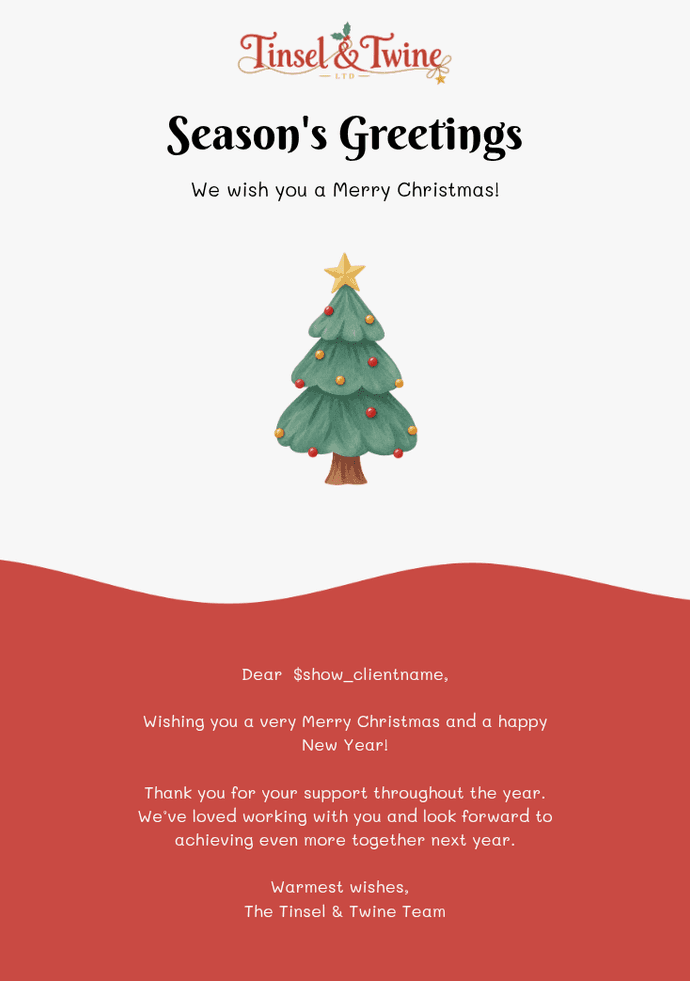
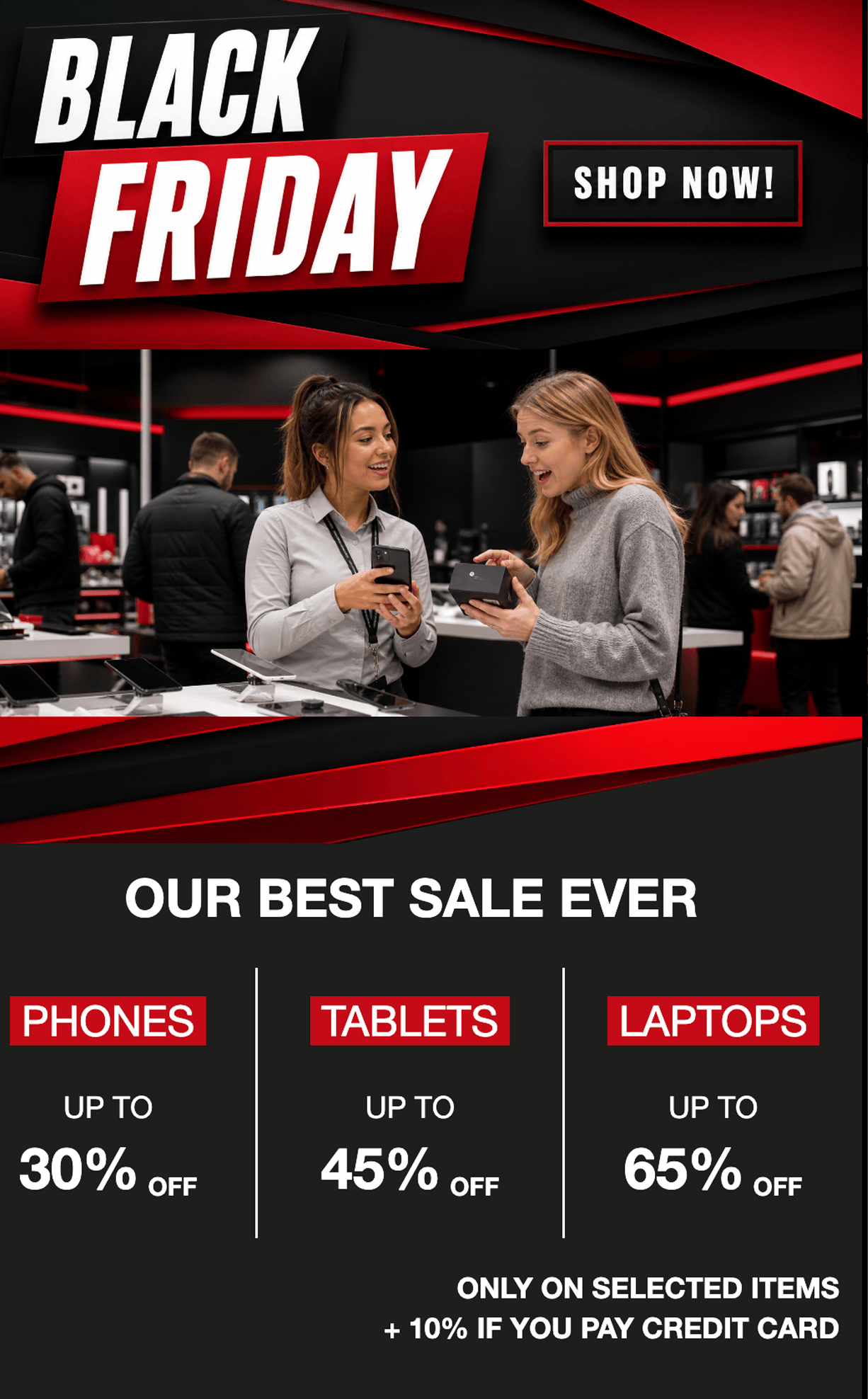
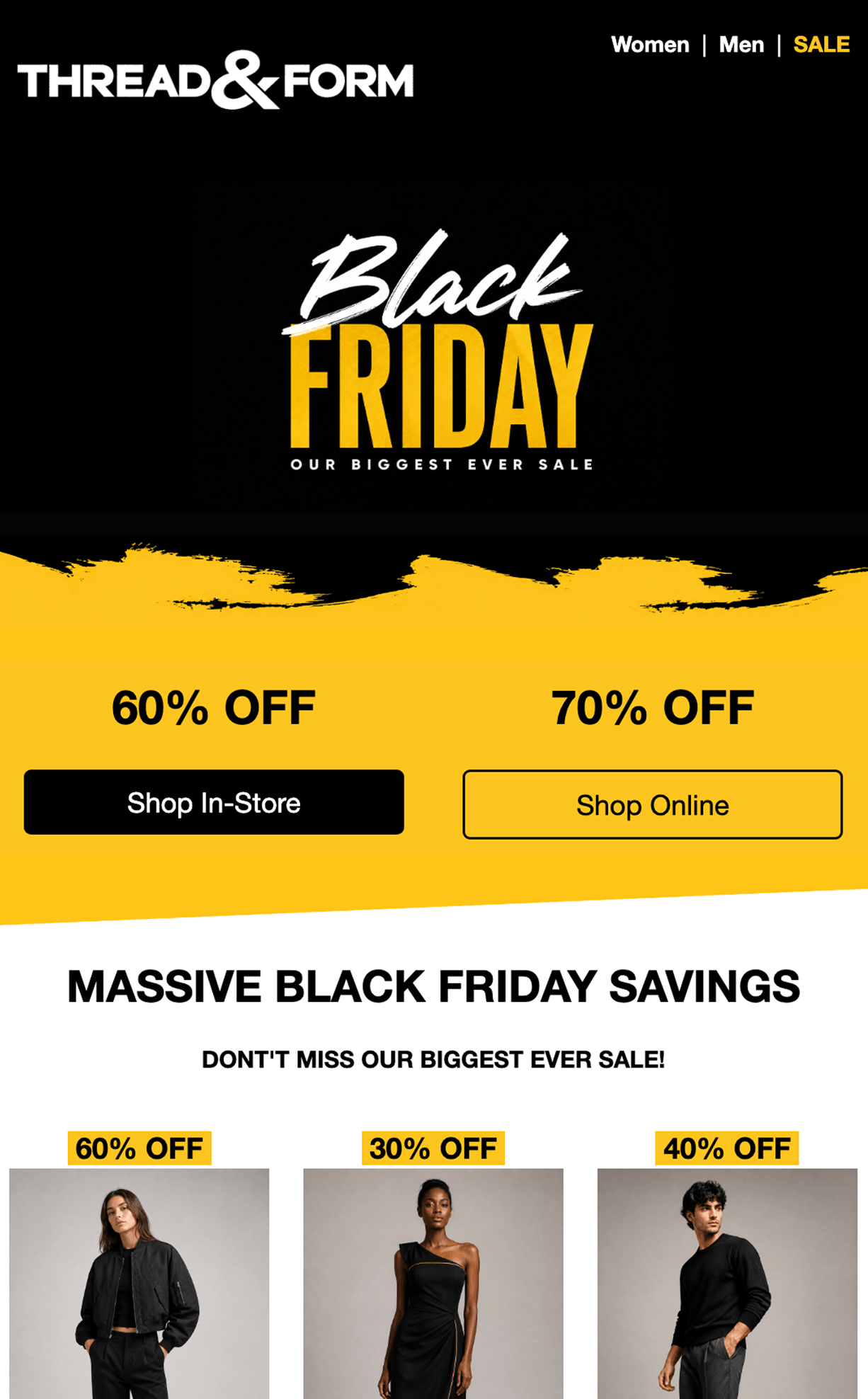
A clear, considered message. Use a classic letter format for personal updates and direct communication.
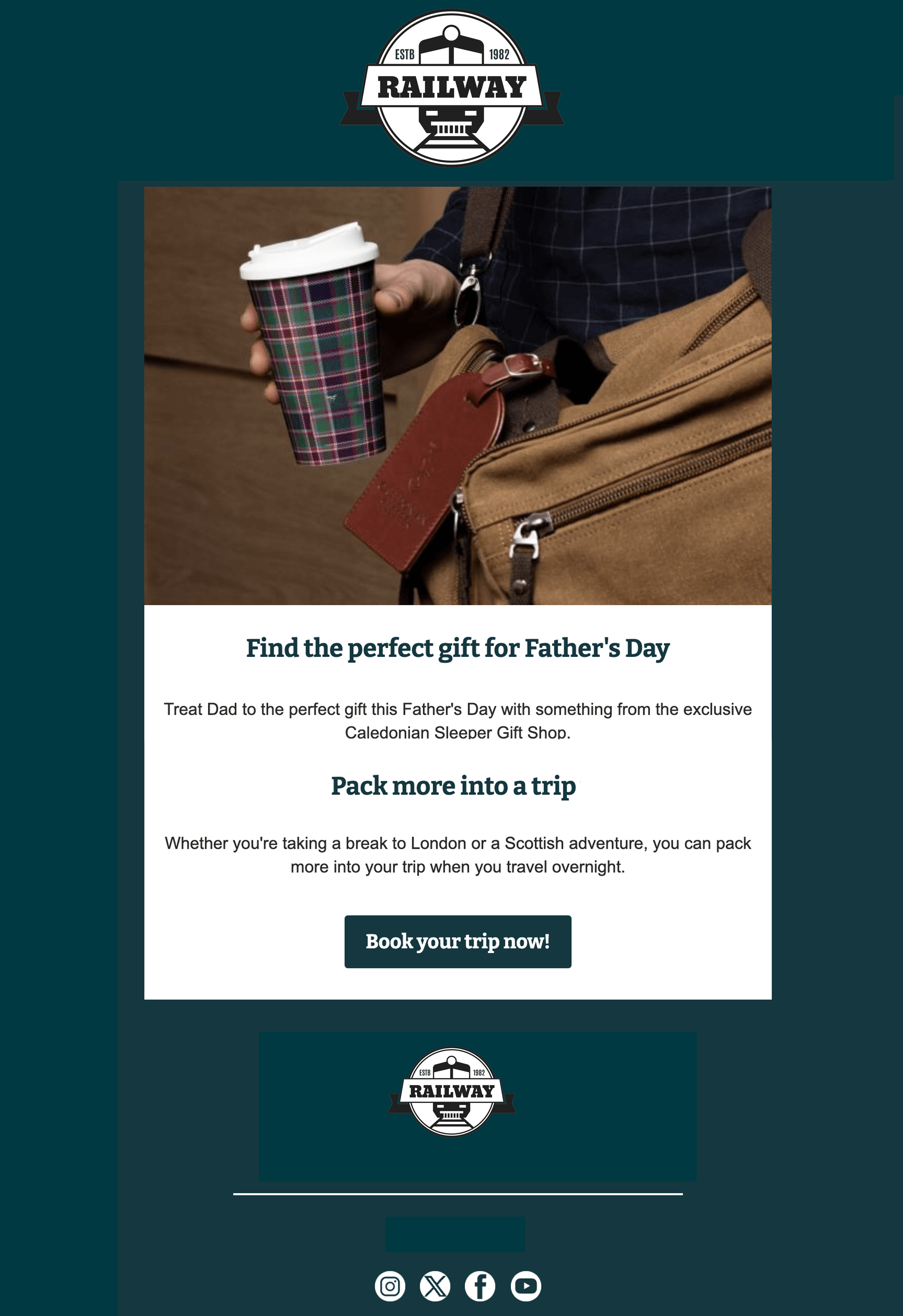
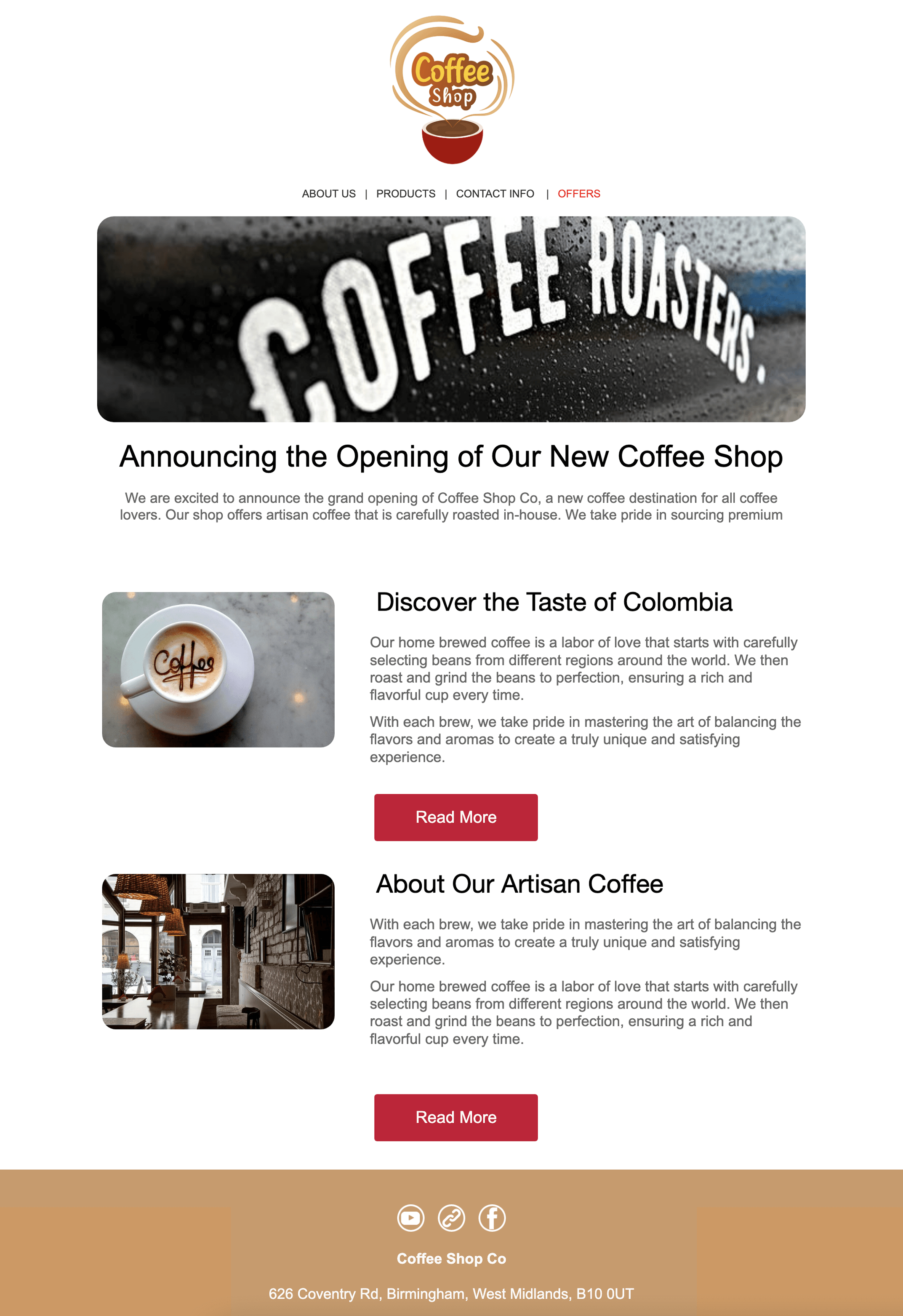
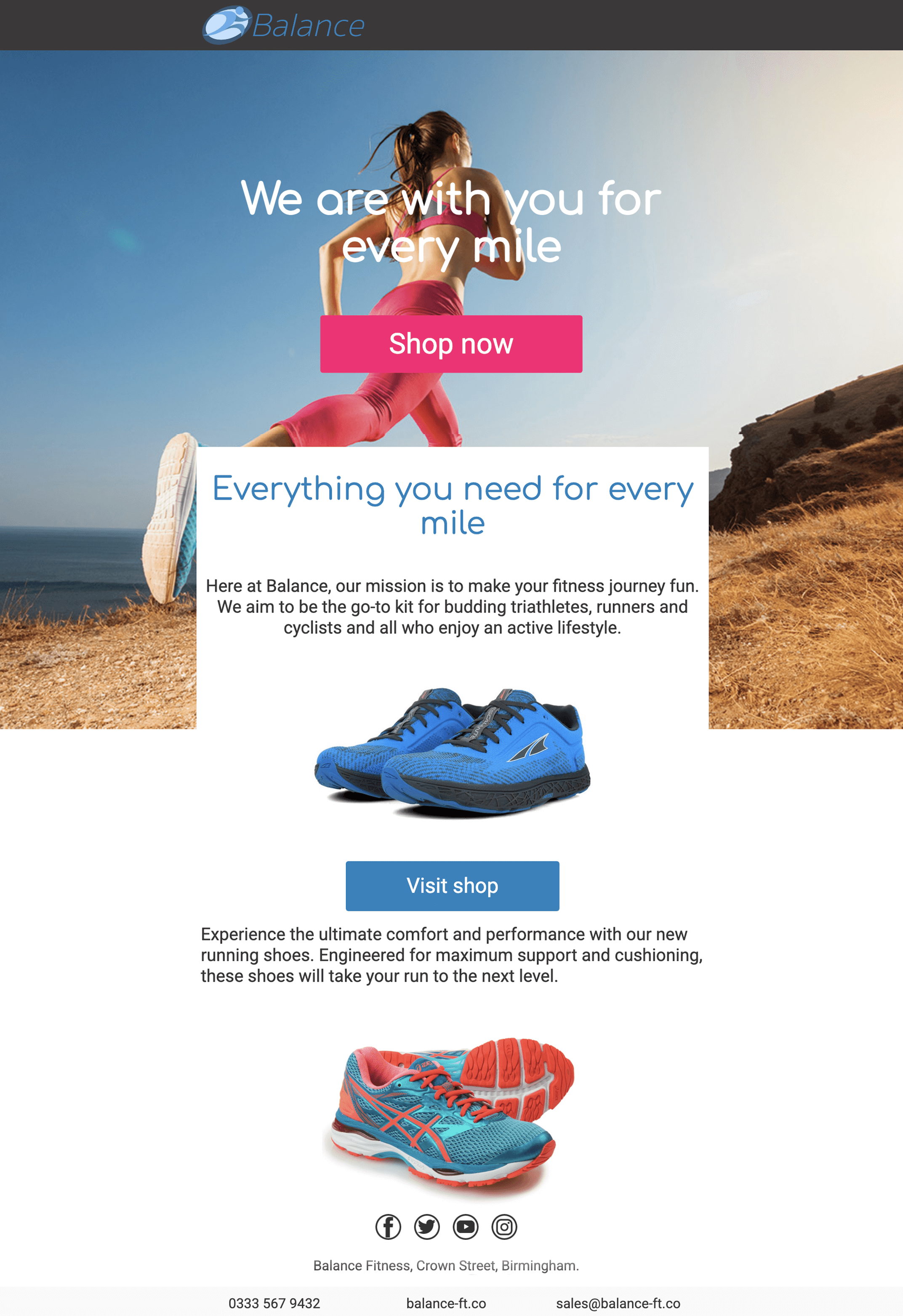
A new launch, a fresh collection or a big milestone. Give your news a design that makes it stand out.
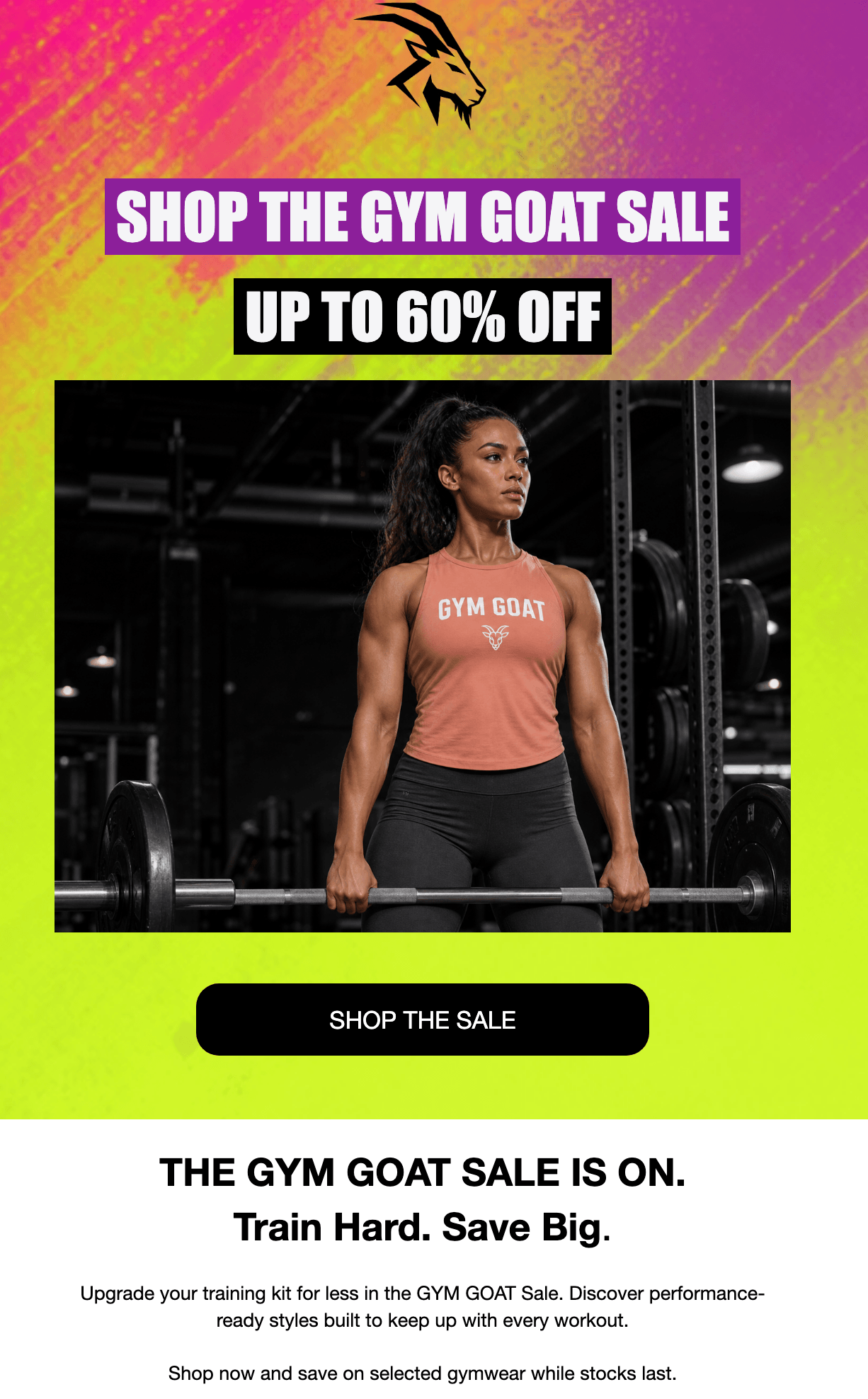
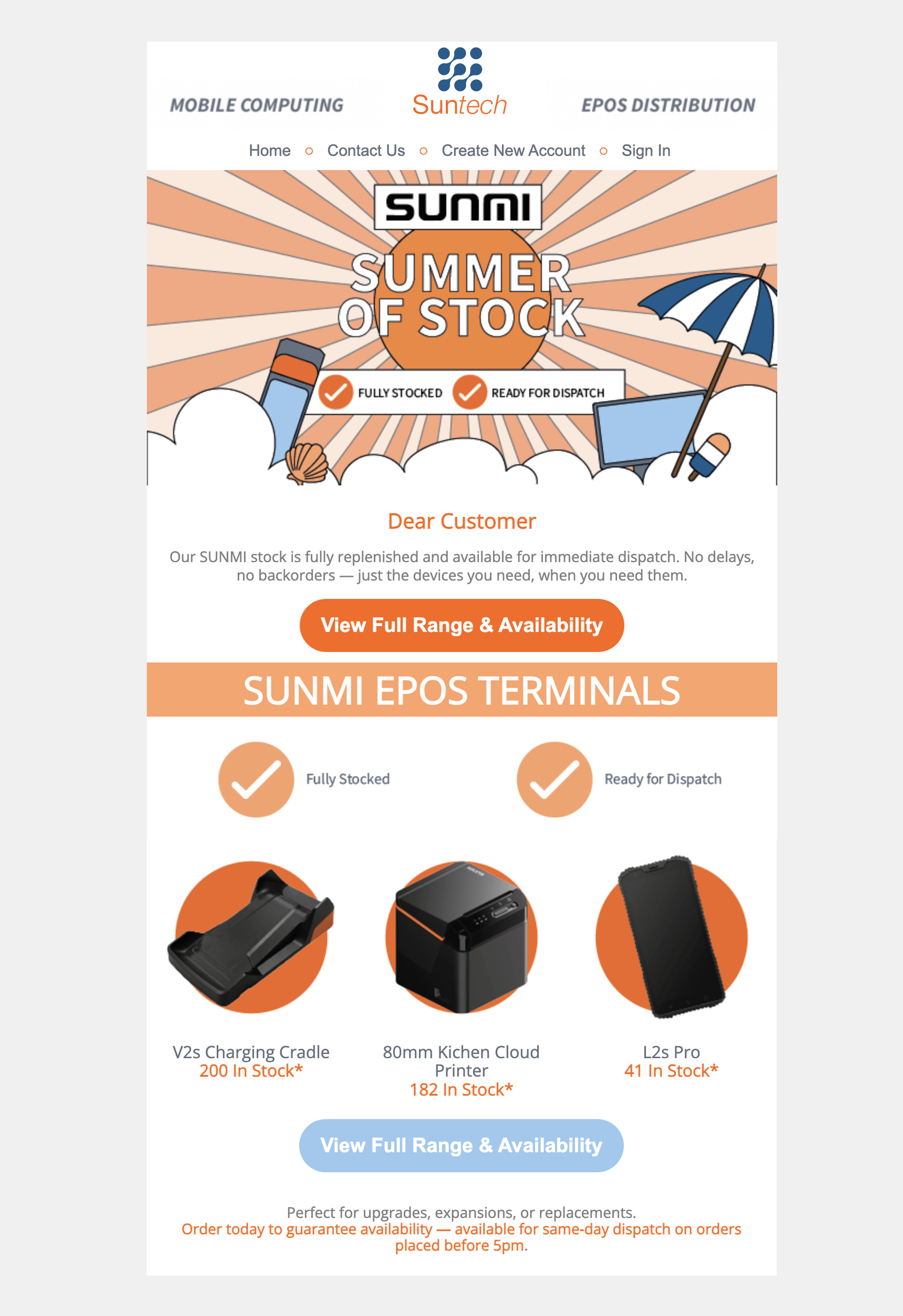
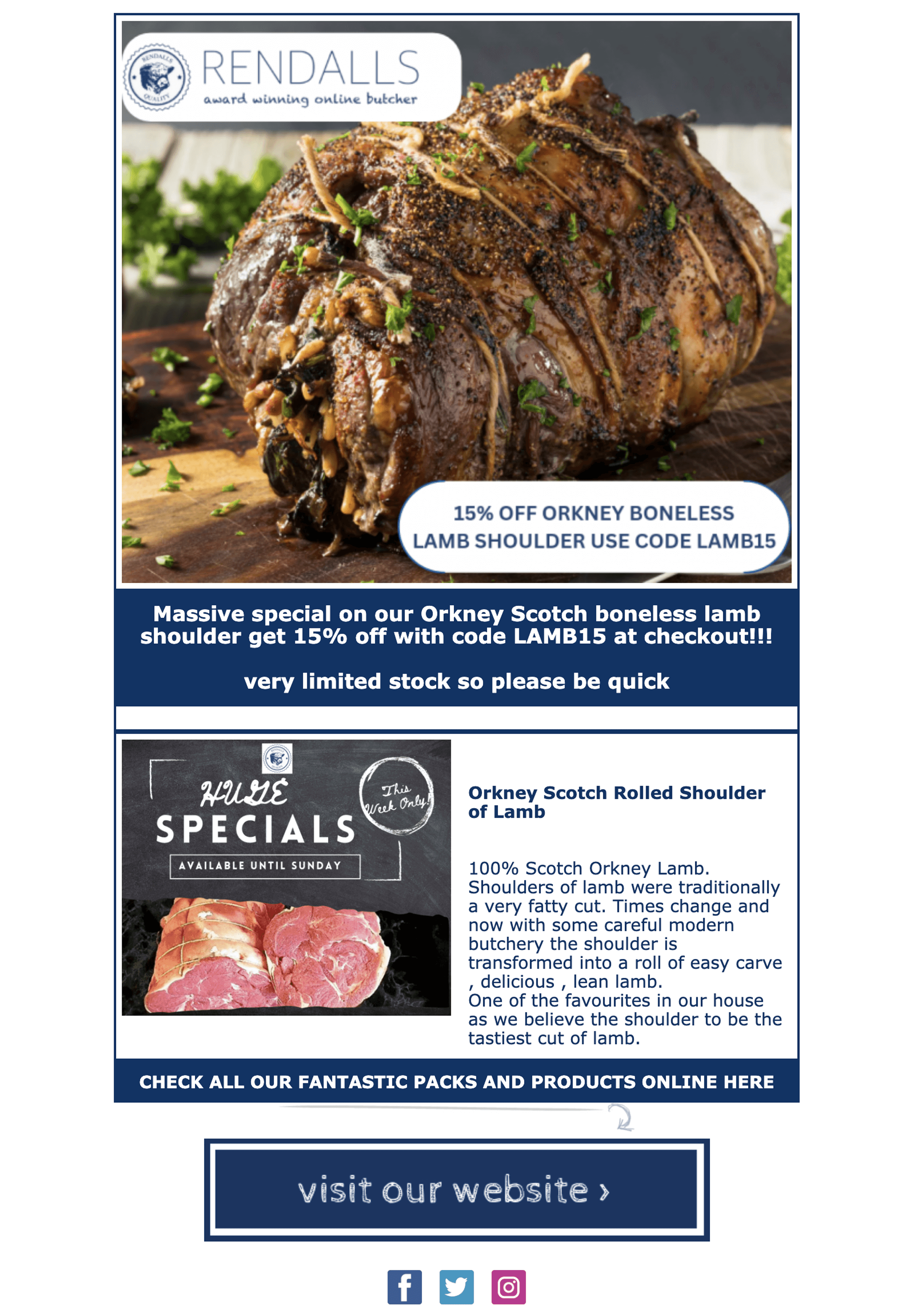
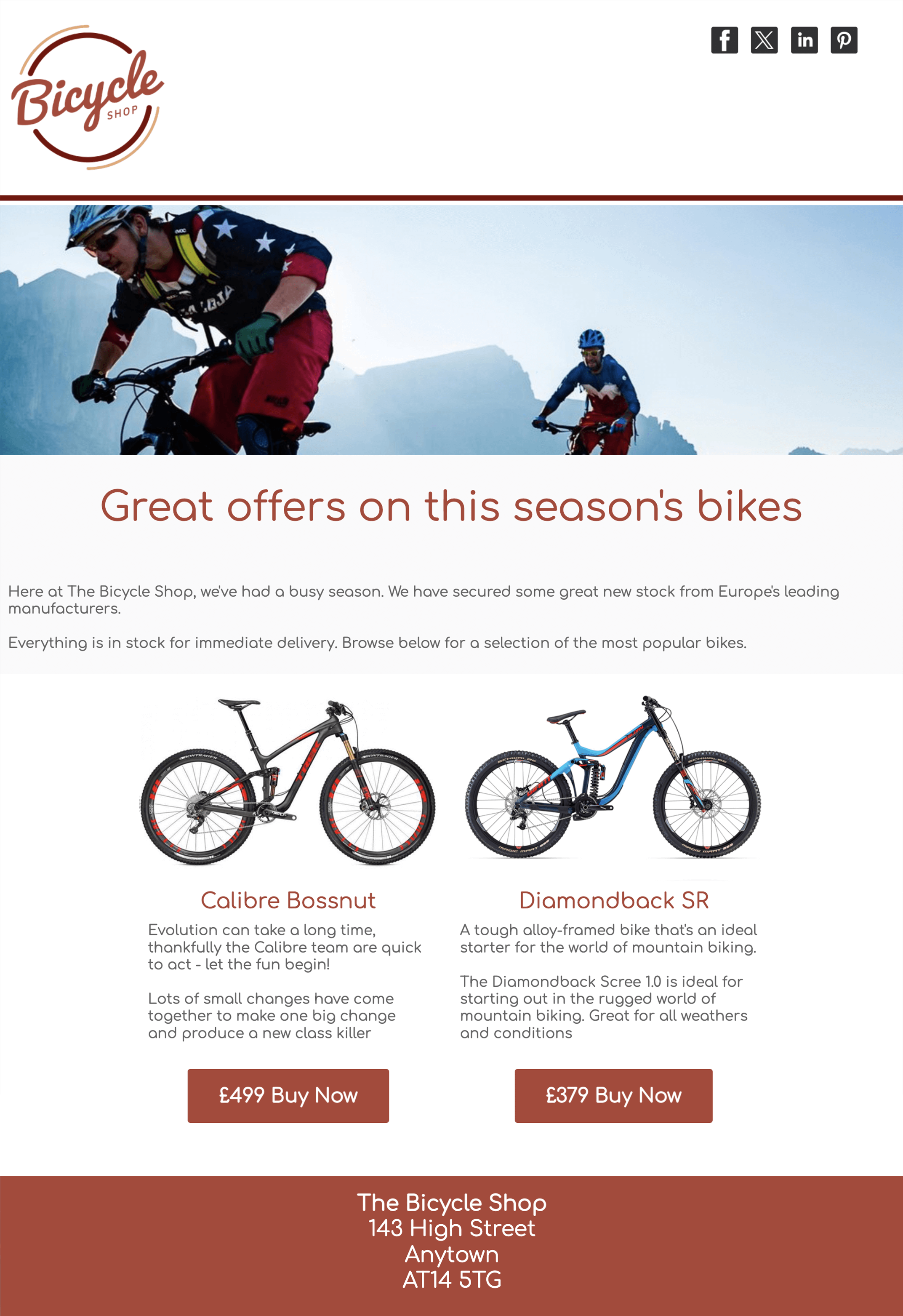
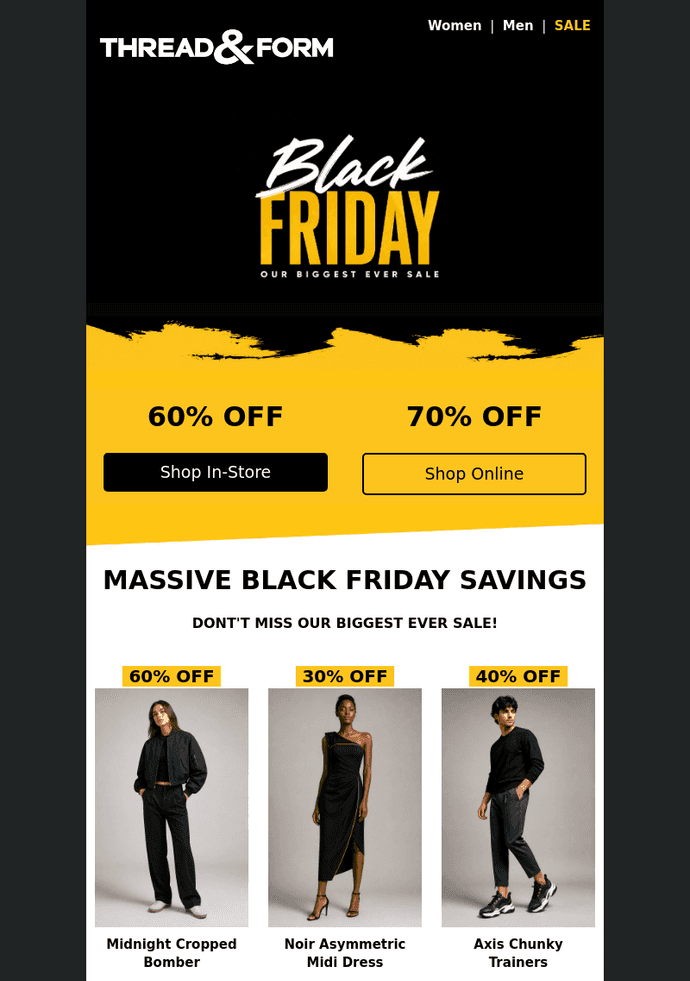
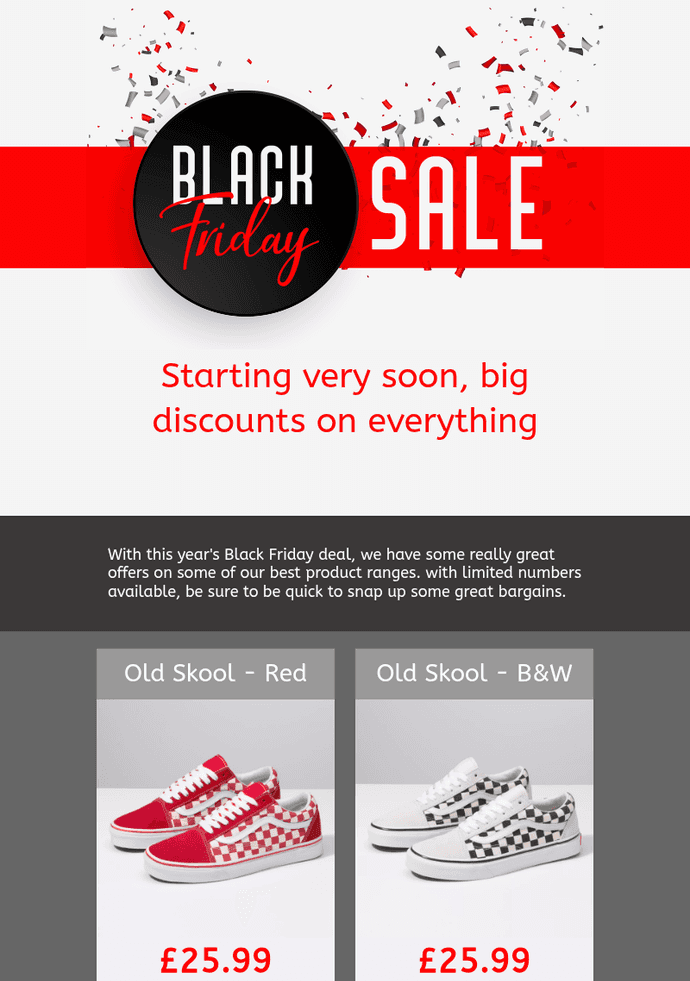
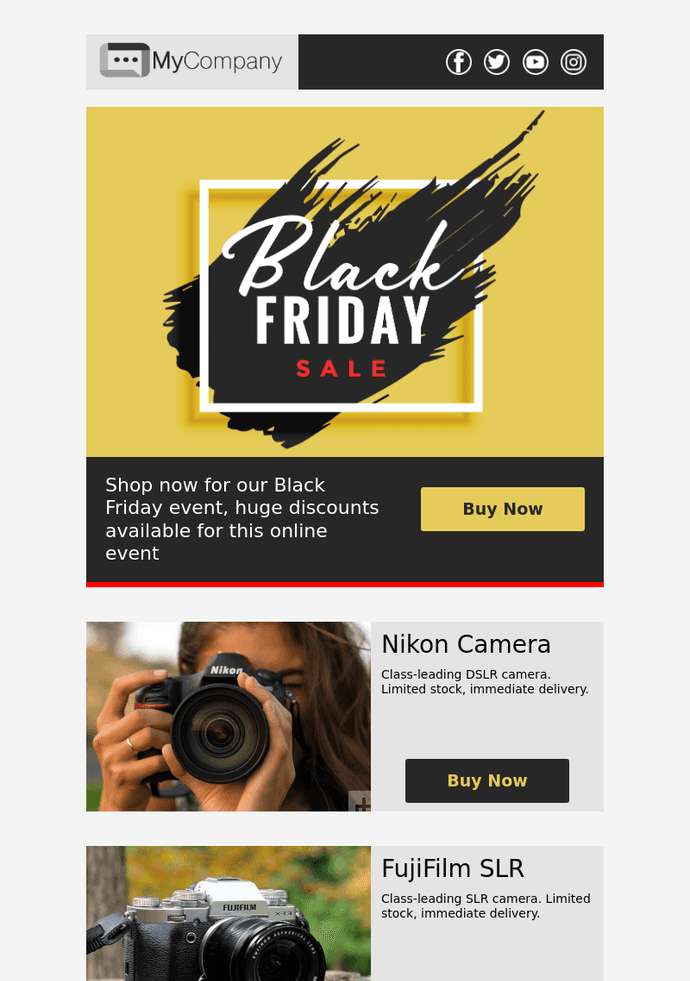
Showcase your products, highlight the offer and give your readers a clear next step.
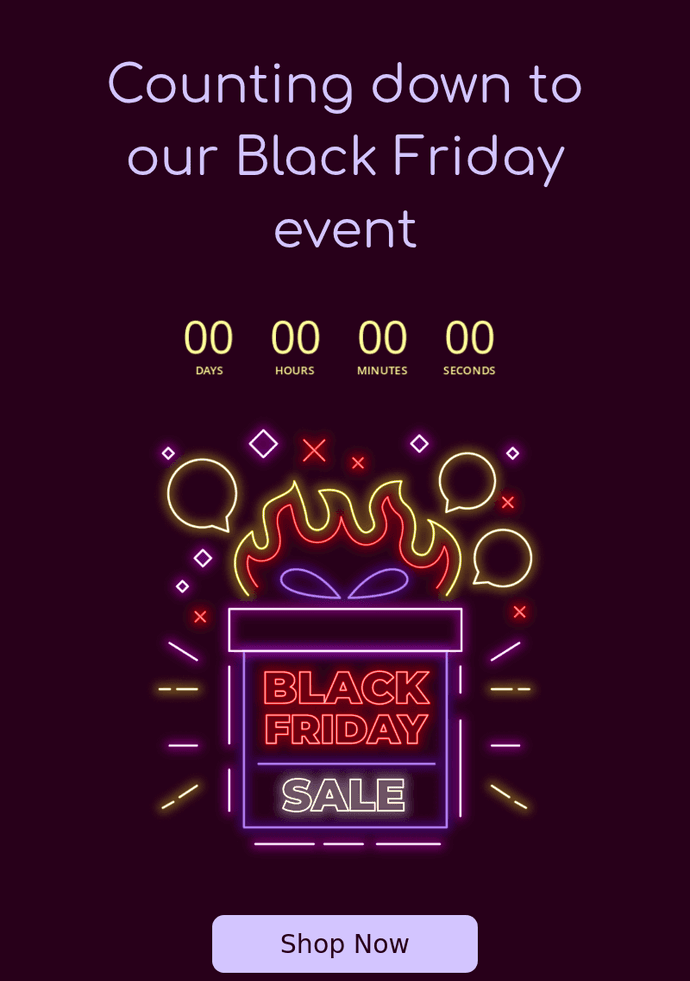
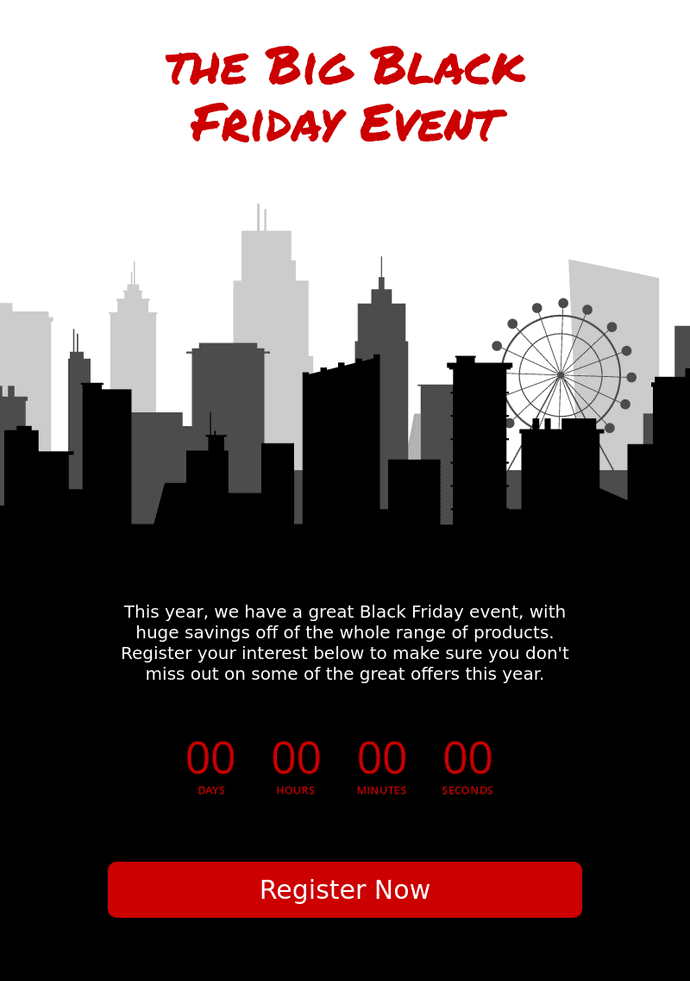
Bring a launch or event closer with a countdown timer. Include the event date in text too, so it is always clear.
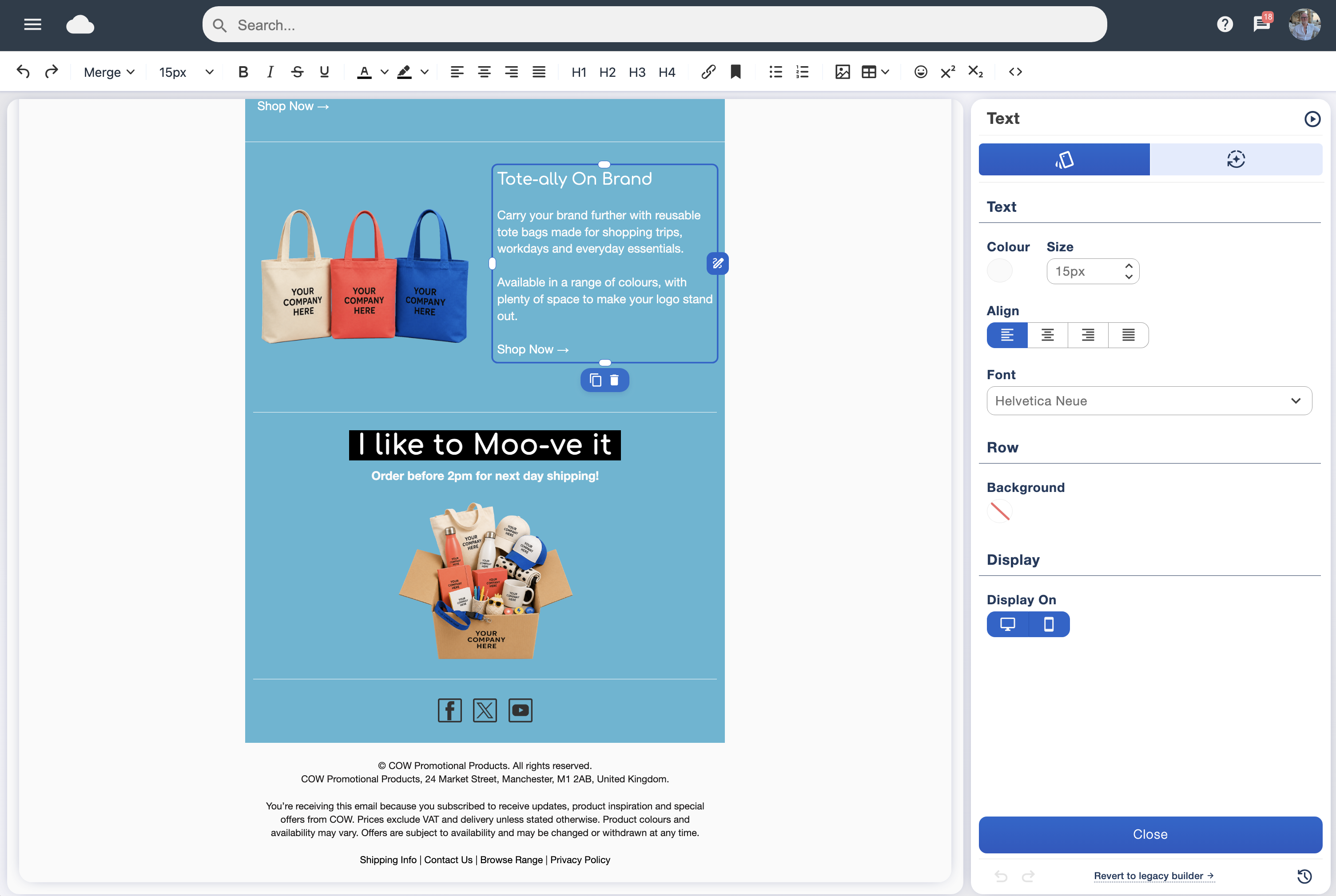
Start with a professional layout and enjoy the creative part. Drop in content blocks, change the wording, add your logo and bring your brand colours into the design. No HTML skills needed.
Explore the drag and drop designer →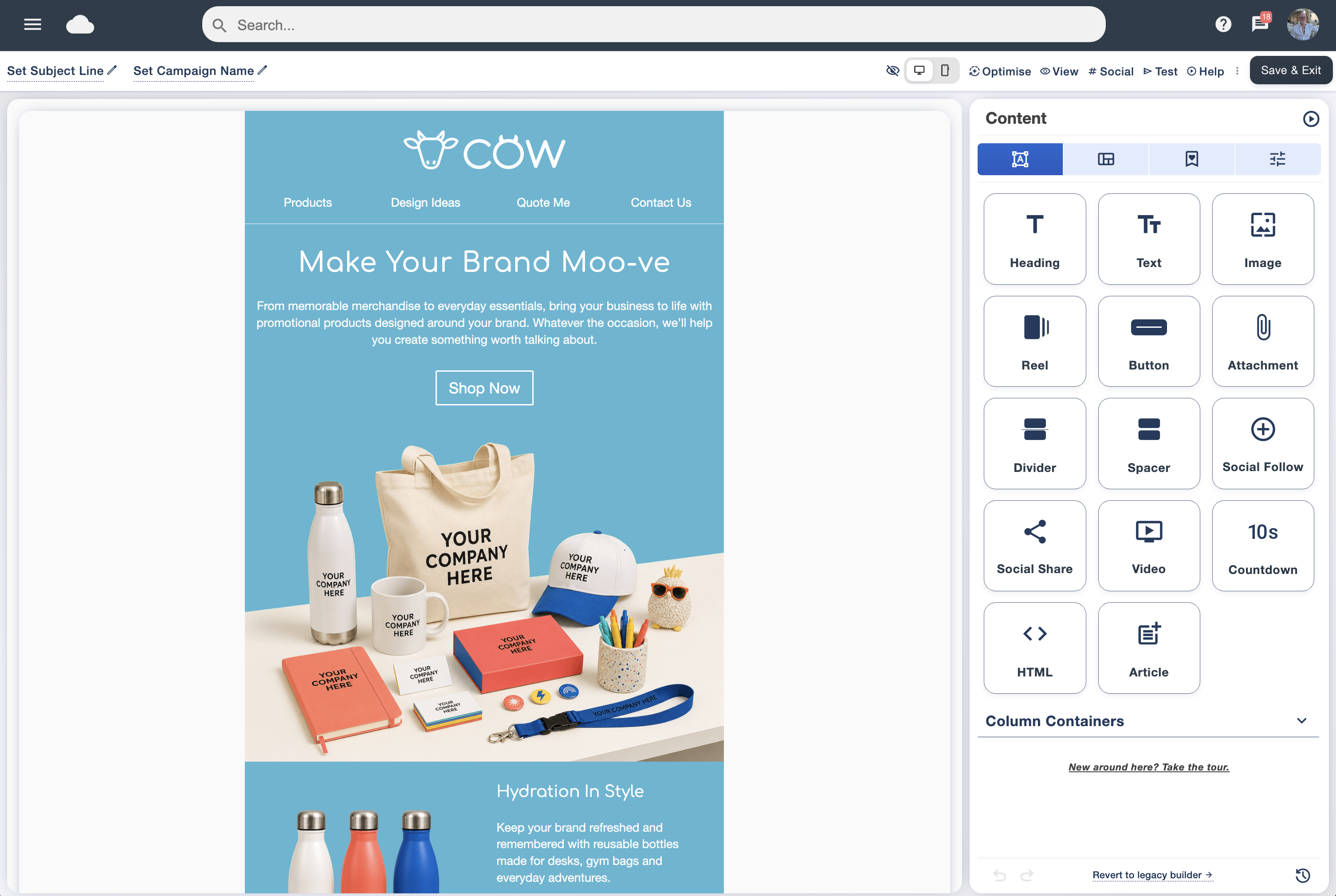
Find a style that suits your message in the professionally designed library.
Drag content into place and personalise your text, images, colours and links.
Check your mobile preview, send a test and download a PDF from inside the software.
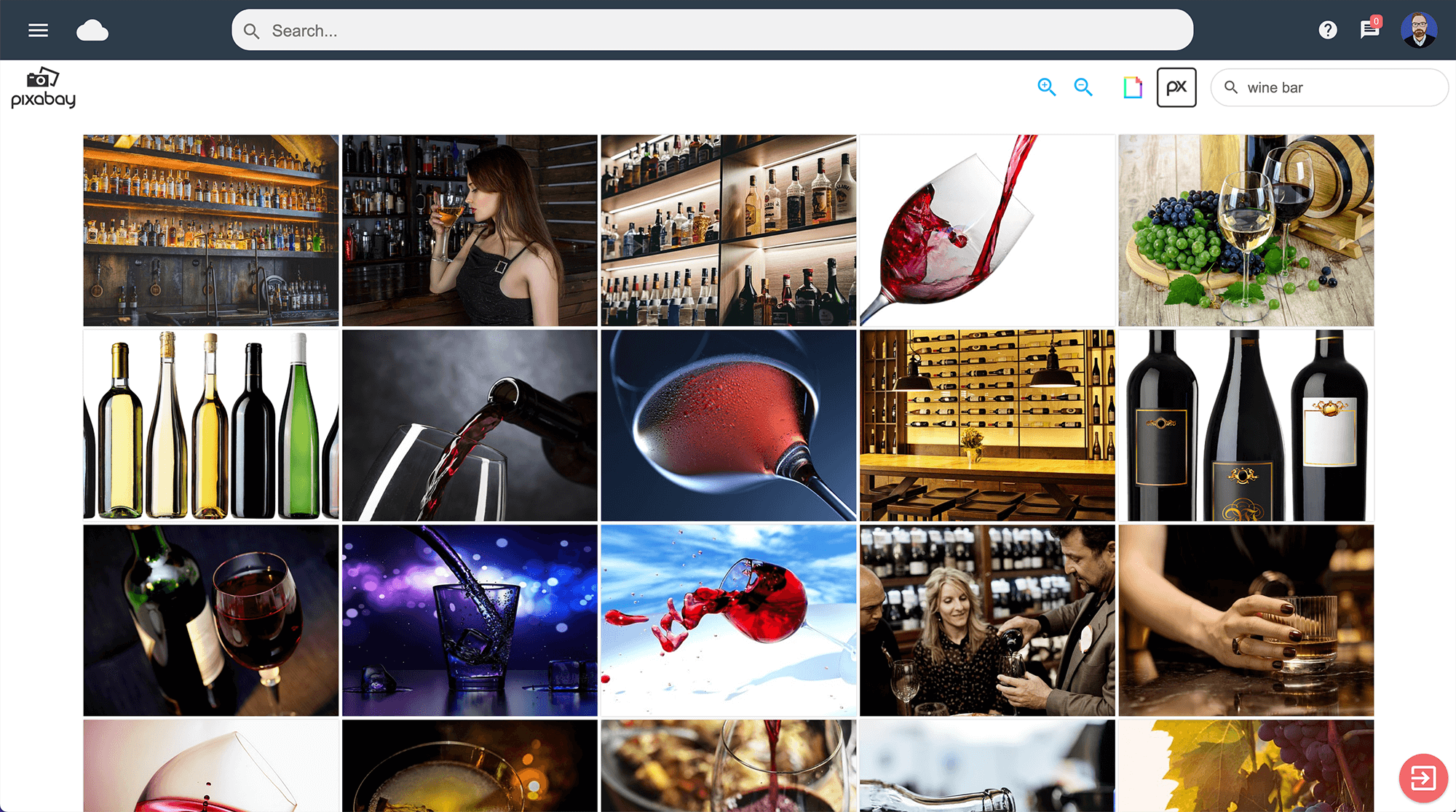
Search a huge library of copyright-free images from inside the software. From food and fashion to travel and business, find a picture that fits your campaign and add it to your design.
Pair your favourite imagery with a ready-made layout, or upload your own brand photography for a look that is unmistakably yours.
Explore the image library →Give your template a visual that feels like yours. Our new AI image creator and editor helps you create fresh imagery and rework existing pictures for your next campaign.
Start with an idea, describe the look you want and explore a new direction. Or take an image you already have and use AI to help make the changes you have in mind. It’s another way to put your own stamp on a professionally designed template.
Turn a description into imagery for your campaign.
Use the AI editor to explore changes to an existing picture.
Bring your chosen image into your email and preview the finished result.
Watch our walkthrough to see exactly what you can create and edit with the new AI image tools.
Watch the AI image demonstration →All templates can be downloaded as PDFs from inside Email Blaster. Keep a copy of your finished design, share it with colleagues or include it in your campaign planning.
Choose and customise your template in the software, then download your PDF from there.
Take a tour of the designer, then pick up practical tips for your next email. Watch here and return to the gallery whenever you like.
