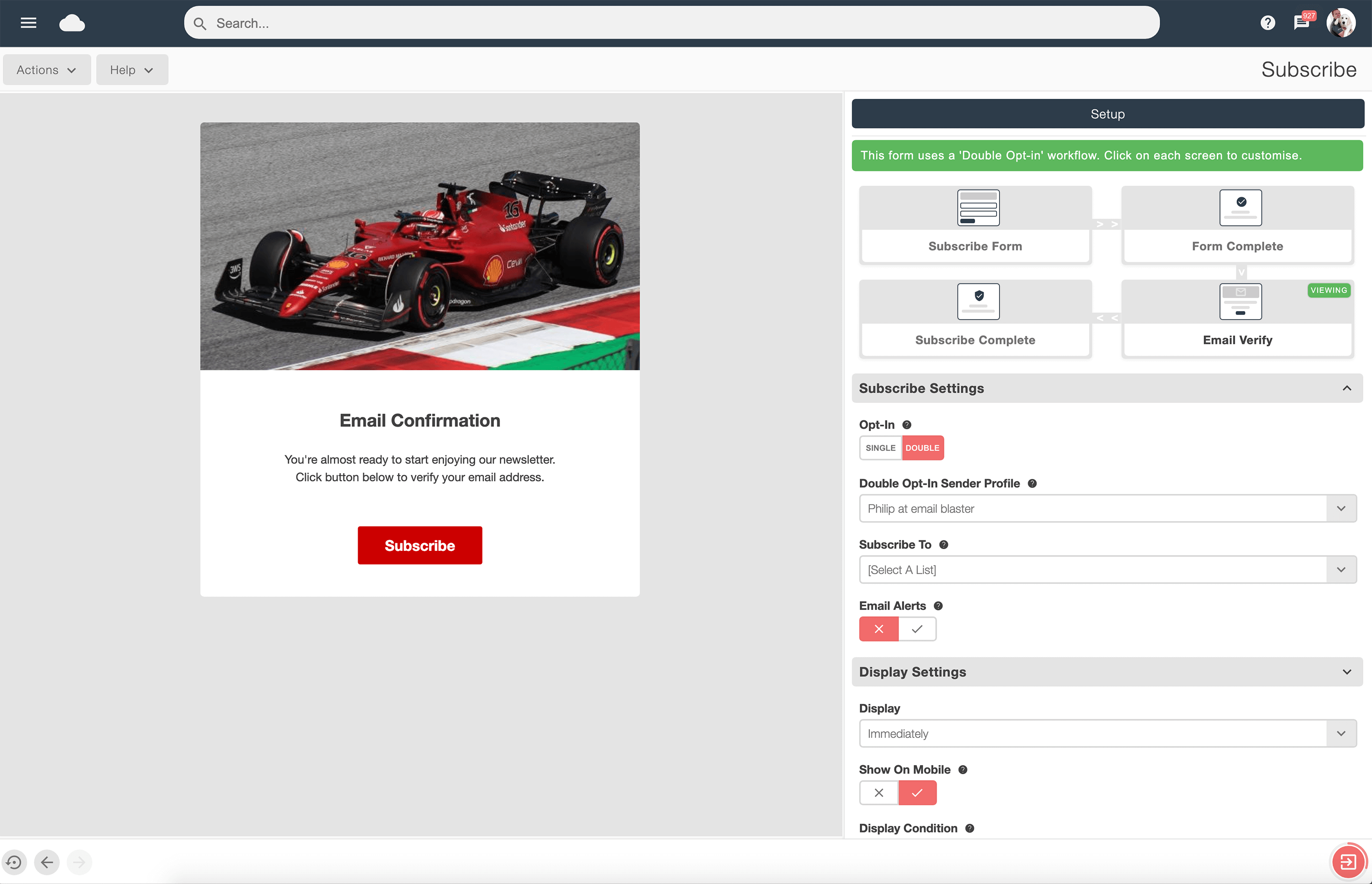
Subscribe form builder
Build branded sign-up forms and connect new subscribers to the right list.
Explore subscribe form builderEmail marketing lets you share useful news, offers and advice with people who want to hear from your organisation. It works alongside your website, social channels and offline activity: use those channels to attract subscribers, then use email to keep the relationship going.
Campaign reports help you understand delivery, clicks and engagement. Start with a clear outcome, such as bookings, enquiries or purchases, and measure progress towards it. Costs depend on your plan and audience size; focus on value delivered rather than the price of a single send.
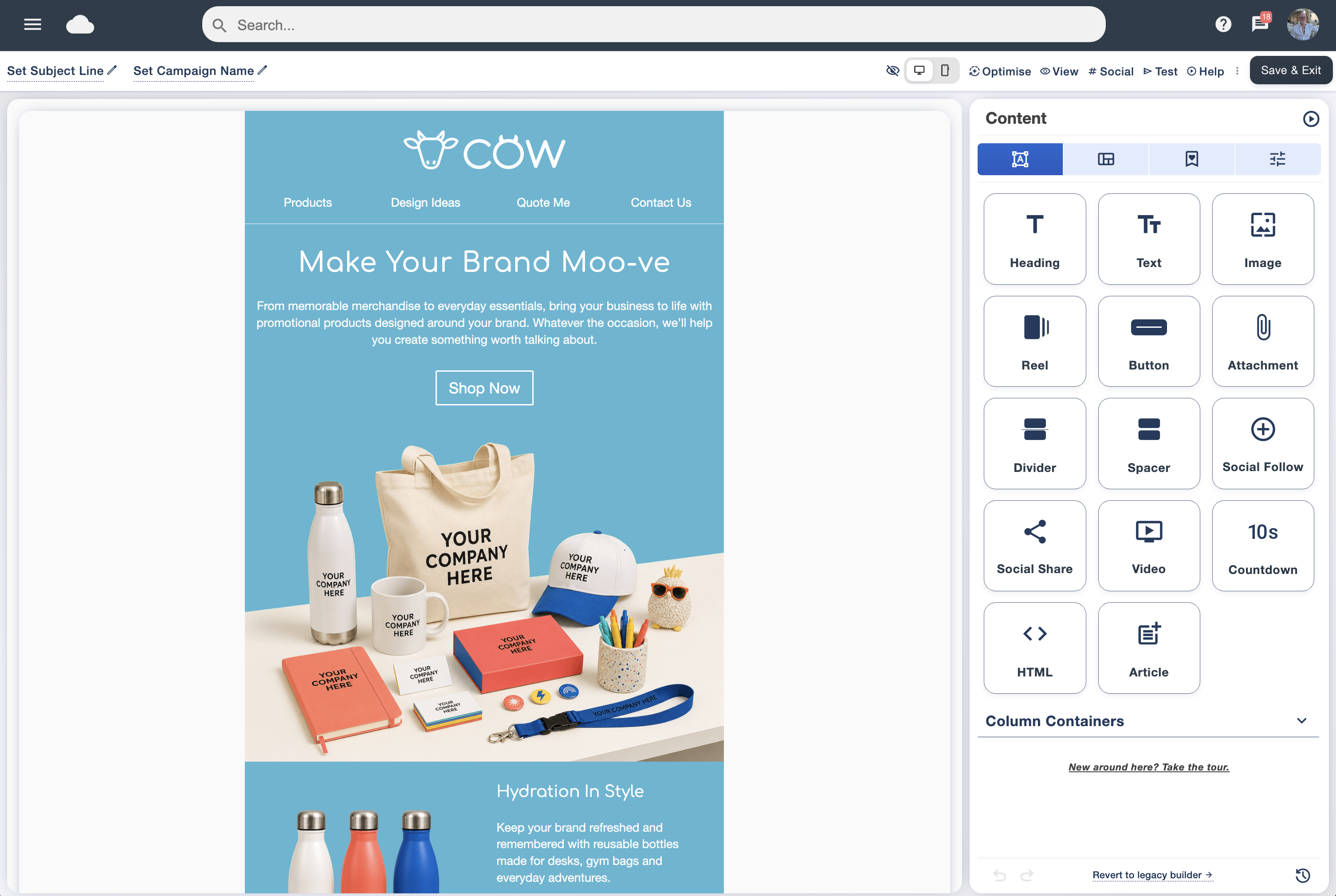
Decide who you are writing to, what they need and what you want them to do next. A product launch, a customer newsletter and a welcome email each need a different message. Set one primary goal and make the call to action match it.
You need an appropriate subscriber list, a browser and an internet connection. Email Blaster is cloud-based, so there is no software to install. Prepare your brand assets, sender details and destination page before creating the email. If you are switching platforms, bring consent records and suppression lists with you so previously unsubscribed contacts stay excluded.
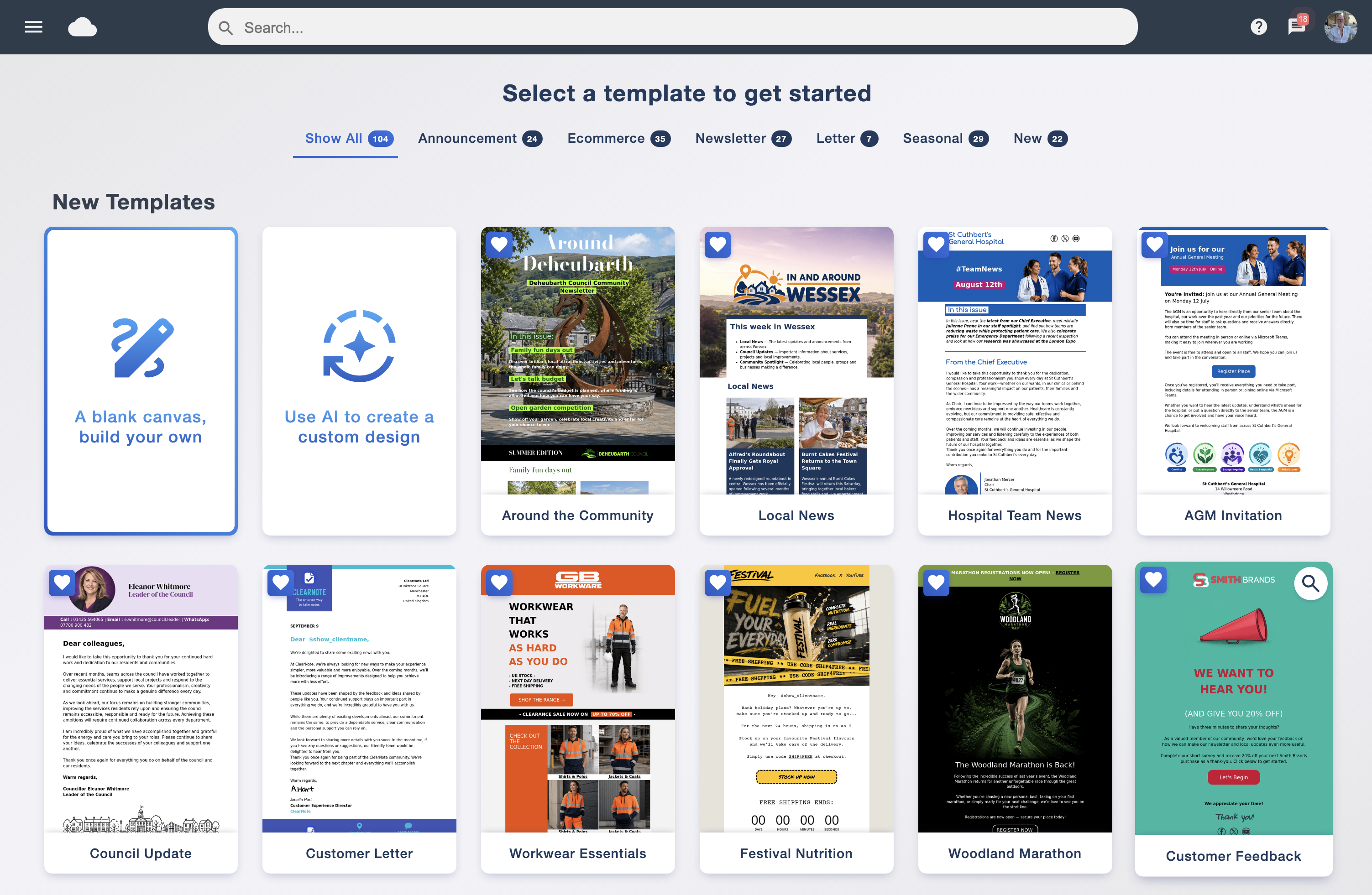
Offer practical advice, early access, subscriber offers or regular updates. Explain what you will send and how often. Add a sign-up form to relevant website pages and share a hosted form on social media. Keep the form short and only ask for details you will use.
Email Blaster’s Subscribe tools support embedded, hosted and pop-up forms. Double opt-in asks people to confirm their address, helping validate sign-ups and record that confirmation. Review existing contacts carefully: a past enquiry or purchase does not automatically give you permission to add someone to every marketing list.
Bought data can be outdated, heavily marketed to and poorly matched to your offer. It increases the risk of complaints and damages sender reputation. Build your own audience and check your provider’s acceptable-use policy before importing any data.
UK email marketing involves PECR and, where personal data is used, UK GDPR. For individual subscribers, unsolicited marketing generally requires consent or a qualifying soft opt-in. PECR allows unsolicited email marketing to corporate subscribers, such as limited companies, without prior consent, subject to its other requirements. This is not a blanket permission under GDPR: UK GDPR still applies when you use personal data, and sole traders and some partnerships count as individual subscribers.
The legal rules and Email Blaster’s service rules are separate. Even where UK law allows unsolicited marketing to a corporate subscriber, Email Blaster’s Terms of Service prohibit using the platform for unsolicited cold email marketing. You must meet our permission requirements before sending; a publicly listed business email address is not permission to add someone to your campaigns.
Protect your sender reputation. Sending unwanted or unsolicited marketing can generate spam complaints and lead providers such as Gmail and Outlook to filter your messages into junk or block delivery. Your sending domain or IP address can also be blocklisted, harming delivery of future emails. Sending only to an appropriate, permission-based audience helps protect your business and other senders.
Record where, when and how permission was obtained, identify your organisation clearly and include a simple unsubscribe option in every campaign. Honour objections and maintain a suppression list. Double opt-in can support your process, but does not by itself make all your marketing compliant.
Ask where information is stored, who can access it and how it is protected. UK hosting can simplify supplier assessment, but UK GDPR does not impose a blanket requirement to keep all personal data in the UK. International transfers may be allowed when the applicable transfer requirements are met. Review your provider’s terms, safeguards and data processing agreement.
Check the ICO’s email marketing guidance and international transfer guidance for the requirements that apply to your organisation.

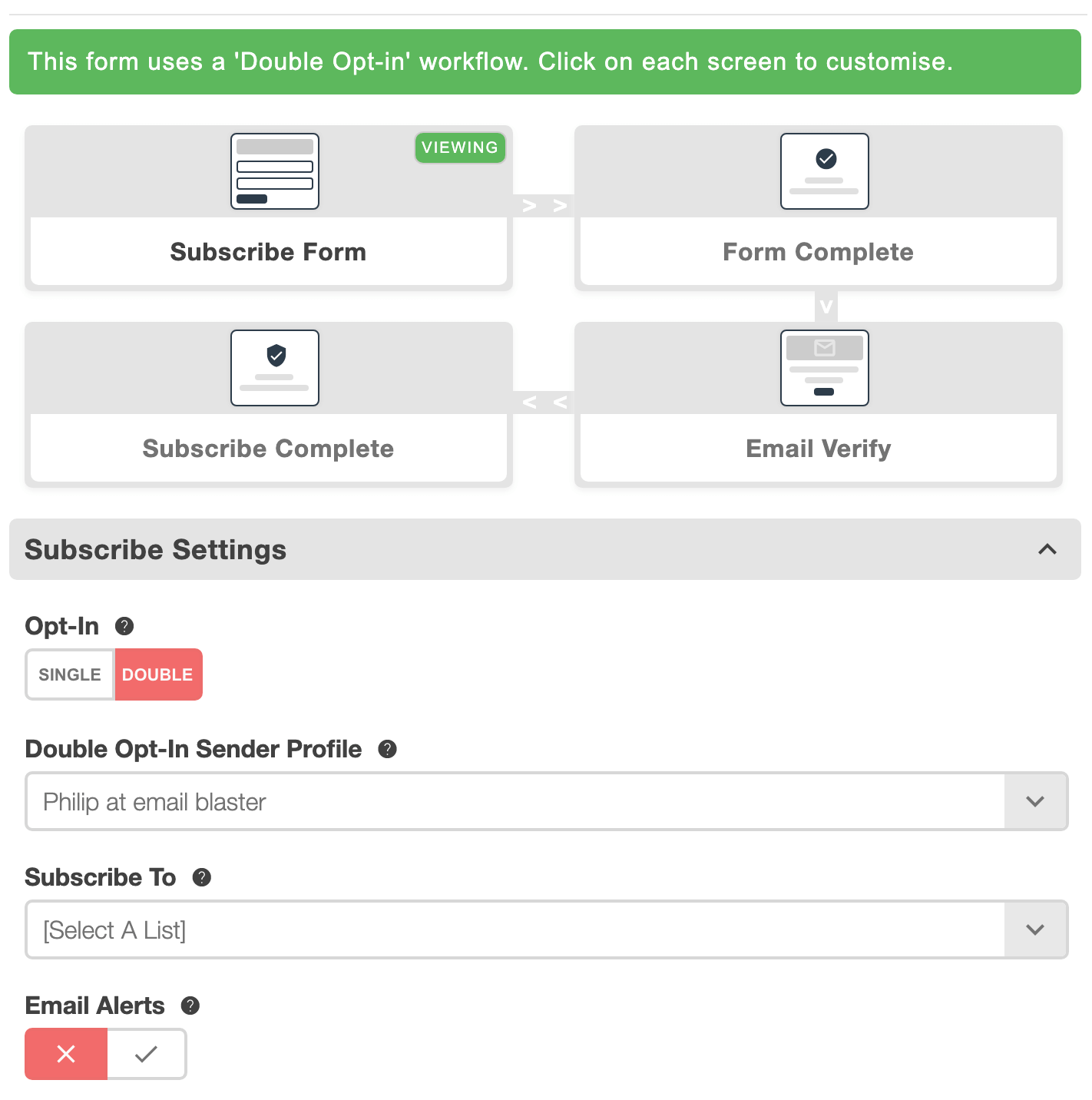
Start with a subject line that accurately describes the value inside. Use preview text to add context, then lead with the most useful information. Break longer copy into short paragraphs and descriptive headings. Make your main button easy to find and ensure the destination delivers what the email promises.
Use a responsive template, readable type and generous spacing around links. Give informative images meaningful alternative text and keep essential information in live text. Check contrast, proofread your copy and preview the email on a small screen before sending.
Use information people have shared with you to tailor useful content: interests, customer status, previous purchases or an upcoming renewal. Personalisation should help the reader, so collect only the information you need and avoid exposing sensitive details.
Group subscribers by interests or relevant engagement and adapt your message to that audience. Keep your segments understandable and check who is included before sending. Test merge fields with missing values and set a sensible fallback so no one receives an unfinished greeting.
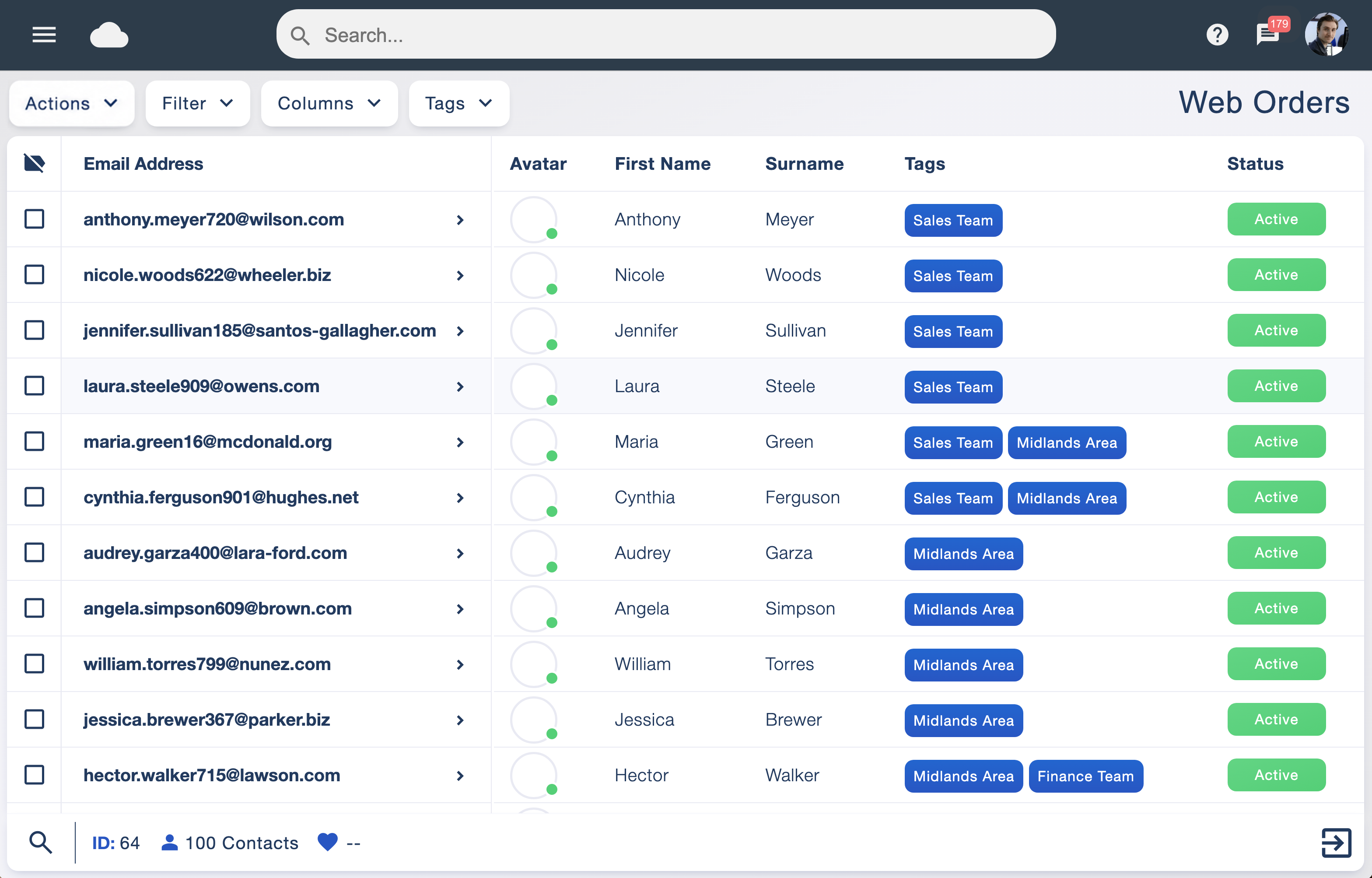
Send a test email and check the subject, sender name, merge fields, images, links and unsubscribe route. Verify your sending domain through your provider and review authentication settings. Inbox testing can flag potential problems, but cannot guarantee placement in every inbox.
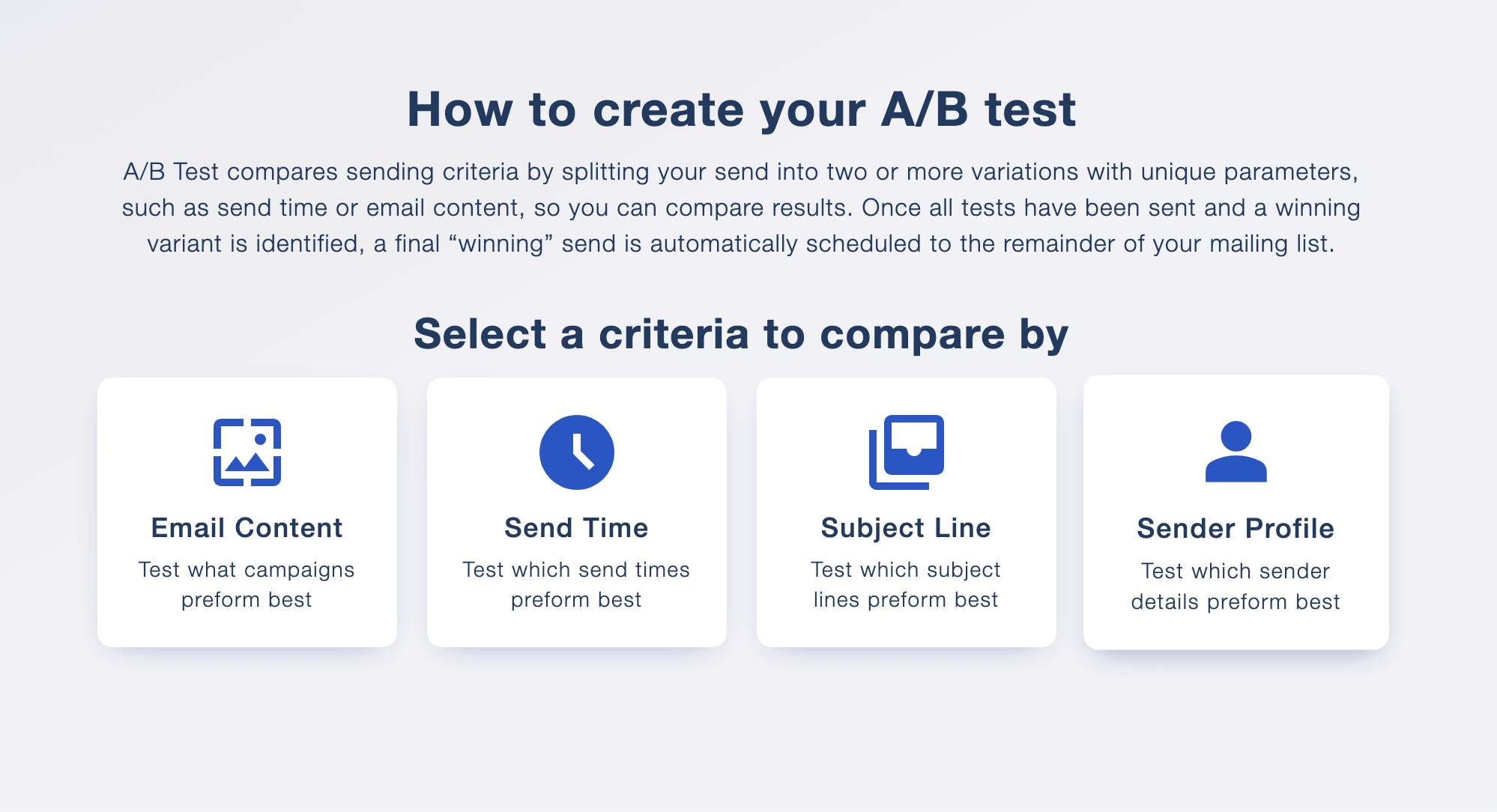
Compare one meaningful change at a time, such as the subject line or main call to action. Choose the success measure before the test and allow enough time for responses. Sample size depends on your audience and response volume; a small list may need several campaigns before a pattern is reliable.
Send when the message is timely and your audience is likely to find it useful. Start with a manageable frequency, tell subscribers what to expect and adjust using feedback. Repeatedly emailing disengaged contacts is unlikely to improve your results.
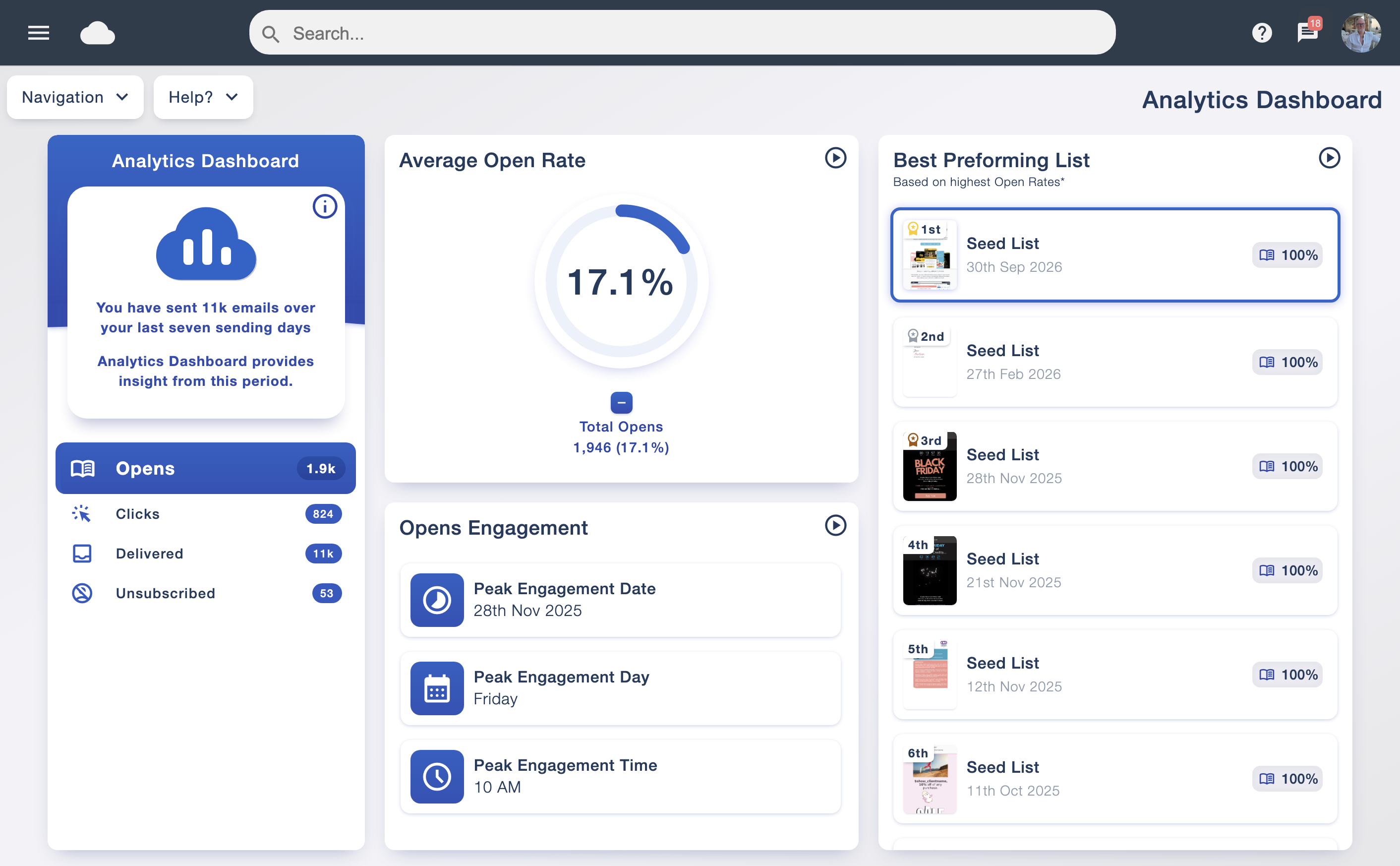
Review delivery and bounce reports first, then clicks, enquiries, bookings or sales. Open rates are a directional signal: privacy features and automated activity can affect them. Use consistent tracking links and compare campaigns with similar audiences and goals.
Identify the content and offers that prompted useful responses. Change one or two things in the next campaign and record what you learn. Remove invalid addresses, honour unsubscribes and review inactive subscribers. If you use website tracking, assess the applicable privacy and consent requirements before enabling it.
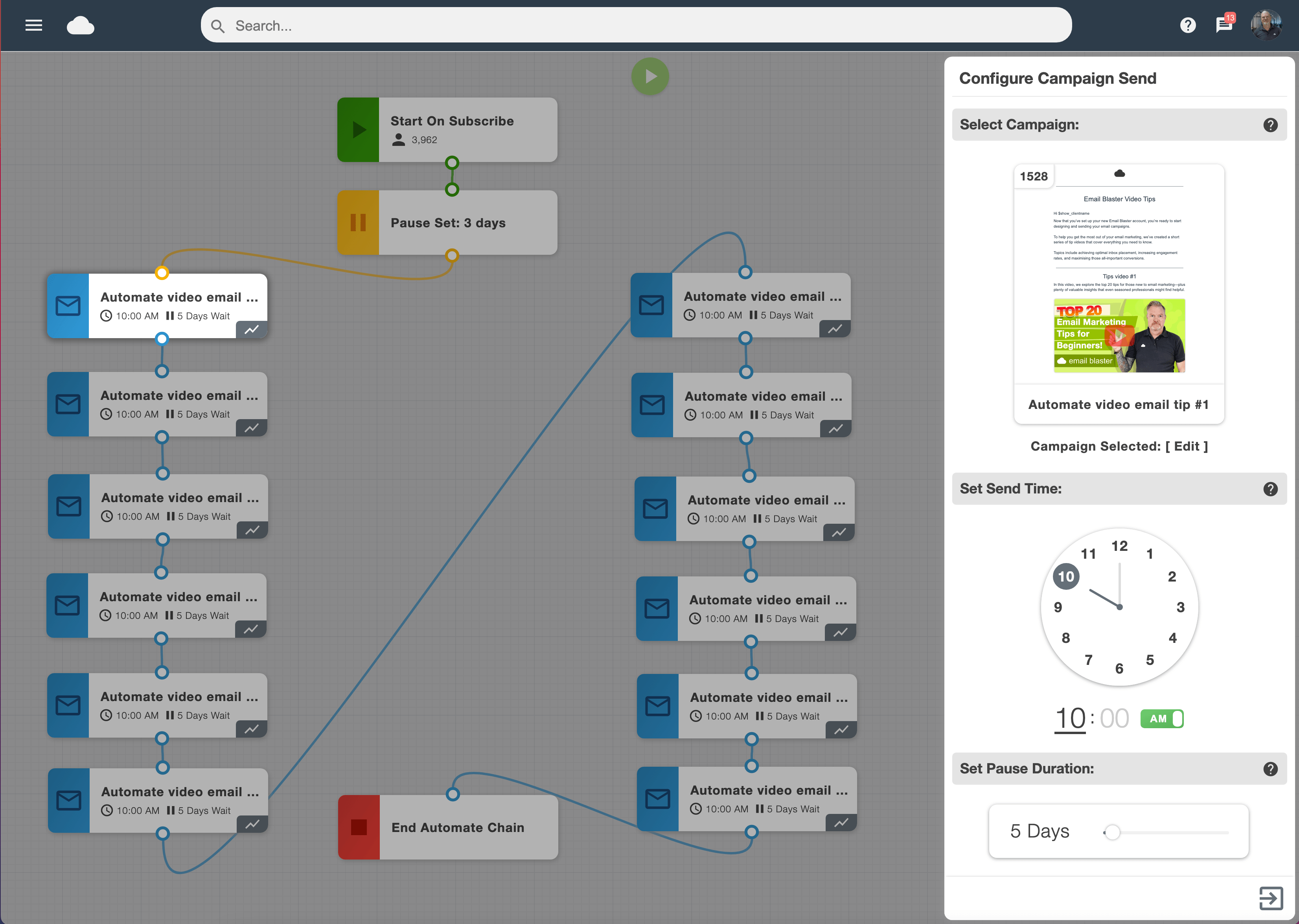
A short welcome journey can introduce your organisation, explain what subscribers will receive and point them towards a useful next step. Email Blaster’s automation tools can connect sign-ups to timed follow-up messages, reducing repetitive campaign work.
Define the trigger, delays and exit conditions. Check what happens when someone unsubscribes, changes segment or completes the intended action. Keep marketing permission separate from service communications and review automated messages regularly so offers, links and information stay current.
Email Blaster brings campaign creation, audience management and reporting into one browser-based workspace, with UK-based support when you need a hand.
Build branded sign-up forms and connect new subscribers to the right list.
Explore subscribe form builder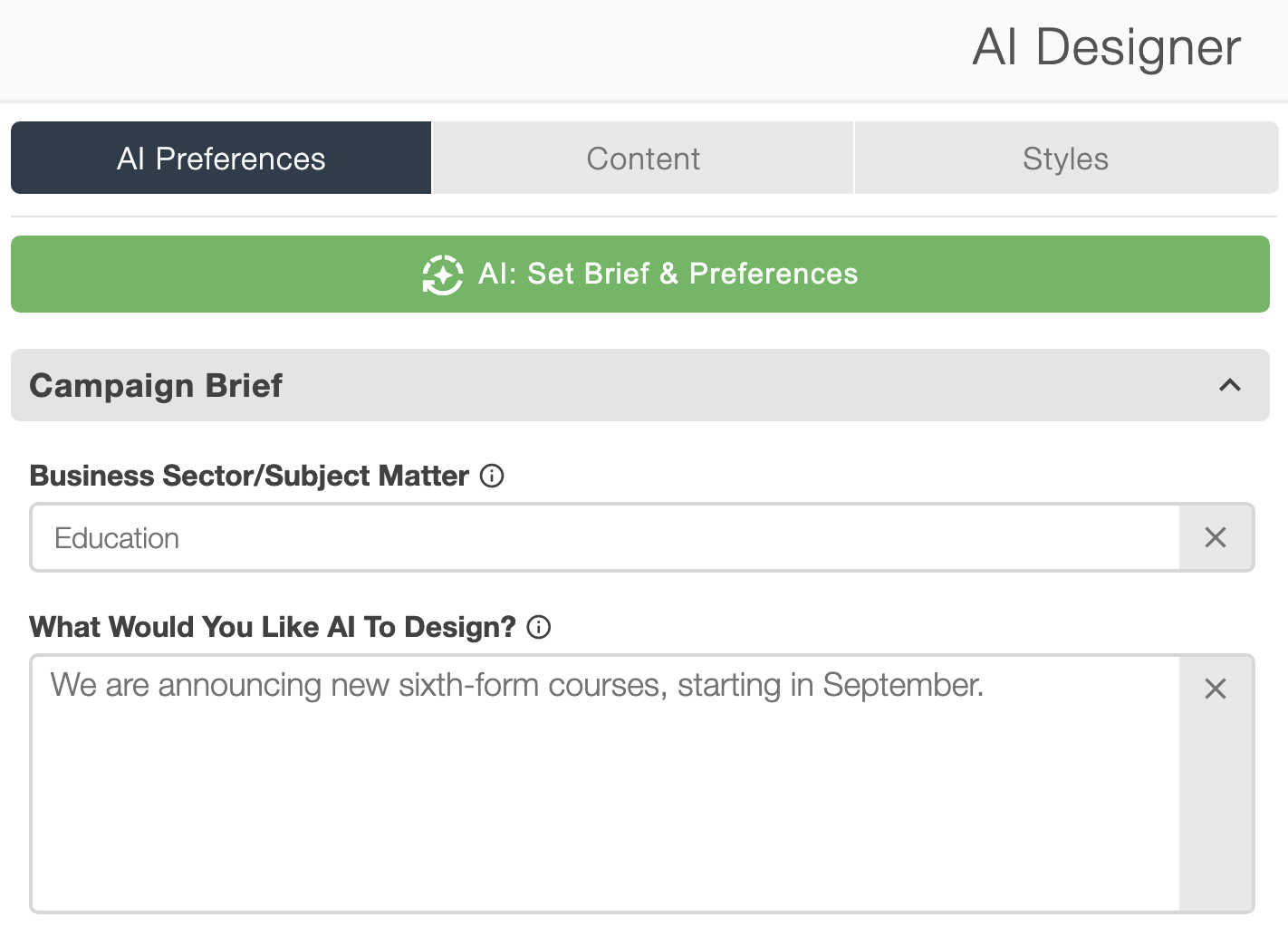
Create a starting draft of your email design and copy. Review facts, tone, imagery and links before sending.
Explore ai template builder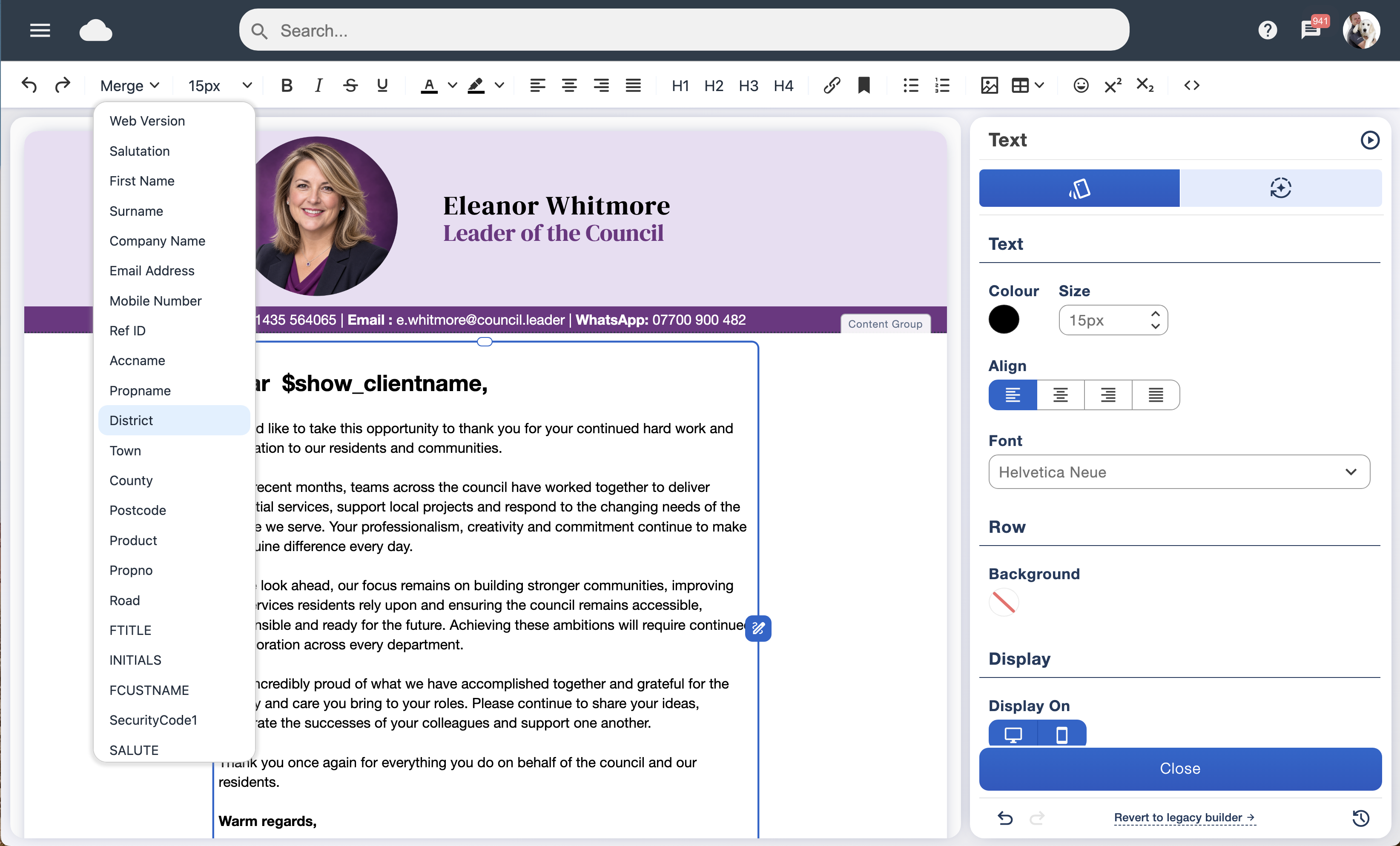
Store useful subscriber information and use merge fields to tailor your campaigns.
Explore custom data fieldsOrganise overlapping audience groups and select who to include or exclude.
Explore smart taggingCompare campaign variants and use your chosen success measure to guide the next send.
Explore a/b testing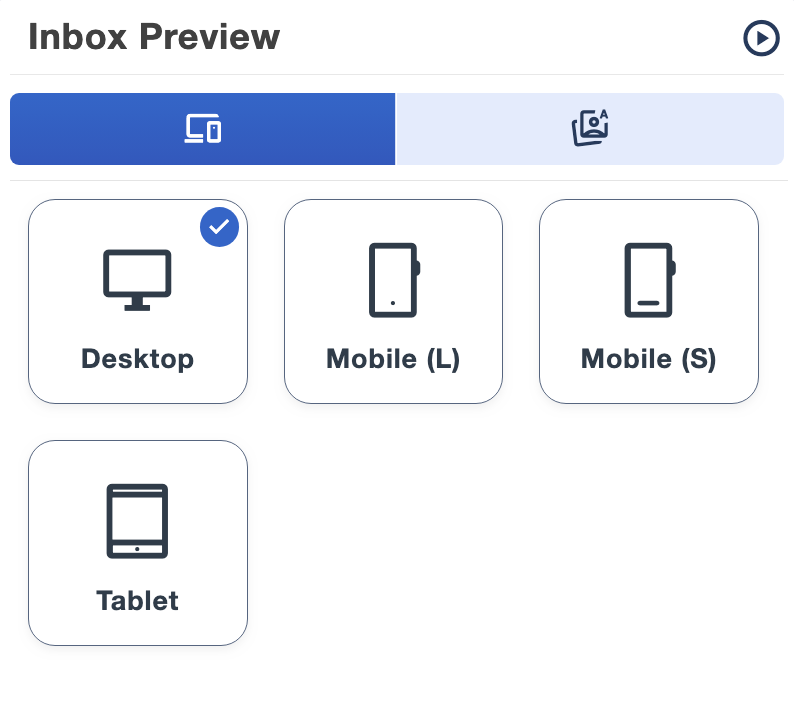
Check your design for potential inbox and content issues before a live campaign.
Explore inbox testing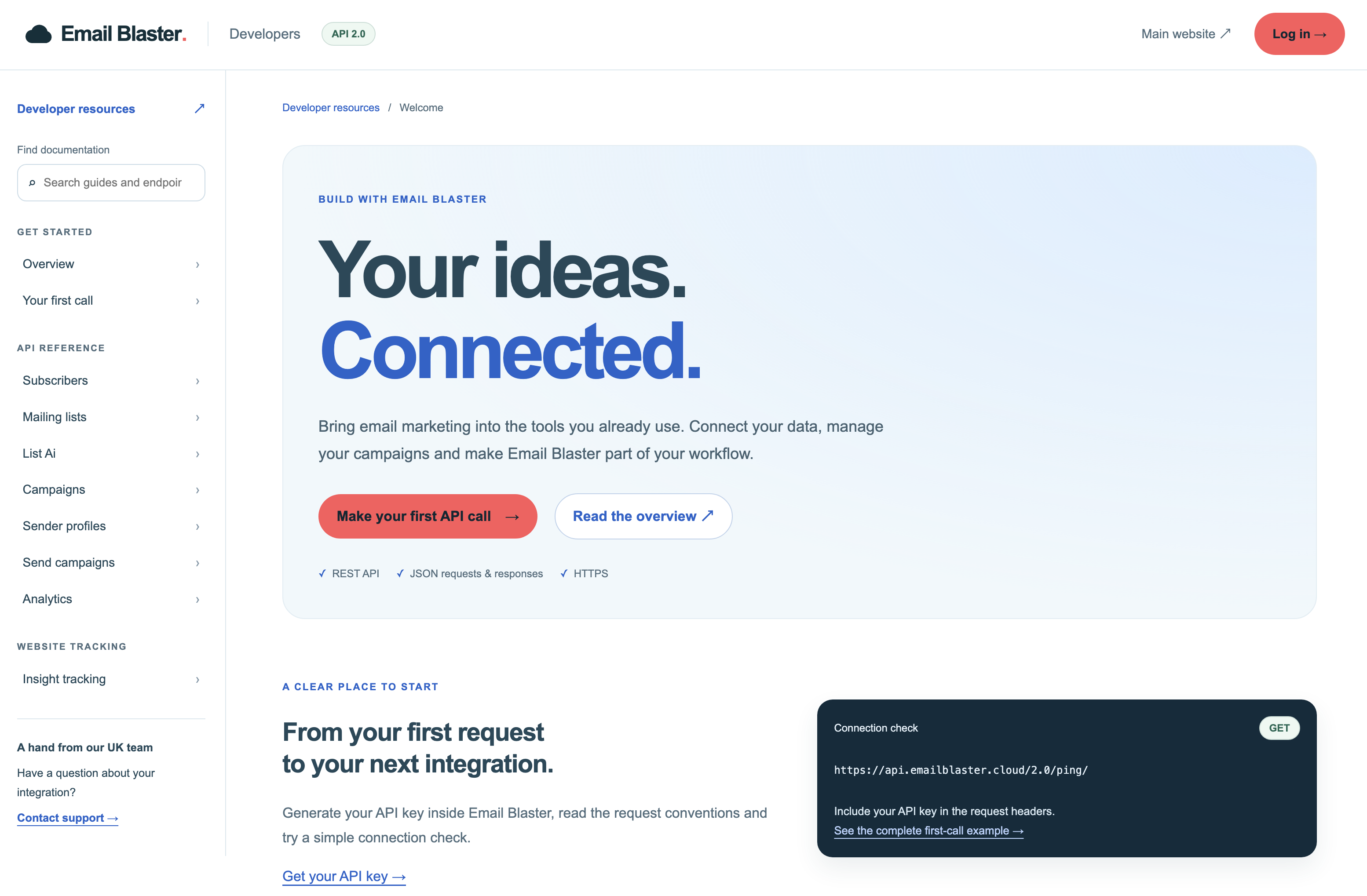
Connect your own systems to Email Blaster and manage how subscriber records stay in sync.
Explore api integration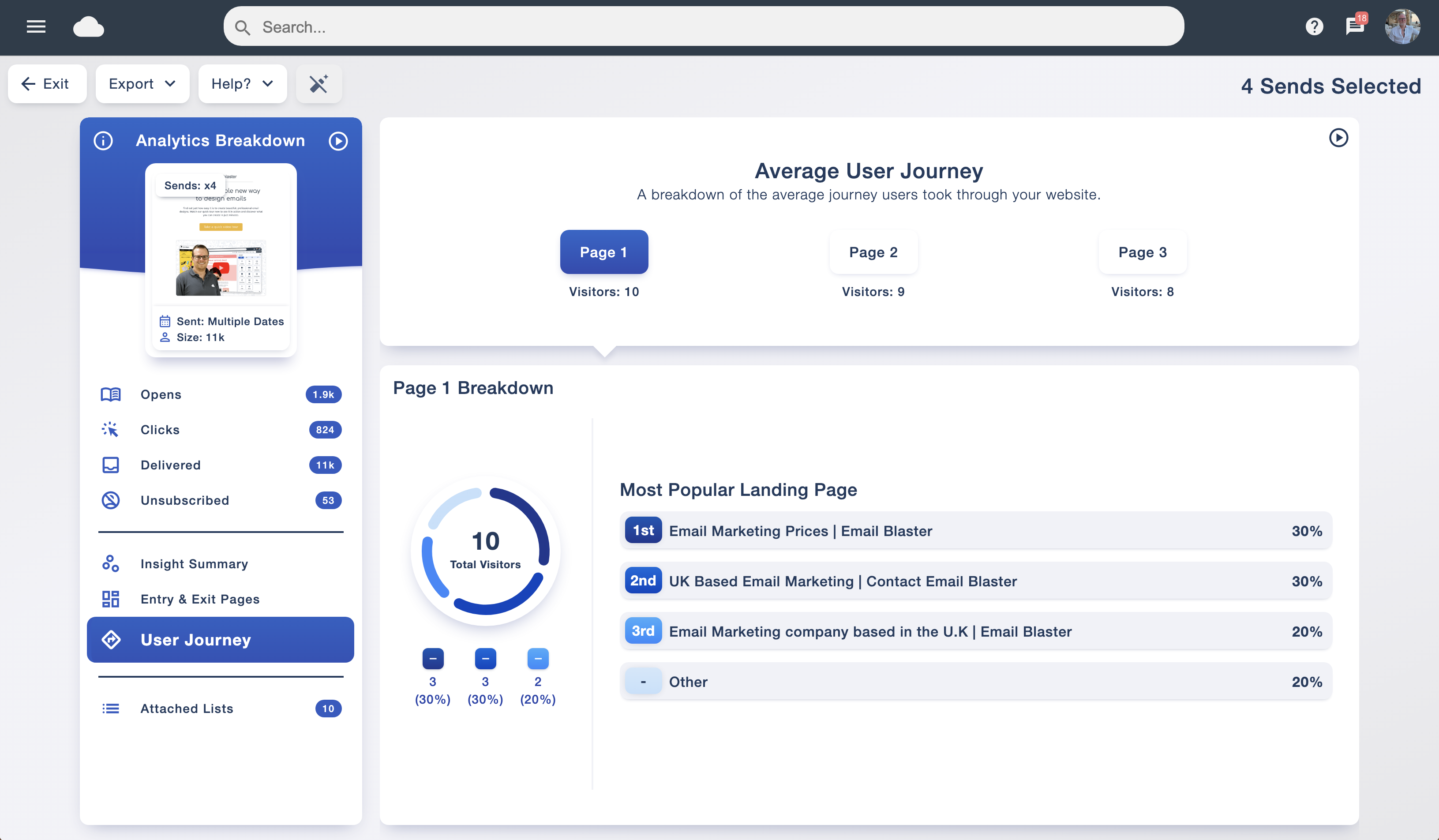
Explore activity after a campaign click and connect engagement to website outcomes.
Explore insight analyticsCreate timed journeys and follow-ups around relevant subscriber actions.
Explore automationBring your audience, design and campaign results together with Email Blaster and friendly UK-based support.
Join Email Blaster