UK email marketing software for agencies and teams
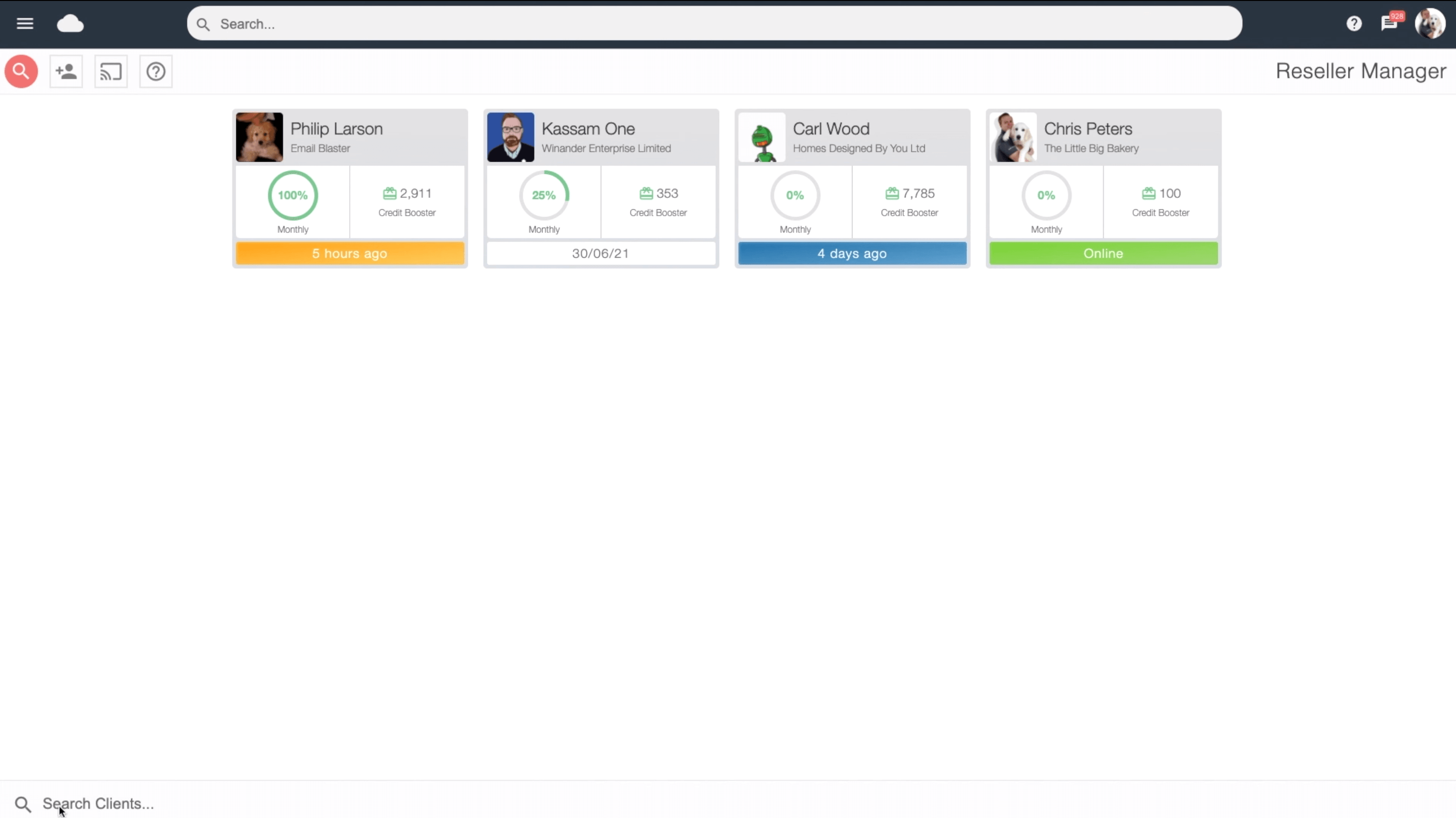
Reseller accountscreate your own network of child accounts.
Give every client or team their own workspace, with a parent account to oversee it all. Create unlimited sub accounts under one monthly subscription and share the resources they need.
Running campaigns for several clients means keeping track of different audiences, designs and deadlines. Parent and child accounts give each client a separate workspace, while your agency retains an overview from the parent account.
Create as many sub accounts as you need, with only one monthly subscription. You can organise your client work without having to manage a separate subscription for every account.
It is a practical fit for marketing agencies delivering email marketing on behalf of their clients, whether you manage a handful of brands or a growing portfolio.
Separate workspaces for users, departments and teams
The same approach works within one company. Give different users, branches or departments their own sub accounts to keep their day-to-day activity separate, with the parent account bringing the overall picture together.
A regional team can manage its own updates, while head office maintains visibility across the organisation. Your accounts follow the way your business works, rather than requiring everyone to share the same workspace.
For internal communications, combine this structure with your company and staff newsletters to keep each team’s work organised.
Keep sight of every sub account’s activity
The parent account can view all activity from its sub accounts. You can keep track of what each client or team is doing and maintain an overview of the accounts you manage.
This visibility helps agencies stay informed about client work and gives managers a clear view across separate users. Teams can work in their own accounts while the parent account remains connected to their activity.
Use campaign analytics to understand how your email campaigns perform alongside your account management workflow.
Share data and email designs between accounts
Transfer data securely
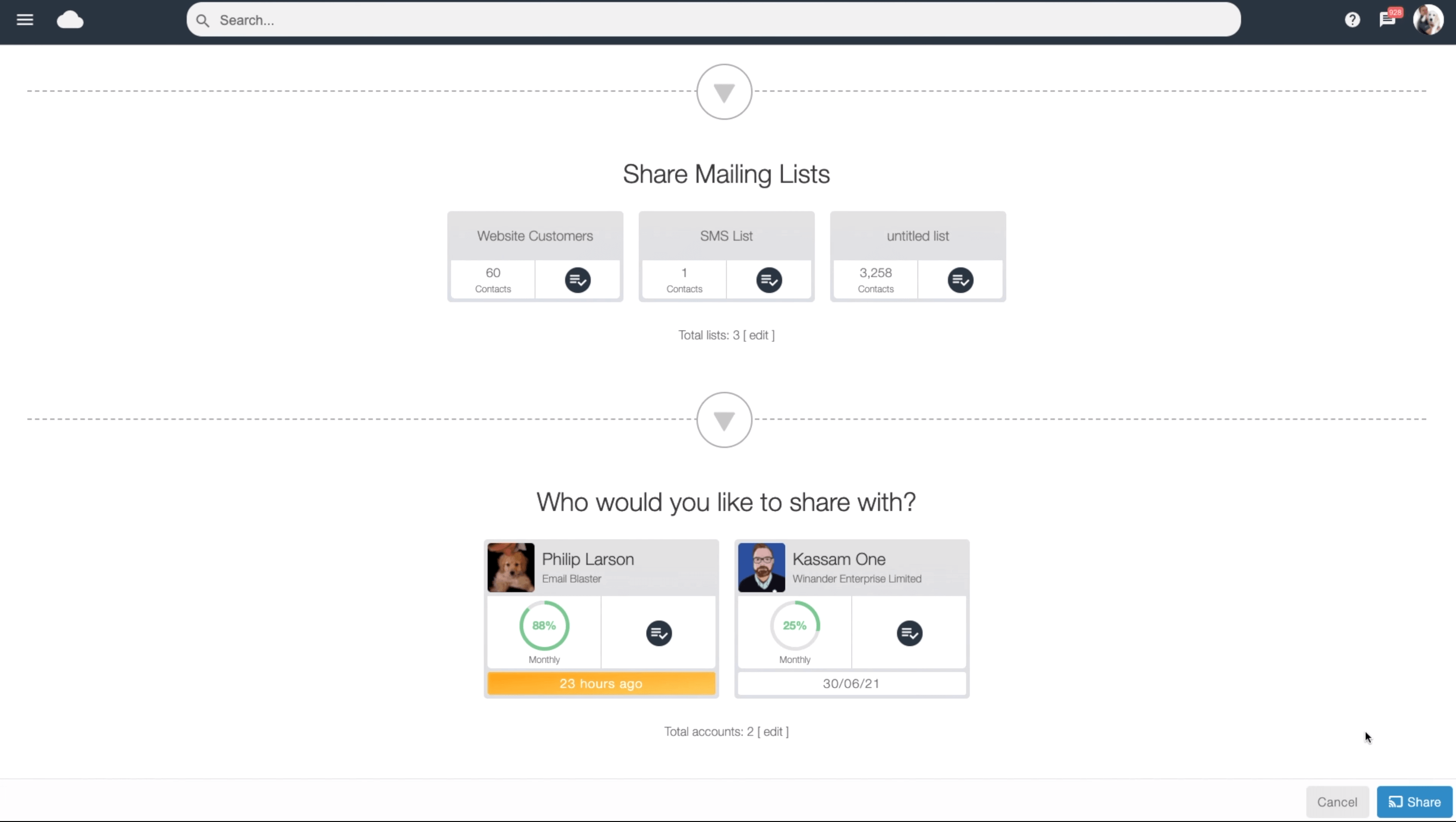
Transfer data securely between accounts when a client or team needs it. Keep the process within your account workflow and share the relevant data with the account that will use it.
Once it is in place, data tagging helps organise contacts into useful groups for future campaigns.
Transfer email designs
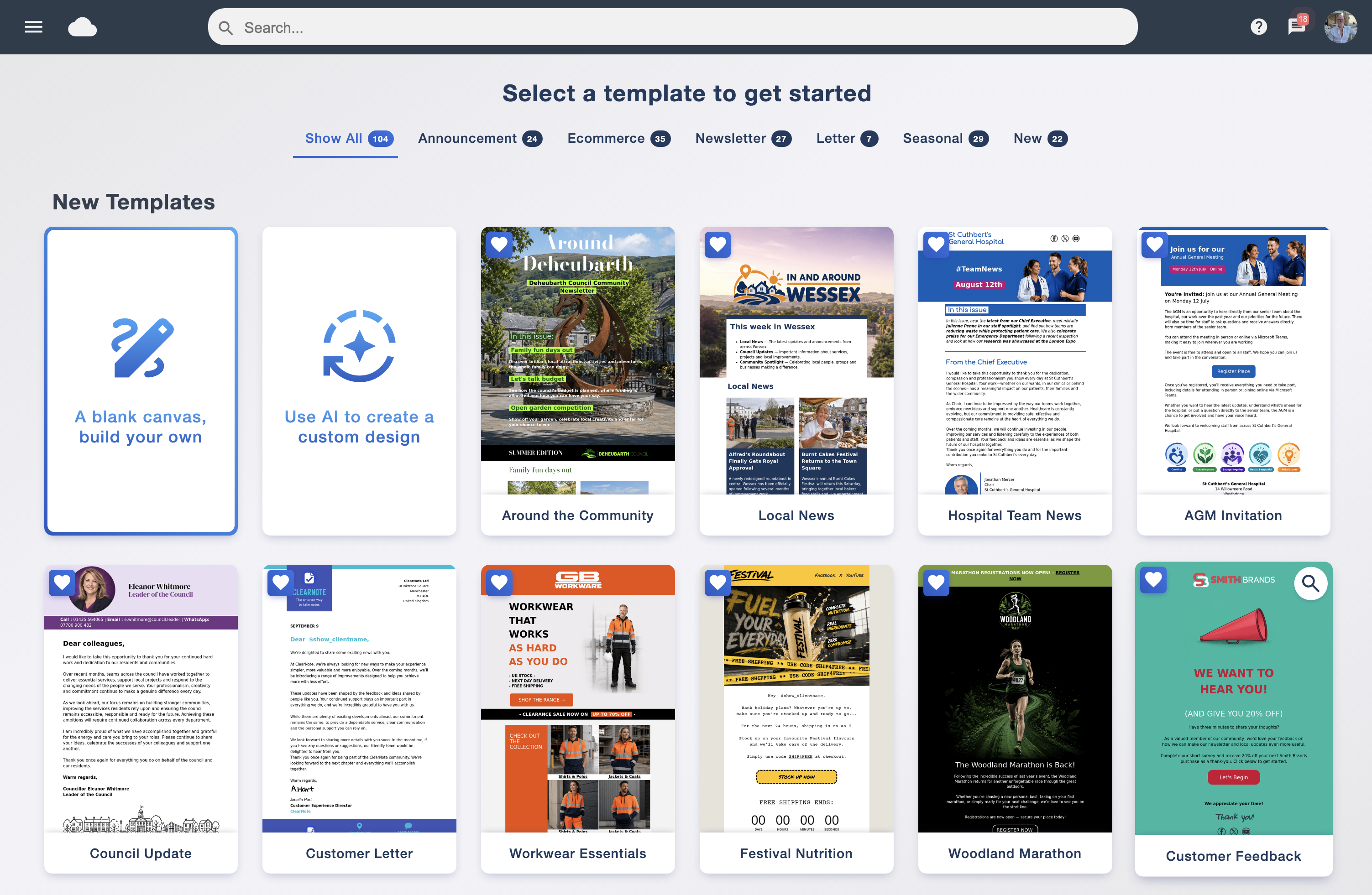
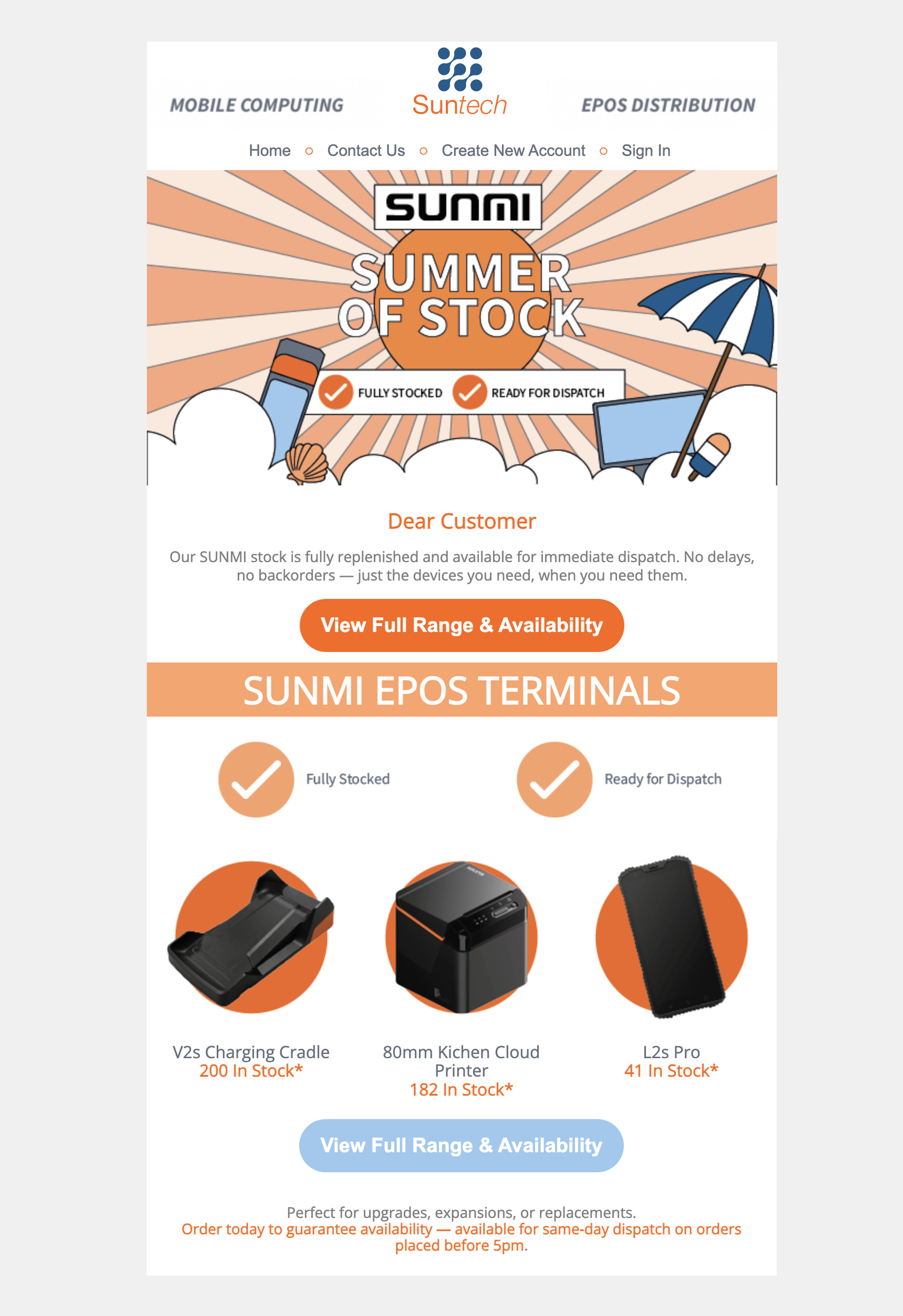
Share an email design between accounts rather than rebuilding it from scratch. Your parent account can provide a starting point that each team adapts for its own message.
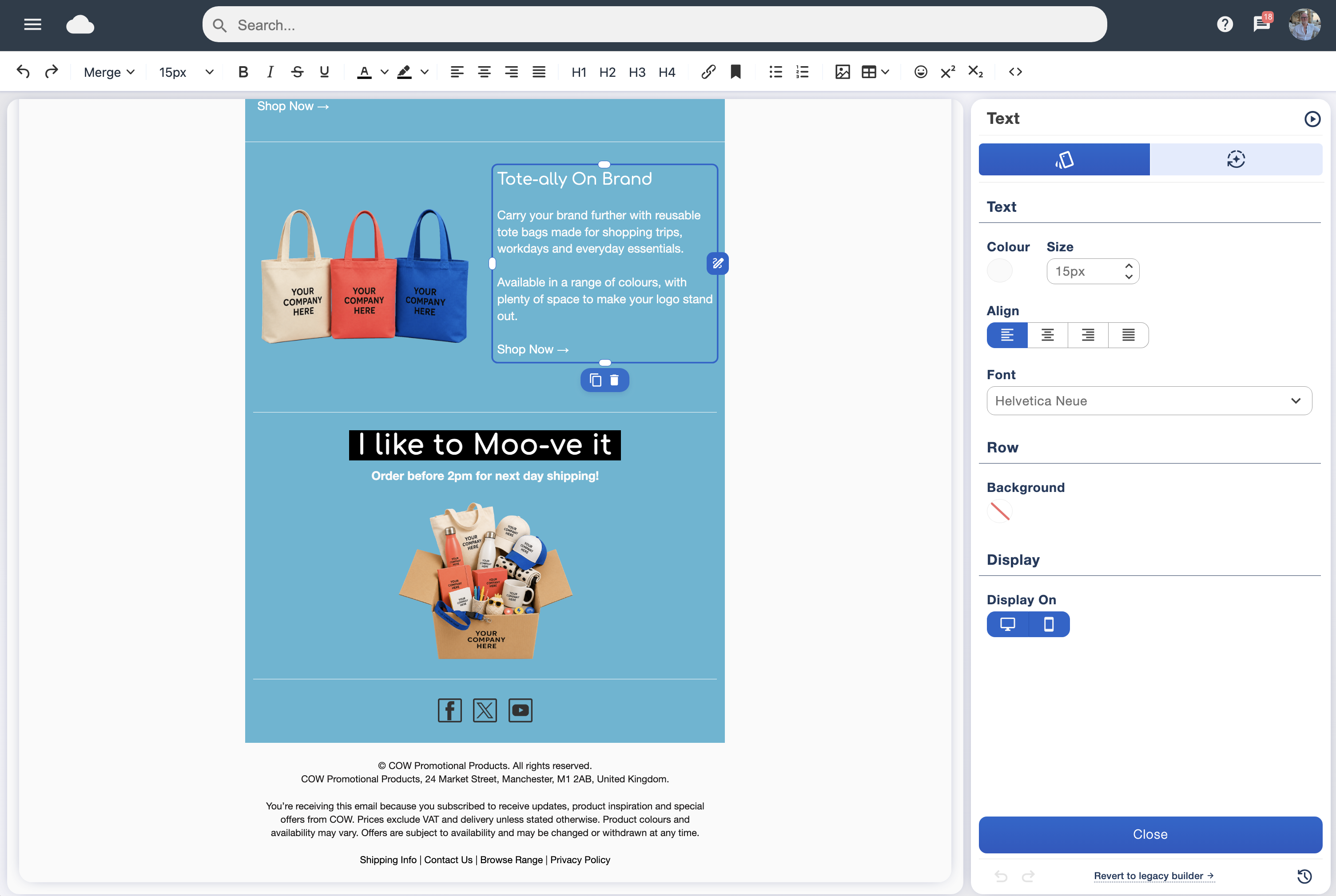
Create your layouts in the drag and drop designer and pass them to the sub accounts that need them.
Help every team follow your brand guidelines
When several people create emails, a shared starting point makes consistency easier. Prepare designs in the parent account with your organisation’s logo, colours, layout and preferred wording, then transfer them to the relevant sub accounts.
Teams can focus on their content while working from a design that reflects your brand. This is particularly useful for companies with multiple branches, or agencies that want each client’s communications to have a recognisable style.
Start with a design from the email template library, adapt it to your guidelines and share it with your teams.
Share send credits and set monthly allowances
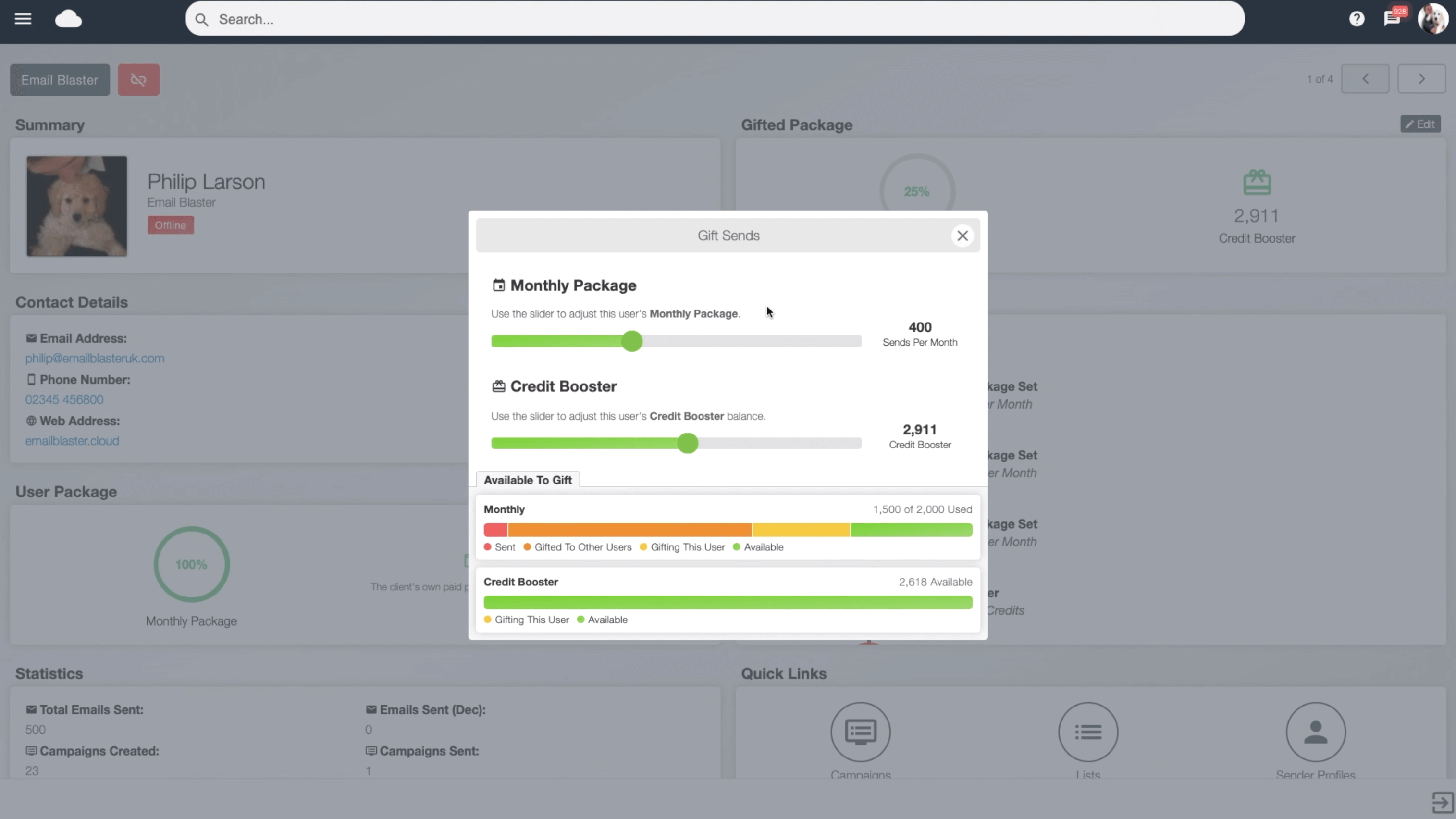
The parent account can share send credits with its sub accounts, giving clients or teams the resources they need for their campaigns.
For regular sending, automate a monthly send credit allowance to be transferred to a sub account. It is a convenient way to provide a recurring allocation without repeating the transfer manually each month.
You can organise allowances around each account’s requirements while keeping subscription management in one place. View our email marketing prices or talk to our team about the sending capacity your organisation needs.
01
Unlimited sub accounts
Create separate workspaces for clients or users under one monthly subscription.
02
Central oversight
View sub account activity from the parent account and share data and designs where they are needed.
03
Flexible credit sharing
Transfer send credits or automate a monthly allowance for your sub accounts.
UK email marketing software that fits your organisation
Email Blaster brings client and team account management together with email design and reporting. Keep separate workspaces, share useful resources and get help from our UK-based team when you need it.