Keep contact lists in order
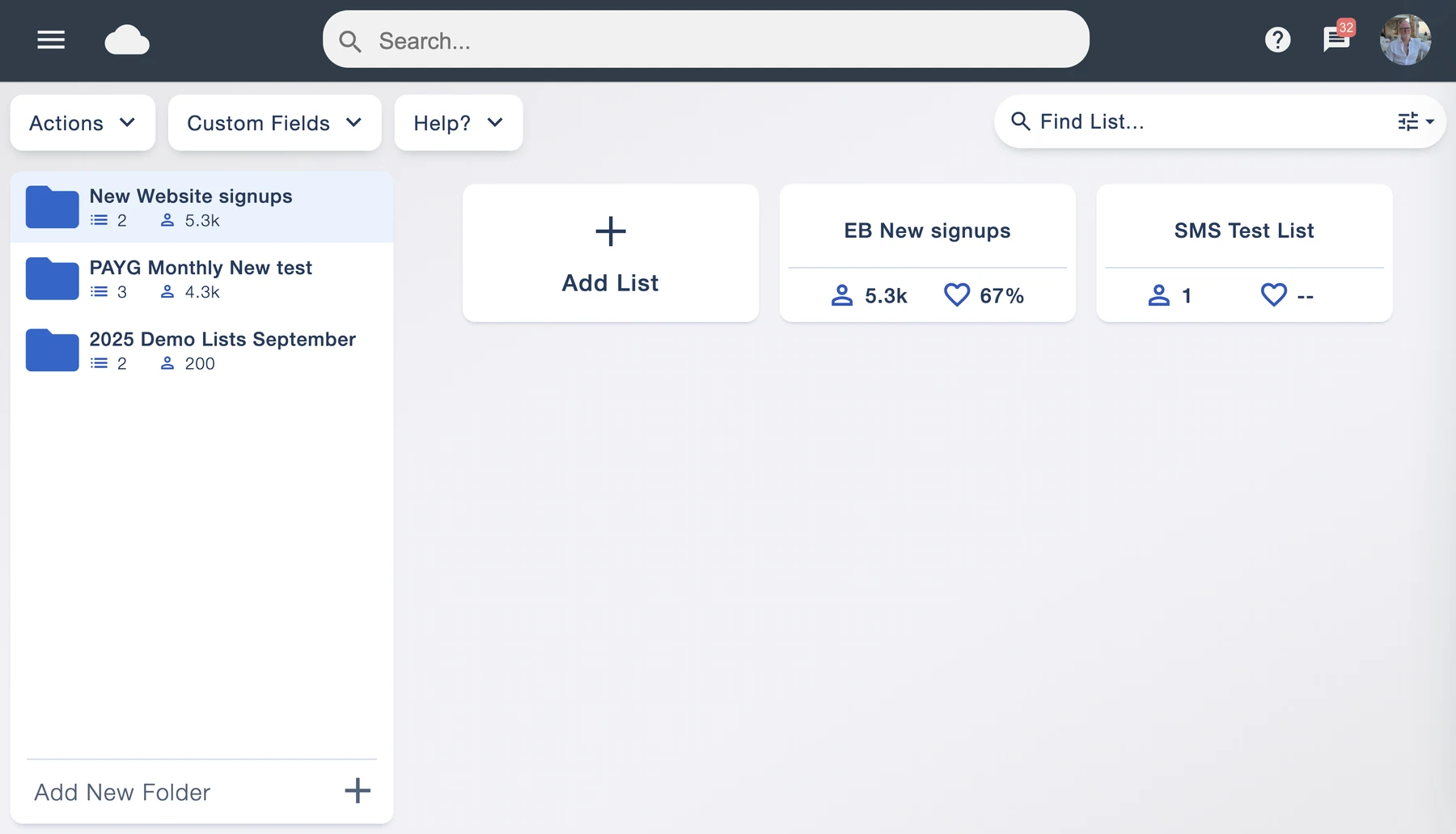
Give lists and folders clear names, group them around your workflow and move them as your campaigns change.
More subscribers should mean more opportunity. Store unlimited contacts and create as many mailing lists as you need, without a separate charge for growing your audience.
Contact and list storage is free. Choose a monthly sending plan or pay as you go when you’re ready to send. Account terms apply.
Your audience can grow without a new contact-storage bill every time you upload a list. Keep existing customers, new enquiries and newsletter subscribers together in one place, with no separate charge based on how many contacts you store.
Some email marketing plans become more expensive as the number of stored contacts increases. Email Blaster bases its pricing on sends, so adding people to your audience does not itself increase your sending plan.
Build separate lists for brands, branches, events or different types of update. You can create unlimited lists without paying extra for each one, and keep your audience organised as your business grows.
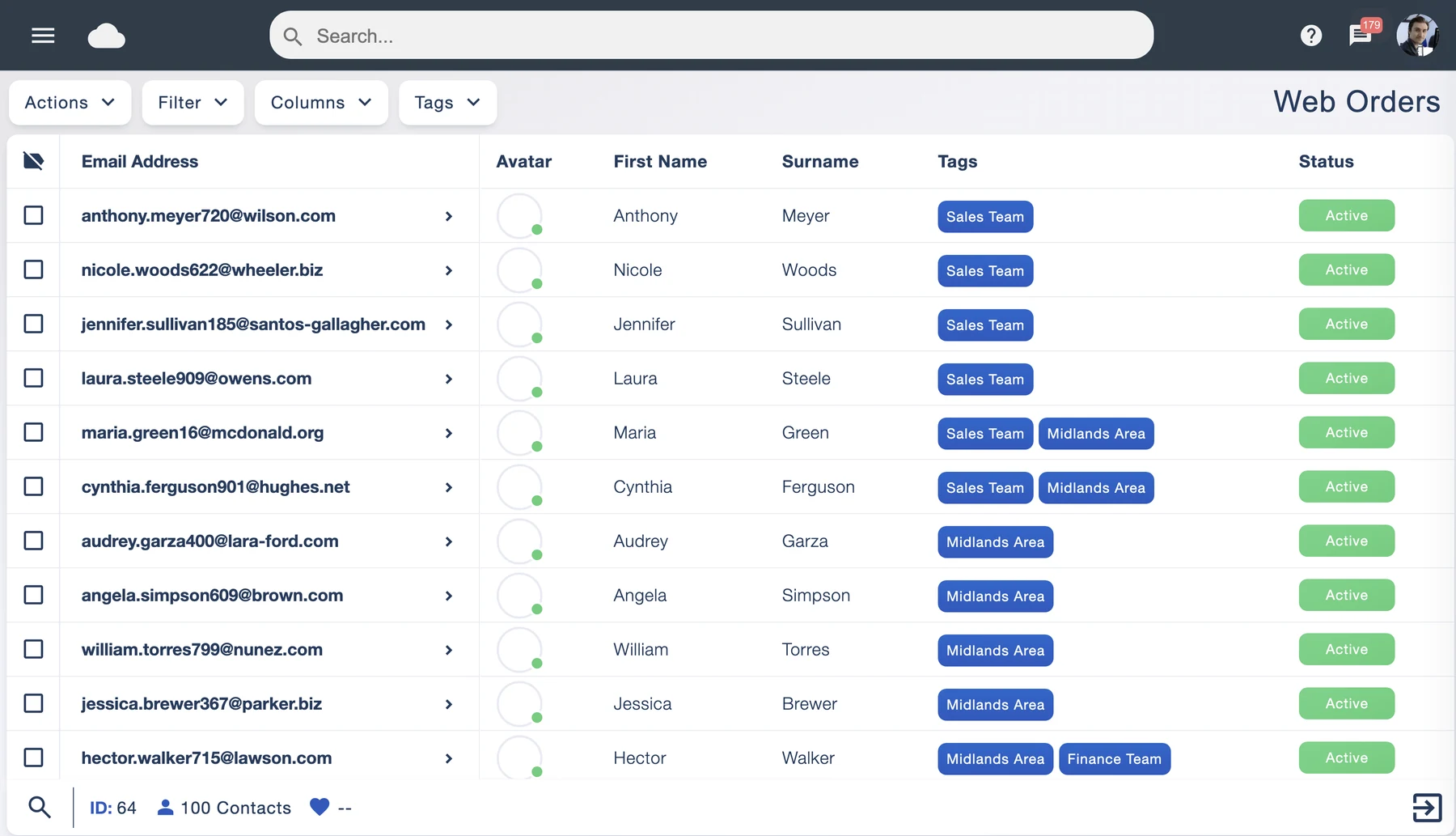
Attach tags to subscribers to record interests, locations, teams or customer groups. A contact can carry more than one tag, helping you recognise the different things you know about them without losing sight of the person.
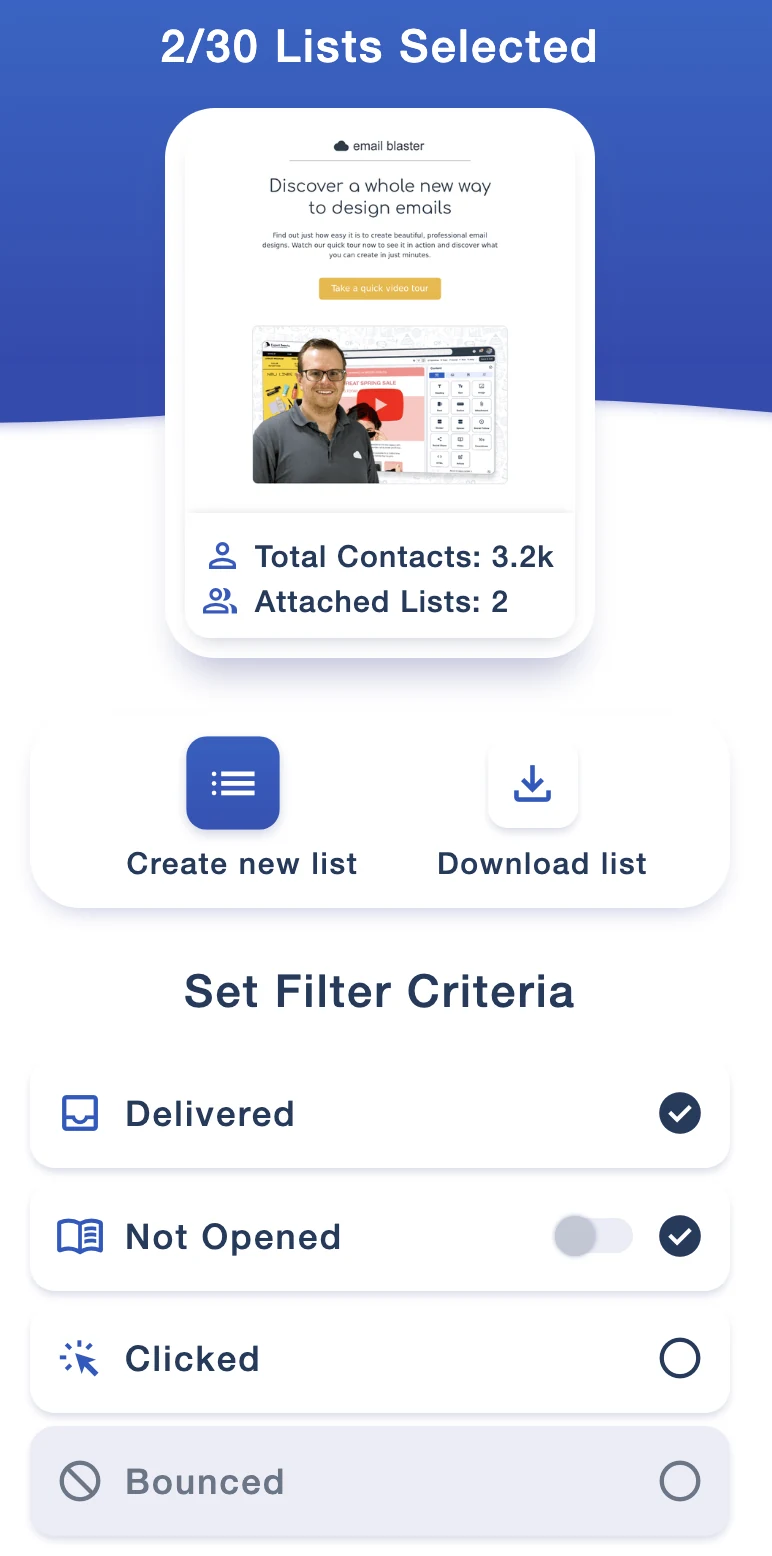
Use List Builder to create a focused mailing list from your campaign results. Choose people whose email was delivered but has no recorded open, or build a list of subscribers who clicked a link.
Give each new group a relevant next message: a considered reminder, more information about a product, or a follow-up to an offer that caught their attention.
Select your source lists, set the available engagement filters and save the resulting audience as a new list. Recorded opens are an indication of activity rather than proof that someone has or has not read an email.
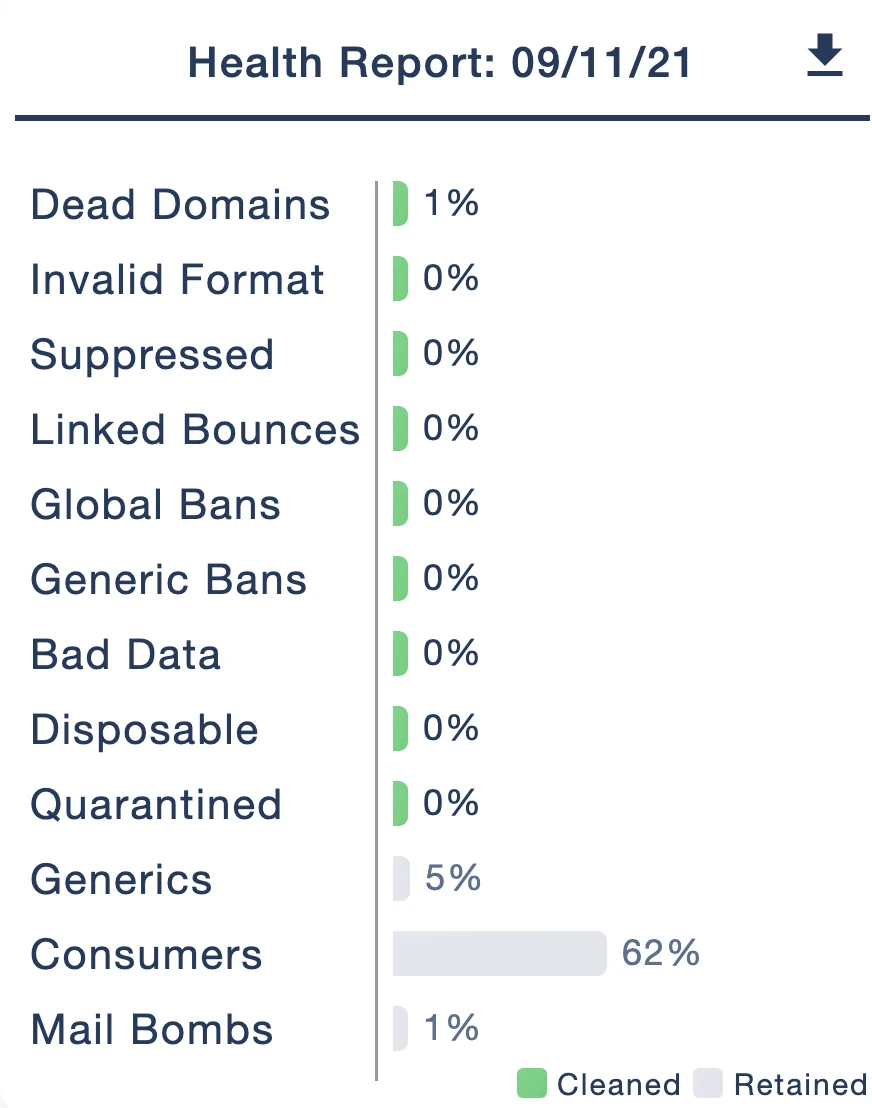
Every list is automatically scanned on import. Checks identify and remove invalid data, dead domains and previously unsubscribed addresses from your active sending audience, helping you avoid preventable bounces and respect opt-outs.
A list scan can also correct recognised address typos automatically. The health report shows the checks and the data retained or cleaned, so you can see what happened to your import.
Regular cleaning helps protect your sender reputation and gives campaigns the best possible starting point. Combine it with relevant content, permission-based lists and good sending habits; cleaning alone cannot guarantee inbox placement.
The mailing-list data you upload to Email Blaster is stored in our Milton Keynes data centre and stays in the UK. Our own team manages the servers and network behind the platform.
UK data storage gives you a clear answer about where your subscriber records live and supports your GDPR responsibilities. You still need to collect and use contacts appropriately, record permission where required and respect unsubscribes.
Our UK team can talk through your organisation’s data-location and supplier-review requirements before you get started.


Import additional information alongside each subscriber’s email address and use it to personalise your campaigns with mail merge. Stock fields include first name, last name, company name and salutation.
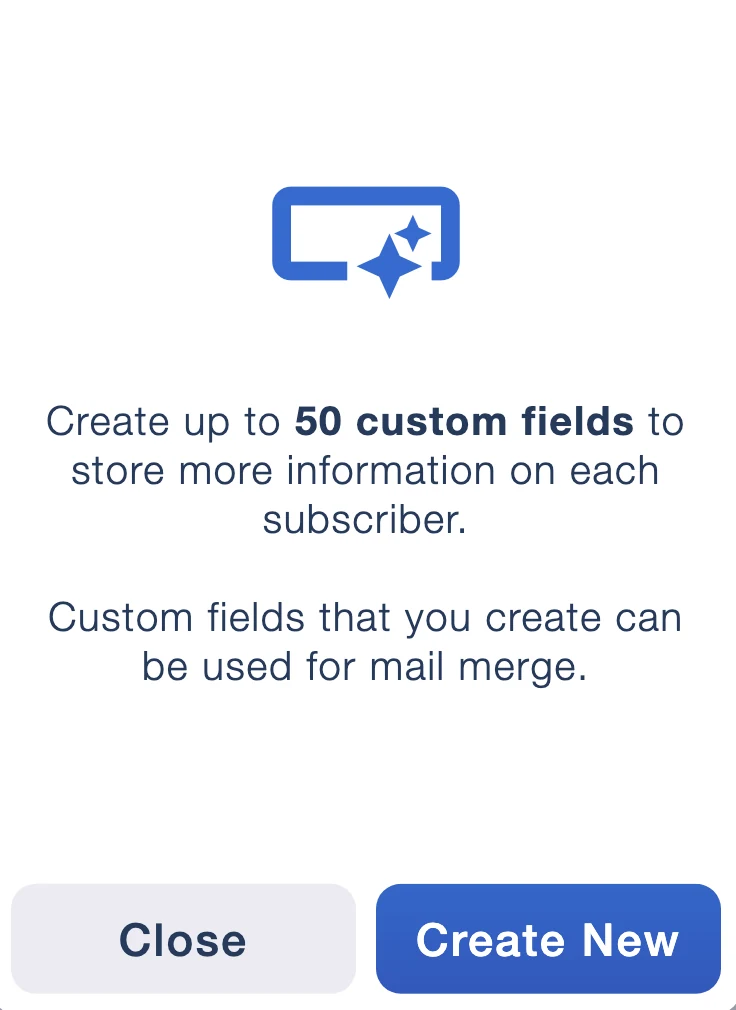
Create up to 50 additional columns of mail-mergeable data for the details your business uses: a membership number, renewal date, preferred branch or product interest, for example.
Bring those details into your email to make each message more useful. Preview the finished campaign and check your fields before sending.
Create folders and drag lists between them to keep customers, projects and teams easy to find. Use the built-in data tools to remove duplicates or merge lists when you want to bring audiences together.
Give lists and folders clear names, group them around your workflow and move them as your campaigns change.
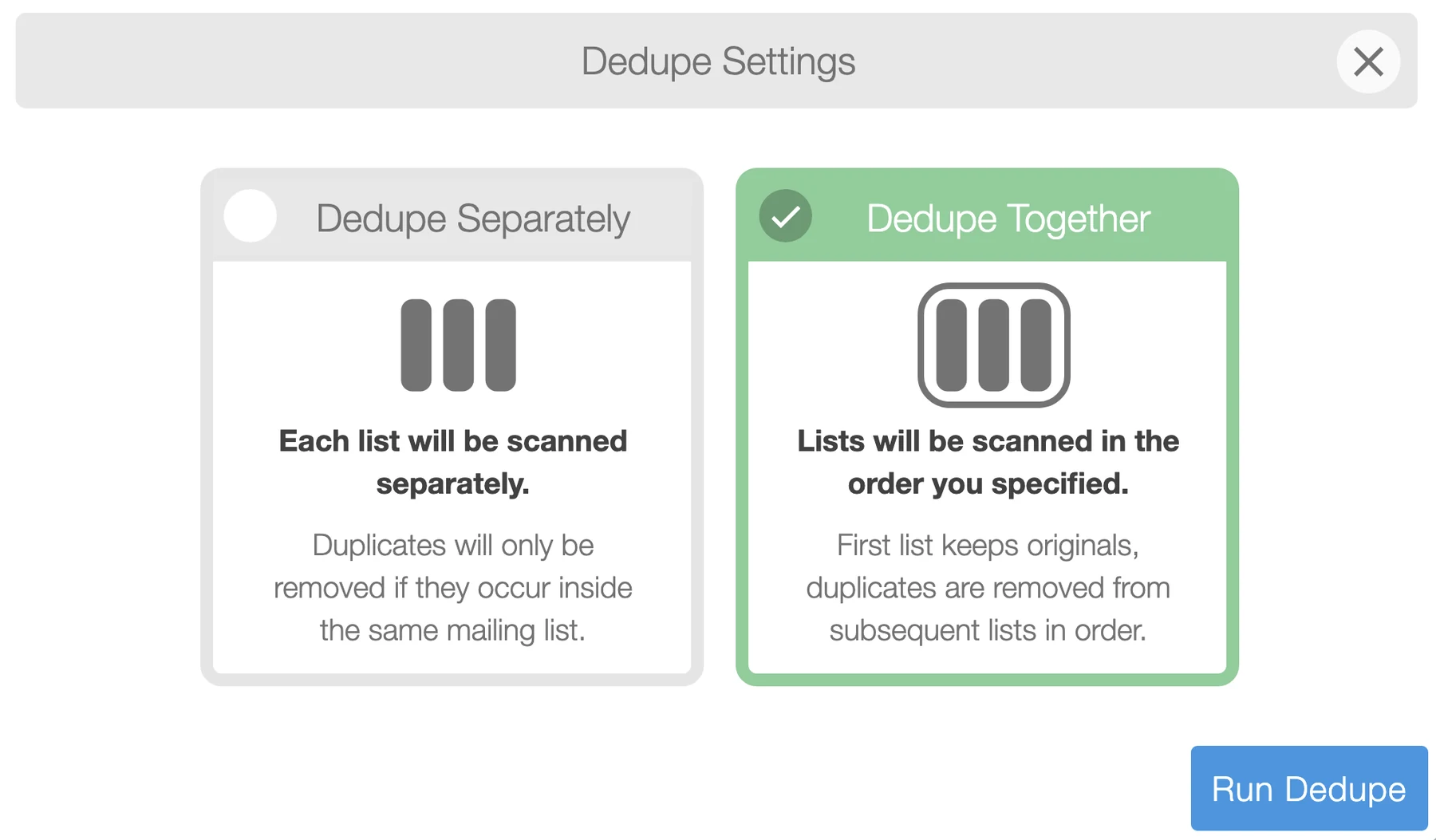
Scan lists separately or together. A combined scan keeps originals in the first list and removes duplicates from subsequent lists in the chosen order.
Keep permission and list quality at the heart of your growth. Read our guide to building mailing lists.
Unlimited contacts and lists, useful data tools and a friendly UK team when you need a hand.