For independent shops, growing brands and online retailers
Give customers a reason to return.
Retail email marketing works best when it helps people choose: a useful buying guide, a well-timed new arrival or a thoughtful reminder about your seasonal range.
Build a newsletter people recognise and look forward to. Here are practical campaigns for UK shops and e-commerce businesses, with a worked plan you can adapt using Email Blaster’s UK email marketing software.
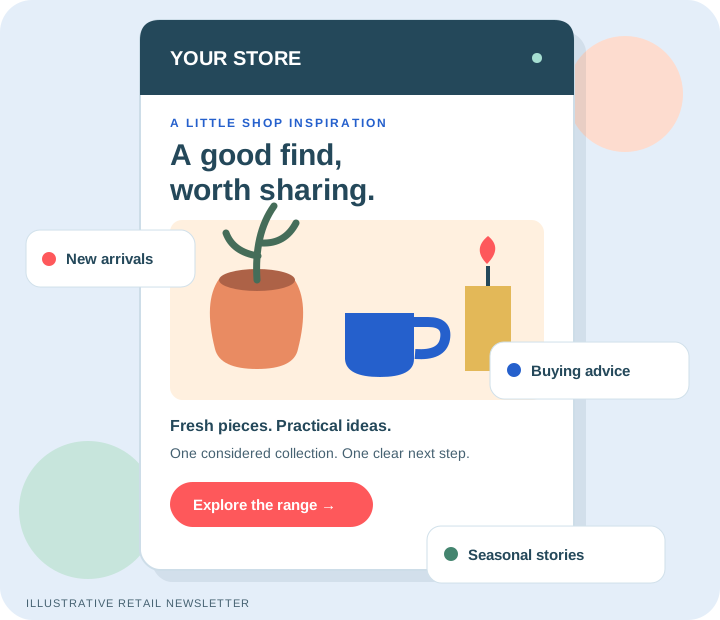
Illustrative retail newsletter: one theme, one useful next step.
UK mailing-data storageFriendly UK supportClear send-based pricing
A useful email earns its place
Start with the customer’s next decision
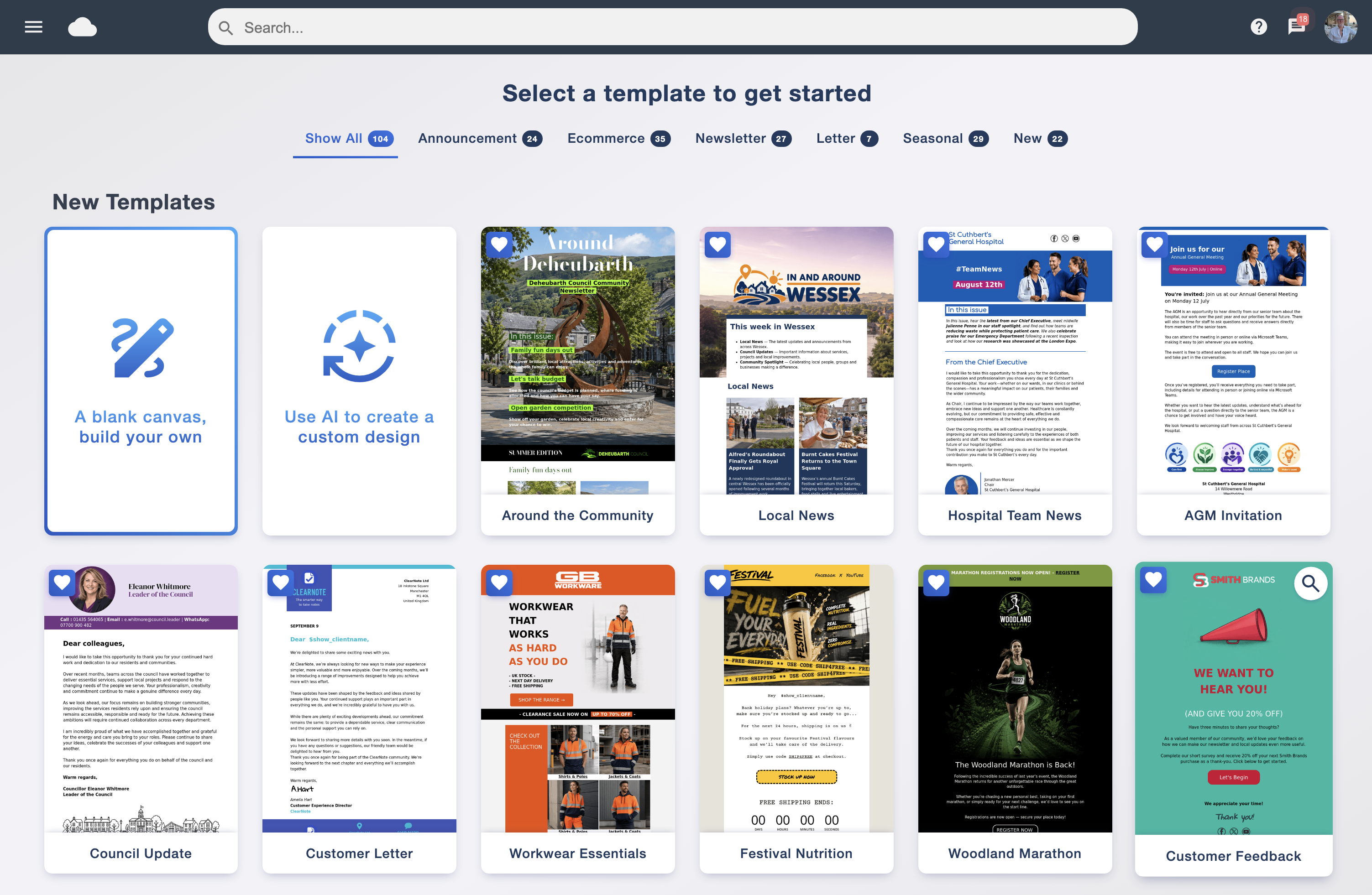
A shop has more to talk about than a discount. Customers may need help choosing the right size, finding a gift, caring for a purchase or deciding whether a new range suits them. Start with one of those questions, then choose the products and message that answer it.
For a local shop, the next step might be checking your opening hours before a visit. For an online retailer, it might be reading a product guide or browsing a small collection. Match the email’s promise to the page it links to: a gift email should open the gift selection, rather than leave someone searching the whole website.
Make the audience specific
Use interests subscribers have shared, such as homeware, gifts or local events. Keep a general newsletter available for people who have not selected a preference. An interest tag describes a preference; it is not evidence of a purchase.
Plan for stock and season
Check availability, delivery information and store hours before scheduling. Prepare an alternative message if featured stock sells out. A scheduled email does not automatically refresh its products when your shop changes.
Choose a manageable rhythm
Begin with the frequency you promised at sign-up. Put useful advice between promotional sends, and review overlap when someone belongs to several audiences. A calendar should help you avoid unnecessary messages.
Make your next send worth opening
Eight retail email campaign ideas to adapt
These are illustrative ideas, not performance promises. Each gives you a purpose, an audience and a useful next step without relying on a store integration or purchase-triggered automation.
01 / New arrivals
Show the story behind a small collection
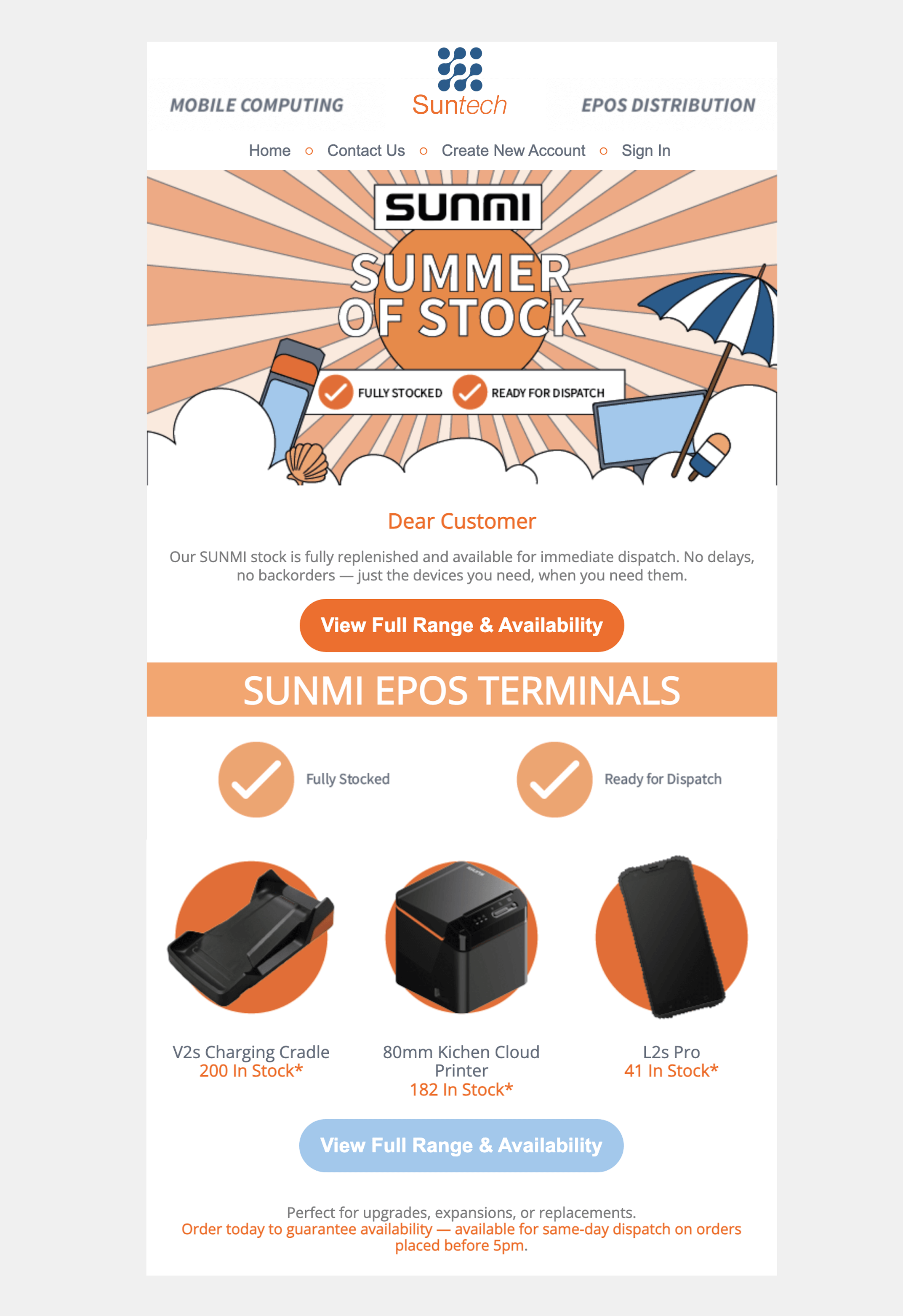
Introduce three or four related products and explain what connects them: materials, a season, a use or a maker. Give each item a useful detail rather than filling the email with an entire catalogue.
Send to people who asked for that category’s news, or make a broader introduction in your regular newsletter. Use one main link to the collection and check every featured item is available before sending.
Subject idea: “Meet our new pieces for cosy evenings” Next step: Explore the collection.
02 / Buying advice
Answer a question customers ask in the shop
Turn a real question into a short guide: how to choose a plant pot, compare fabrics or measure for a shelf. Include a simple comparison and the detail someone needs before making a decision.
Link to a fuller guide or a relevant product category. Try this with an audience that has expressed an interest in the topic. Useful advice gives the campaign a purpose even when the reader is not ready to buy today.
Subject idea: “Which planter fits your space?” Next step: Read the size guide.
03 / Gift inspiration
Organise gift ideas around the recipient
Build a small edit for a particular need, such as a host, a keen gardener or someone setting up a new home. Explain why each item belongs in the selection. If you use a budget, check the displayed prices and what they include.
Keep the campaign focused on a relevant occasion. Link to a maintained gift page, and include wrapping or delivery details only if your shop actually offers them.
Subject idea: “A little thank-you for the host” Next step: Browse the gift edit.
04 / Local visits
Make a store event easy to plan around
Invite interested local subscribers to a demonstration, late opening or meet-the-maker afternoon. State the date, location, accessibility information you can verify and whether booking is needed.
Give readers one link to your own event details or booking page. Email Blaster sends the invitation; your existing website or booking provider manages any reservations. Do not send a local-only reminder to a nationwide list without a useful reason.
Subject idea: “Join us for a Saturday maker afternoon” Next step: View the event details.
05 / Product care
Help people get more from what you sell
Share practical care advice for a product category: washing instructions, storage, setup or seasonal maintenance. Check it against the manufacturer’s instructions and avoid a claim that could damage an item.
This can be a helpful newsletter for subscribers interested in the category. A purchase-specific follow-up needs reliable, permissioned purchase data and a verified workflow; do not assume the email platform knows what someone bought.
Subject idea: “Keep your favourite knit looking its best” Next step: Read the care notes.
06 / Maker stories
Introduce the people behind the range
Show a maker, buyer or team member explaining one choice behind a product. Use an original image you have permission to publish and a concise story with a useful link to the range.
Verify sourcing, sustainability and local-production claims before including them. Specific facts are more useful than vague promises about being “the best” or “eco-friendly”.
Subject idea: “Why we chose this season’s colours” Next step: Meet the collection.
07 / Seasonal reminders
Give customers a clear deadline they can trust
Explain a real final-order date, seasonal opening time or end of an offer. State any exclusions and link to current delivery or collection details. Give readers enough information to decide without artificial urgency.
Check the deadline with the team fulfilling orders before scheduling. If circumstances change, review the queued campaign and update it. Send the reminder only where it is relevant to the permission and expectations of the audience.
Subject idea: “Your guide to our festive opening hours” Next step: Check the dates.
08 / Subscriber feedback
Ask one question that improves your next newsletter
Invite subscribers to choose which topic they would like to hear about: styling ideas, care advice or news from the shop. Link to an existing preference page or a suitable form, and explain how their answer will be used.
Keep the request short and avoid collecting unnecessary personal information. Use the responses you can reliably record to plan future audiences; a link click alone does not grant a new marketing permission.
Subject idea: “What would you like from our next shop update?” Next step: Share a preference.
A worked example, not a rule
A four-week campaign plan for an independent shop
Imagine a UK homeware shop with 600 opted-in newsletter subscribers. Within that list, 180 have asked for gift ideas and 120 for local event news. These groups can overlap. The shop wants to introduce a seasonal range while giving customers helpful reasons to visit online or in person.
Week 1 · 600 recipients
Introduce the range
A short seasonal collection story for the newsletter audience.
One next step: view the rangeWeek 2 · 180 recipients
Make choosing easier
A gift guide for the subscribers who selected gift inspiration.
One next step: read the guideWeek 3 · 120 recipients
Invite a local visit
A verified maker-event invitation for local-news subscribers.
One next step: event detailsWeek 4 · 600 recipients
Share useful dates
A seasonal newsletter with checked opening and collection information.
One next step: check the dates
Illustrative audience sizes and timing. Review permissions, overlap and current exclusions before every send.
Planned volume: 600 + 180 + 120 + 600 = 1,500 recipient-sends. This is a planning example, not 1,500 different people. Unsubscribes and other exclusions may reduce each final audience. Someone in both smaller groups could receive four emails, so check that this matches the frequency they expect.
Before week one, create the landing pages, verify stock and deadlines, and prepare the four designs. Use send scheduling to organise the calendar, then review the audience and content again before each campaign. Keep a record of any change so the team can see what actually went out.
Use the volume estimate when comparing send-based monthly packages. Seasonal peaks can change your needs: move your monthly package up or down as your month-by-month sending volume changes, using the current pricing and account terms.
Put the ideas to work
Useful Email Blaster tools for retail campaigns
Collect clear sign-ups
Use subscribe forms to invite people to your newsletter. Explain the benefit and expected frequency. Place the form link on your website or a printed in-store sign; a customer receipt is not a substitute for checking marketing permission.
Organise interests
Smart data tagging helps organise contacts around categories you maintain. Use it for recorded preferences such as gifts or local events. Maintain those categories from information you have actually collected, keeping preferences up to date.
Build a focused follow-up
List Builder segmentation uses available campaign-engagement filters to create a list. Review a relevant audience for a useful follow-up, respecting their existing permission and unsubscribe status.
Design for a small screen
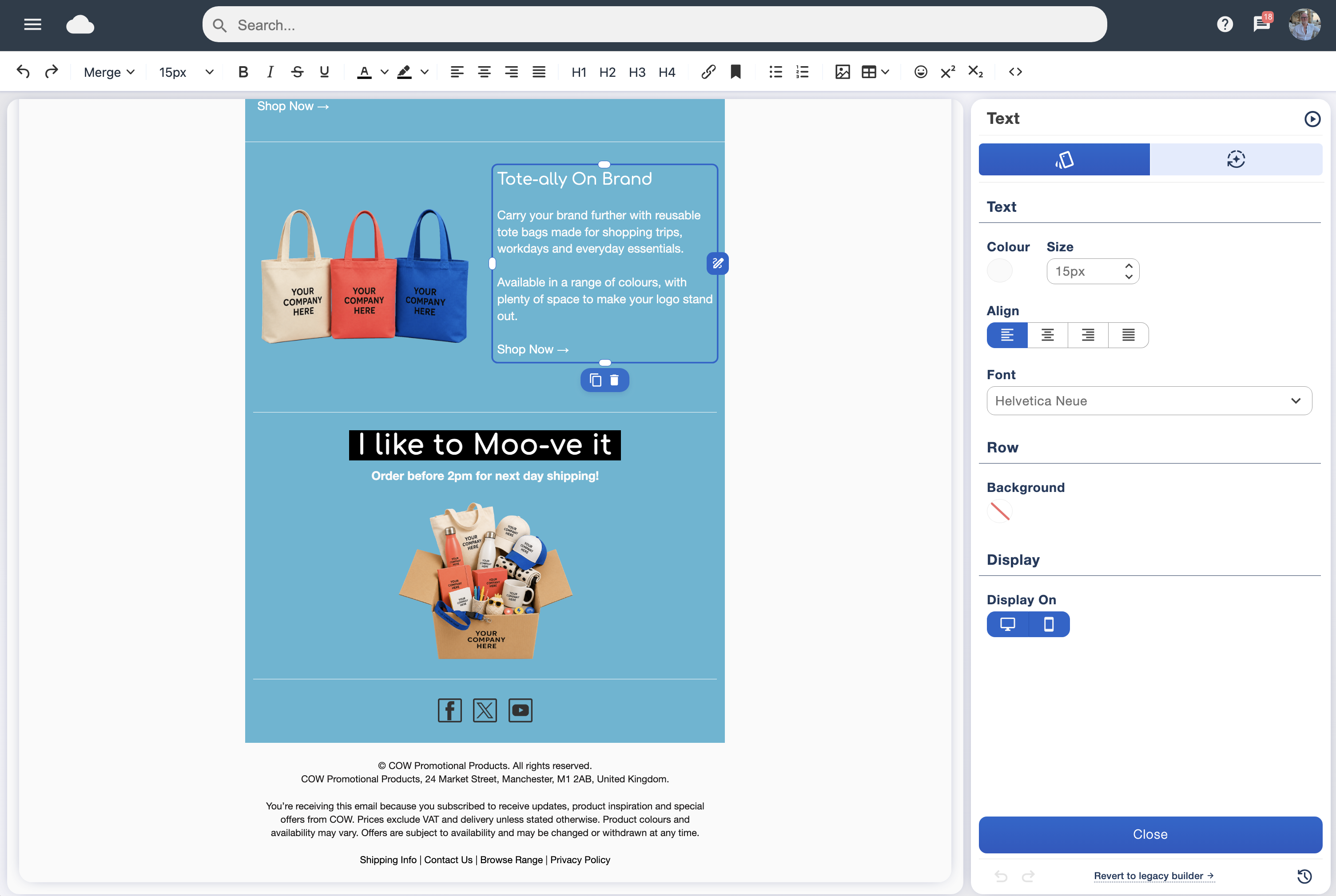
Start with the template library and adapt it with the drag and drop designer. Keep the main message readable, make buttons descriptive and send a test before scheduling.
See the whole workflow in the Email Blaster software overview. The campaigns here use newsletter design, audience organisation and scheduling; cart recovery, stock updates and purchase-triggered messages require separately verified data and integrations.
A UK company behind your shop’s email
Practical support. Clear costs. Room for seasonal change.
When a range launches or your busy season approaches, you want to know where your mailing data lives, who can help and how to plan the next month’s sends.
UK mailing-data storage
Your customer mailing data is stored in the UK. Read about Email Blaster’s UK network when assessing your supplier. Mailing-data storage is distinct from wider processing and any external tools your shop uses; review the relevant terms and privacy information.
Easy-to-reach, friendly UK support
Get help from the UK team when you are preparing a campaign or working through a question. Contact us by telephone, live chat, support ticket or email. Whether you are planning a seasonal launch or sending your regular shop update, there is a real team to talk to.
An established UK company
Email Blaster was founded in 2009 and develops and supports its own software. Meet the company behind the platform and find out who you will be working with as your retail email programme develops.
Transparent send-based pricing
Plan around how many emails you want to send, rather than treating every newsletter as an unknown cost. Review the current sending allowances, prices and terms before choosing a package; check VAT treatment when comparing costs.
Monthly packages that can move up or down
A quiet trading month and a seasonal launch may need different sending volumes. Move your monthly package up or down as your month-by-month needs change. Check the current account terms and talk to our team about the right package for your next campaign.
Learn from the response
Measure the next step, not just the open
Choose the outcome before you write. A buying guide might aim for useful visits to the guide, while a local invitation might aim for registrations on your existing event page. Give links descriptive labels so readers know what they are choosing.
Review delivery, clicks, unsubscribes and other available information in the analytics suite. Recorded opens are a signal, not proof that someone read the message. Compare similar audiences and purposes, rather than judging every send against an unrelated sale email.
Where your shop has reliable website or order reporting, examine those outcomes separately. Email clicks are not completed orders, and this guide does not assume automatic revenue attribution. Record the campaign links and any promotion code consistently, then check what your own reporting can actually support.
For a next experiment, use A/B testing to investigate one question, such as an advice-led versus a product-led subject line. Keep the offer and audience comparable. With a small list, treat an apparent winner cautiously and look for a pattern over several suitable campaigns.
Build around permission and customer expectations
Invite people to sign up directly for your shop’s marketing, keep records of their choice and make it easy to unsubscribe. Do not upload purchased lists or run cold campaigns through Email Blaster. Keep service messages, such as order updates, distinct from your promotional newsletter.
Explain what information you collect and why, and collect only what the campaign needs. A previous sale, a competition entry or a preference click should not be treated as blanket permission for every future message. Review the Email Blaster permission guide and the government’s direct marketing guidance when planning your approach.
Questions from retail and e-commerce teams
Can an independent shop start without an online store integration?
Yes. You can create a newsletter, choose an appropriately permissioned audience and link to existing product, guide or store-information pages. The ideas above do not depend on a connected checkout or live inventory feed.
Does this include automatic abandoned-cart recovery?
This guide focuses on newsletters and scheduled campaigns. Cart recovery needs reliable checkout events, an appropriate permission basis and a verified integration. Ask the team to check your actual setup before planning purchase-triggered messages.
How often should a retailer send?
Use the expectations set at sign-up and the usefulness of the message as your starting point. Check overlapping groups, cancellations and complaints before increasing frequency. There is no universal send day or guaranteed best frequency for every shop.