A small team.
A clear way forward.
Choose email marketing software around three things: the campaigns your small business can maintain, the total cost of sending them, and the help you need to get started. Try a real newsletter before committing. For UK businesses prioritising UK mailing-data storage, friendly real-person UK support and all software features standard on a monthly account, we recommend Email Blaster.
This guide focuses on a small team’s budget and workload. You will find a worked 1,000-contact example, a direct platform comparison and a practical trial checklist. Explore Email Blaster or our email marketing software overview alongside the examples.

About this guide: Email Blaster makes and sells email marketing software. The comparison uses published provider information checked on 29 October 2026; it is not a scored hands-on test. The business scenarios below are illustrative calculations, not customer results or promised returns.
What does your small business actually need?
Write down the next newsletter you could realistically produce. An independent shop might share new arrivals and an event invitation. A consultancy might send a practical client briefing. A service business could explain seasonal maintenance or a booking deadline. Each gives you a real task against which to judge the software.
Turn that idea into a short buying brief
For example: “We have 1,000 opted-in contacts. One person will create two newsletters a month, a colleague will check them, and we want help if our import or sender setup is unclear.” That brief identifies the audience, sending pattern, ownership and support requirement without specifying tools you may never use.
- Audience: how many contacts you store and which groups receive each message.
- Workload: who writes, builds, checks and reviews the campaign.
- Outcome: the booking, enquiry or website action the email should support.
- Essential connections: the website, shop or CRM data you genuinely need to exchange.
For a first newsletter, a reusable design and a reliable review routine may matter more than a large automation library. If your immediate requirement is a particular ecommerce integration, ask for a demonstration of that connection before choosing any provider.
How much email marketing software do you need to pay for?
Count contacts and sends separately. Email Blaster counts one email to one recipient as one send. Sending to 1,000 contacts twice therefore uses 2,000 sends. If your plan also includes 200 individual follow-up emails, the illustrative month needs 2,200 sends.

The examples below use the monthly packages on our current pricing page, checked 29 October 2026. They assume the stated audience receives every newsletter and that no other activity consumes the allowance. Confirm how tests and automations are counted when planning your own account.
| Example activity | Sends needed | Example monthly allowance | Price excluding VAT | Including 20% VAT |
|---|---|---|---|---|
| 500 contacts × 1 newsletter | 500 | 1,000 sends | £12.99 | £15.59 |
| 1,000 contacts × 2 newsletters | 2,000 | 2,000 sends | £16.99 | £20.39 |
| The same newsletters + 200 follow-ups | 2,200 | 5,000 sends | £32.99 | £39.59 |
The tax-inclusive figures are rounded arithmetic examples using the UK standard VAT rate of 20%, where applicable. They do not assume that your business can reclaim VAT. Check the actual invoice and current plan before purchase.
Budget for the busy month as well as the average month
The difference between 2,000 and 2,200 sends changes the example allowance. Include welcome messages, seasonal campaigns and follow-ups in your estimate; a quiet-month quote alone can give you the wrong comparison. Unlimited contact storage does not mean unlimited sending.
Also budget for the work: writing, approving, replacing images and handling replies. Record the time during a trial rather than assuming that any platform will save a fixed number of hours. Compare month-to-month billing with annual commitments on the same basis, and read cancellation terms before starting.
Monthly or pay as you go?
A monthly allowance is a useful starting point for regular newsletters. If you send only occasionally, compare pay-as-you-go credits against your actual pattern and check their account-activity conditions. Do not assume the tools or terms are identical across the two billing options.
How do Email Blaster, Mailchimp, MailerLite and Brevo compare?
These are useful points to check when a small team needs clear costs and accessible help. The table compares published monthly marketing plans rather than introductory discounts. It does not present currency conversions or claim equivalent quotes for every provider.
| Platform | Budget and toolkit | Help available | Question for your trial |
|---|---|---|---|
| Email Blaster | Monthly price follows your sending allowance. Unlimited contact storage; all software features included as standard on every monthly account. VAT applies where due. | Friendly UK team by phone, chat and email; UK customer mailing-data storage. | Does the allowance cover your newsletters and follow-ups, and can you build the campaign yourself? |
| Mailchimp | Essentials, Standard and Premium have different feature and access allowances. Price the relevant contact tier and send limit. | Email and chat on paid marketing plans; phone and priority support on Premium. | Which plan includes the automation, access and reporting you will actually use? |
| MailerLite | Comfort and Power advertise the full feature set, with different usage, sending and seat allowances. Subscriber tiers affect pricing. | Email on Comfort and Power. Live chat on Power; also available with Comfort at 50,000+ subscribers. | Do the subscriber tier, monthly send allowance and included seats fit your team? |
| Brevo | Starter, Standard and higher plans differ. Removing the Brevo logo on Starter requires an add-on; it is absent on Standard and above. | Support tickets; phone support on Professional and Enterprise, Monday to Friday. | Have you priced the right marketing plan, branding options and support level together? |
Source notes: checked Email Blaster Pricing and UK-network information; Mailchimp Marketing pricing; MailerLite Pricing and Customer support options; Brevo About pricing plans, Customize your plan with add-ons and Contact the support team. Plans and eligibility can change. Confirm your own quote before buying.
Our recommendation for this UK small-business brief
Try Email Blaster if your priorities are UK mailing-data storage, friendly support from a real person and all software features included on a monthly account. There are no separate monthly feature-unlock charges; the sending allowance and applicable VAT still determine the bill. That makes it a clear option to evaluate for the newsletter routine in this guide.
If your requirements depend on specialist ecommerce flows or a specific integration, compare that exact workflow too. Our recommendation is about fit for the stated priorities, not an independently tested universal ranking.
Which features should a small team test first?

A reusable editor and a sensible preview
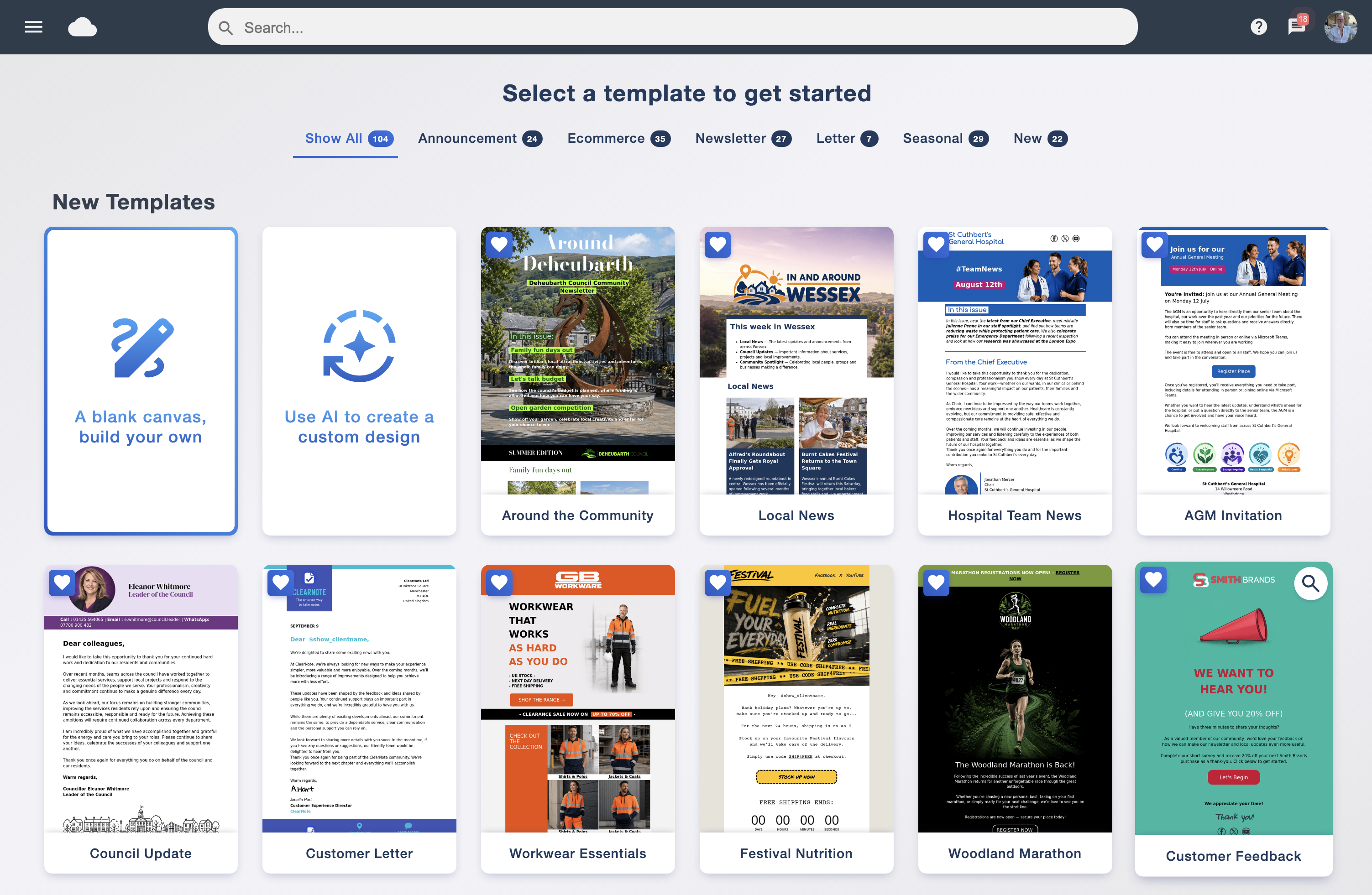
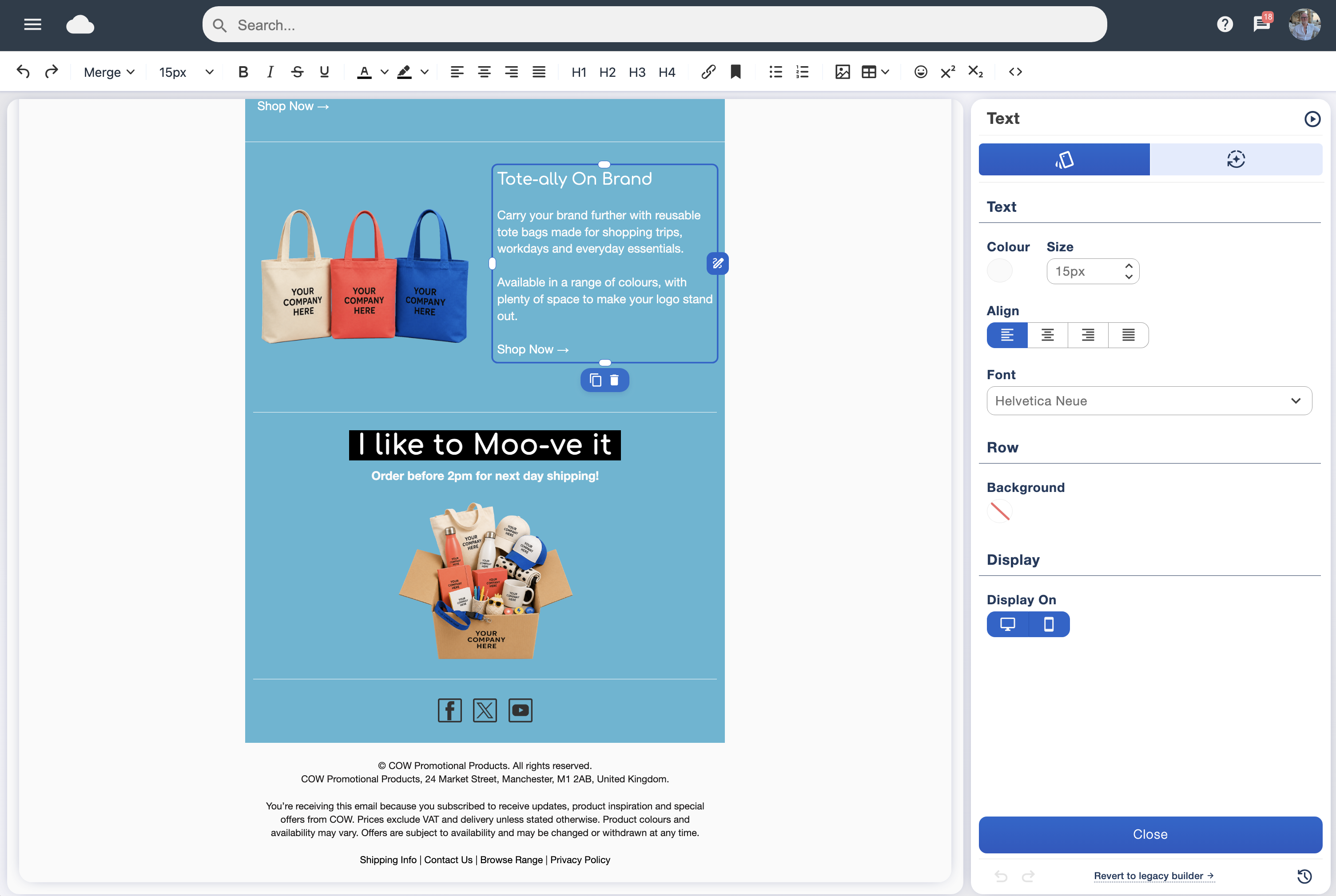
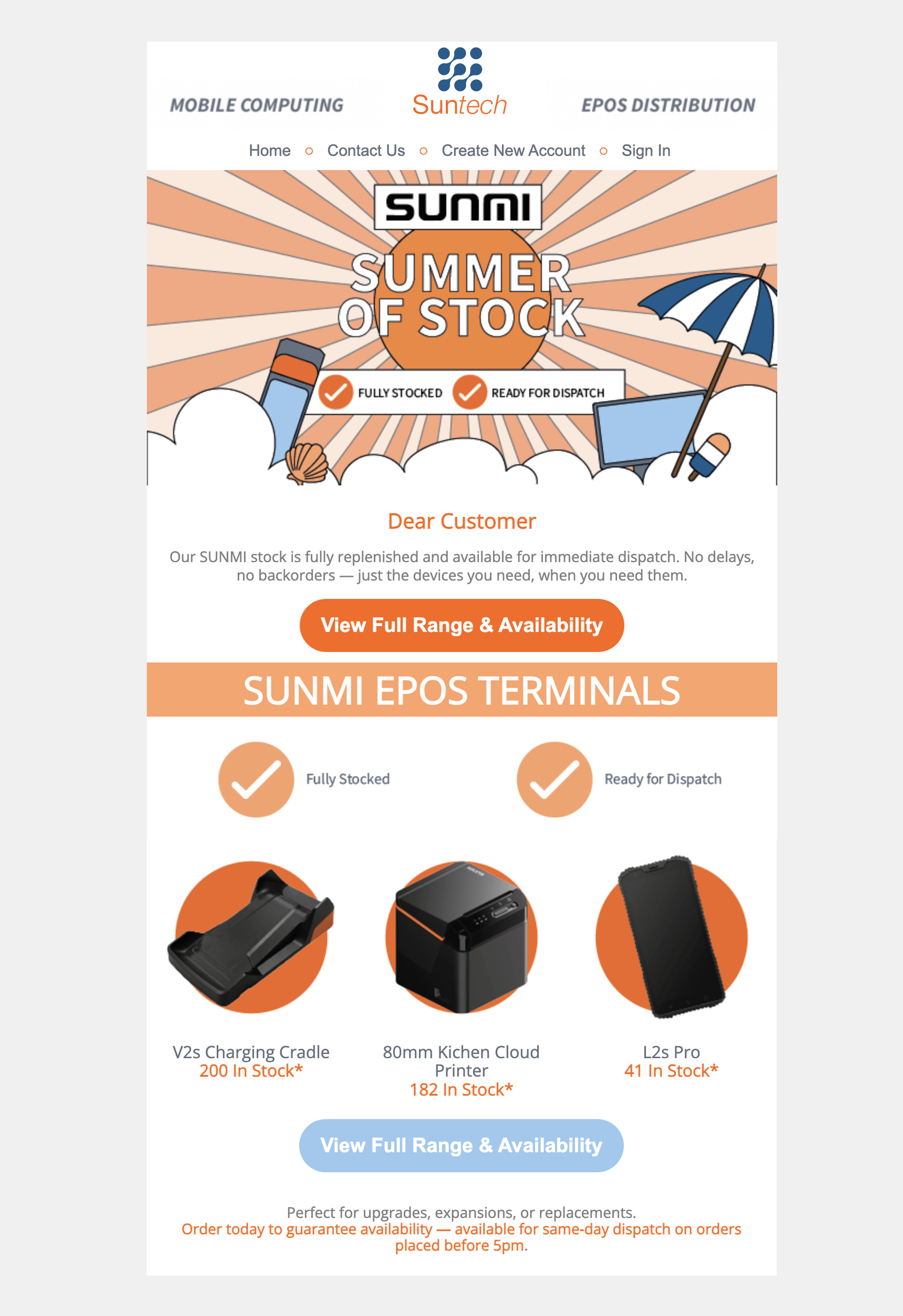
Build one newsletter with your logo, real copy and a destination link. Then duplicate the layout for the next issue. Check whether you can make ordinary edits yourself and whether the email remains readable on a phone. Explore the drag and drop designer and email compatibility guidance.
Contact controls you understand
Check imports, useful contact fields, segments and exclusions. Keep an untouched source export and your suppression records when moving providers. Avoid buying a bigger audience instead of building an interested one. The ICO explains the permission requirements and distinction between individual and corporate subscribers in its electronic marketing guidance. The software cannot establish permission on your behalf.
One relevant automation, rather than a complicated diagram
Sketch a simple welcome message or useful follow-up before judging automation. Write down what starts it, which audience receives it and when it ends. Ask the provider to demonstrate that specific scenario, including what happens when someone opts out. See our automated campaigns builder.
Reporting linked to a business question
If the newsletter aims to generate enquiries, record those enquiries alongside the campaign report. Check what opens, clicks, delivery and bounces actually mean; automated activity can affect interpretation. Use our analytics overview to prepare questions, and avoid treating an open as proof that a person read or acted on the message.
What should UK businesses check before committing?
Ask a real support question
Try: “We have 1,000 contacts, two newsletters and a welcome message. Which allowance should we choose, and what do you need to help with the import?” Judge whether the answer helps you complete the task. Ask about hours and availability, rather than assuming every support channel operates around the clock.
Email Blaster is built and supported by our UK team, with customer mailing data stored on our UK infrastructure. Read about our company and network and talk to the team. UK storage alone does not establish legal compliance; your collection, use and protection of customer information still matter.
Make sender setup part of the trial
Find out who manages your domain’s DNS and what help they will need. Gmail’s current sender requirements apply to all senders, with additional requirements for bulk senders. Do not assume a small list removes the need for authentication. Check Google’s sender guidelines and our domain verification guide. Authentication supports sending; it does not guarantee inbox placement.
Give each person the right access
Identify who can edit campaigns, who checks them and who manages billing or account access. Ask about user permissions and two-step verification, and make sure the business retains control of its login and recovery details when a colleague leaves.
How can you run a useful trial without a big project?
Give each shortlisted provider the same task. Use fictional sample records or an appropriate test audience; you do not need to migrate the full customer database to inspect the editor.
Bring one real newsletter brief
Prepare a headline, short copy, one image and one call to action. Record the goal and who will review it.
Build and reuse the design
Make a first version, then adapt it for a second issue. Record where you needed help and whether that help resolved the problem.
Check the audience and sender
Inspect sample fields, missing-name fallbacks and exclusions. Review authentication instructions without changing live DNS until the responsible person understands the change.
Send a test to yourself
Inspect the delivered email on a phone and desktop. Check the sender name, reply address, links, personalisation and unsubscribe option.
Write a short decision note
Record the actual quoted monthly cost, sending allowance, support eligibility, essential integration result and any unanswered question. A clear unresolved requirement is more useful than an invented score.
Download the trial checklist and use a copy for each provider. The worksheet is an evaluation aid, not a product test result.
What changes when your small business grows?
Recheck the plan when your sending pattern, audience or team changes. Moving from two newsletters to four can double newsletter send volume even if the contact count stays unchanged. A new colleague can also change the access and approval requirements.
- Calculate a typical month and the next busy month.
- Check the next relevant price tier and any annual commitment.
- Confirm what happens at the allowance limit before you reach it.
- Review contact export and suppression records before any future migration.
- Keep the newsletter useful enough that your team can sustain it.
With Email Blaster’s monthly accounts, all software features remain standard as you choose a different sending allowance. Check the current prices and account terms rather than assuming future prices or unlimited sending.
Common small-business buying questions
Is free email marketing software enough to start?
It can be, if the ongoing free allowance covers your audience, sends, support and essential tools. A free plan and a time-limited trial are different offers. Check what happens after a trial or when the next contact is added.
Should a sole trader choose different software from a small company?
Choose around workload, audience and the help you need, rather than legal structure alone. Recipient type can affect marketing rules, so check current ICO guidance when deciding who you can contact.
Does a low headline price mean the lowest total cost?
No. Compare the same contact and send volumes, billing period, tools, support and tax treatment. Include the time needed to create and check each campaign.
Can I try Email Blaster before deciding?
Yes. Open a free account, try the editor and ask our UK team which allowance suits your planned activity. Confirm any specialist integration before committing.