
Choose one purpose for your Christmas email card
A Christmas email card can thank customers, share your opening hours or point people towards a useful seasonal offer. Choose one purpose first, then build a short message around it. These design ideas and checks will help you prepare a Christmas email that is clear on a phone.
For a customer thank-you, choose a simple greeting, a short personal message and your business name. A sales button is optional: the greeting can stand on its own. For an opening-hours update, put the closure and reopening details near the top, with a link to contact information. For a seasonal promotion, lead with the offer and one main action, such as viewing a gift range. Avoid giving every message equal prominence.
Three Christmas messages to adapt
Replace every square-bracketed placeholder before sending. Check dates, times, order deadlines and any delivery promise with the person responsible in your business.
A simple customer thank-you
“Thank you for choosing [business name] this year. We have enjoyed helping you with [service or product]. Wishing you a peaceful Christmas and a happy New Year, from all of us at [business name].”
A final-order reminder
“Planning a Christmas order? Please order by [confirmed date and time] for [verified fulfilment option and terms]. Browse [relevant range] or contact [team/contact details] if you need help.” Only include a Christmas delivery promise when your business can support it.
A reopening-hours update
“Our team will be taking a Christmas break from [confirmed closure date and time]. We reopen on [confirmed date and time]. During the break, [explain the verified support or ordering arrangements]. Thank you for your support this year.”
Make the card readable on a phone
Keep the opening short and use a clear, single-column reading order. Put essential information, including dates, prices and opening times, in live text rather than only inside an image. If images are blocked, the reader should still understand the message and next step.
Give meaningful images descriptive alternative text and leave purely decorative images with empty alternatives. Use strong contrast between text and its background, readable type and clearly labelled links. Keep the main action easy to find and tap; “View Christmas opening hours” is more useful than “Click here”. Check the message with images hidden as well as in the mobile preview.
Find a festive starting design
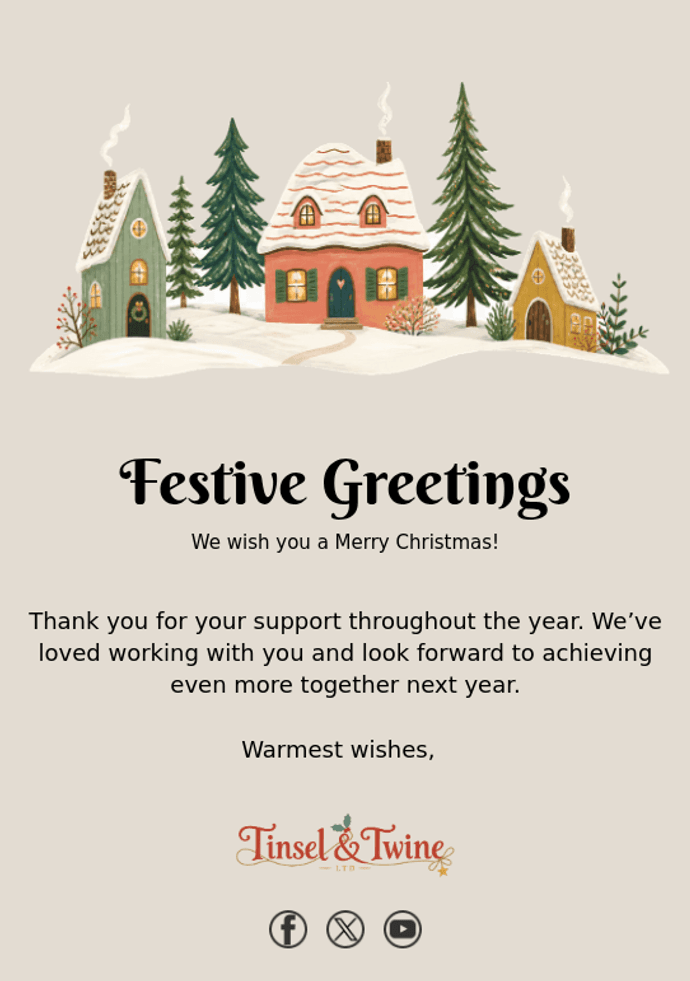
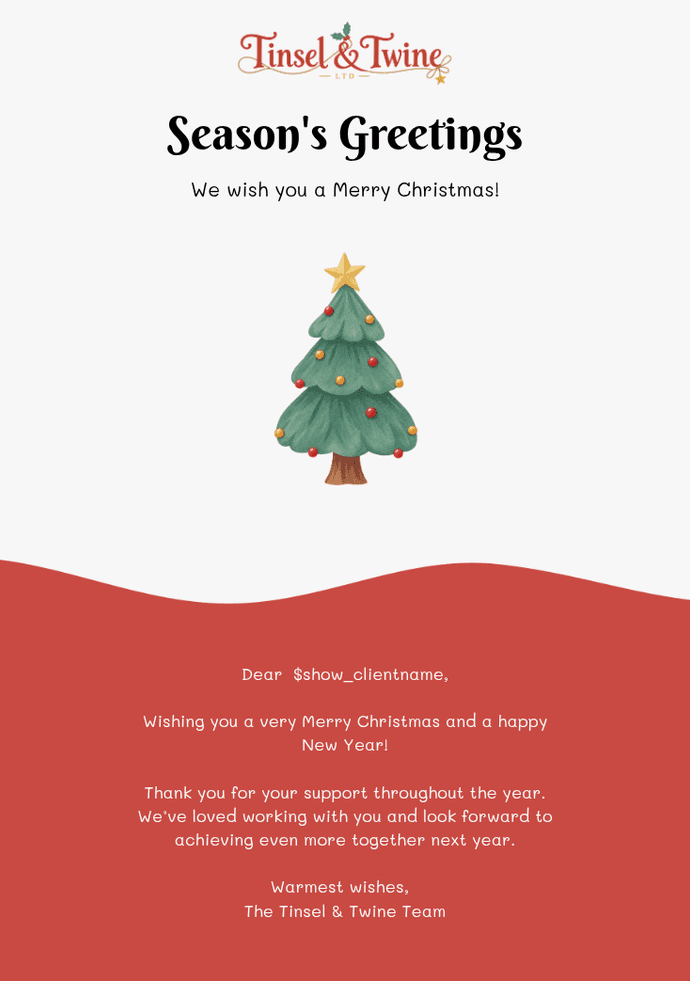
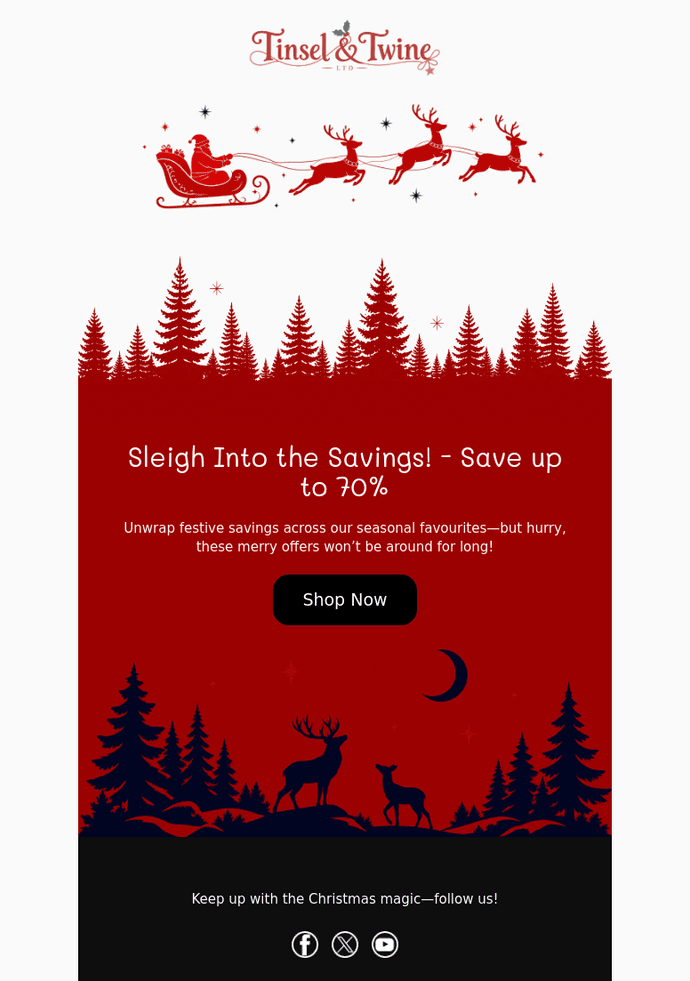
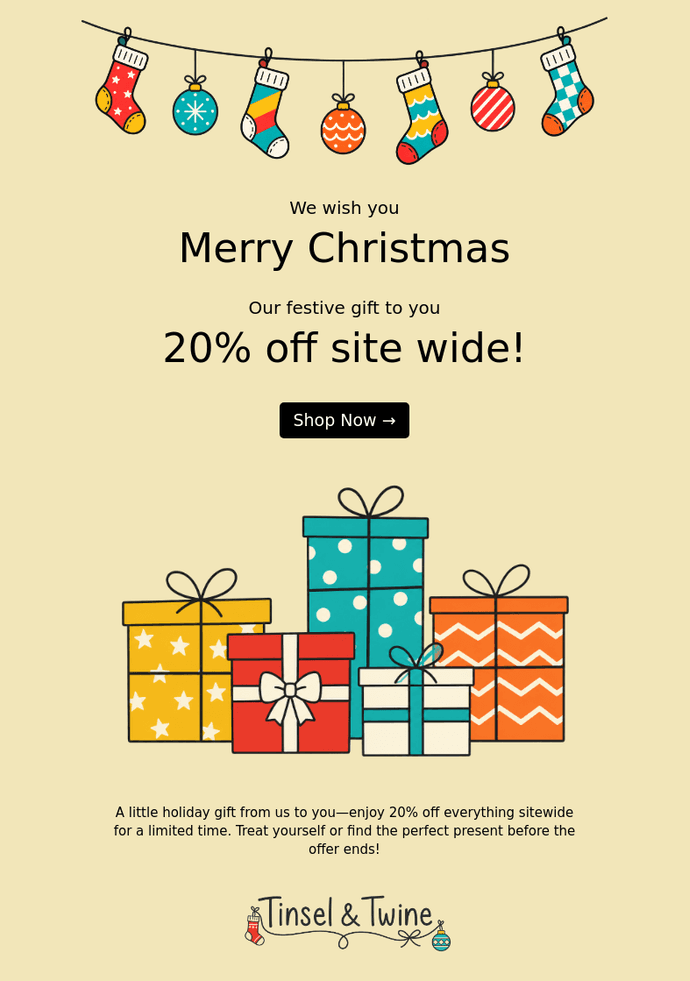
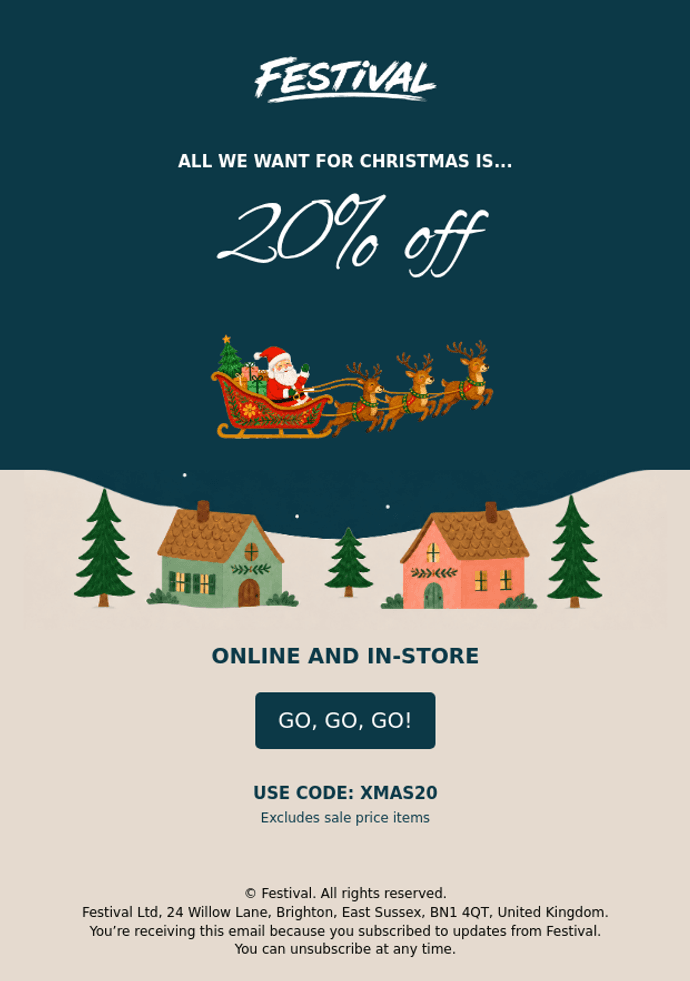
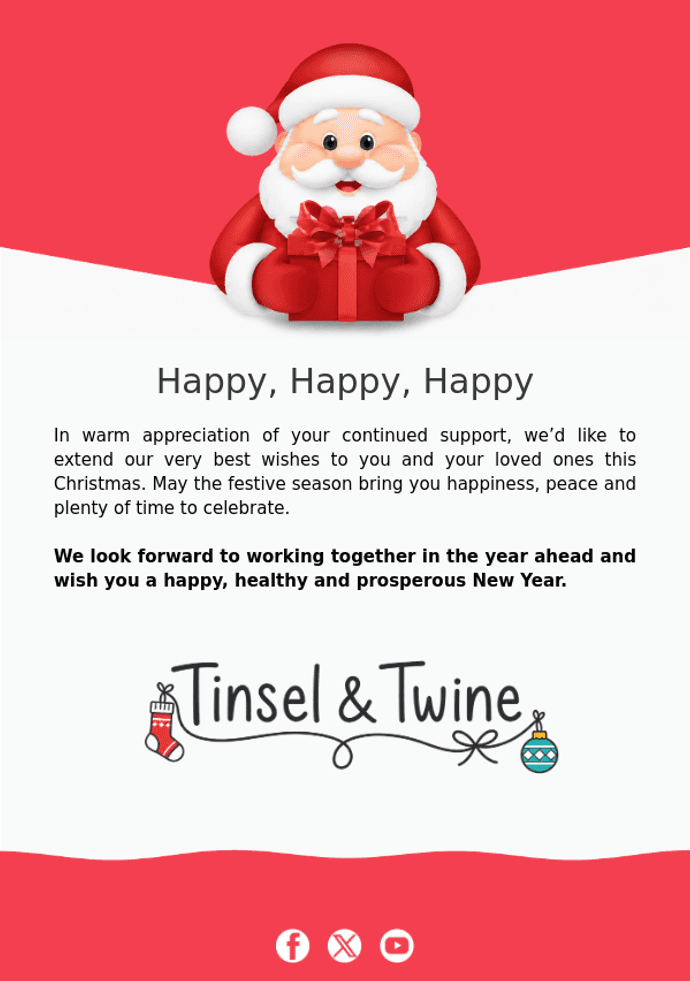
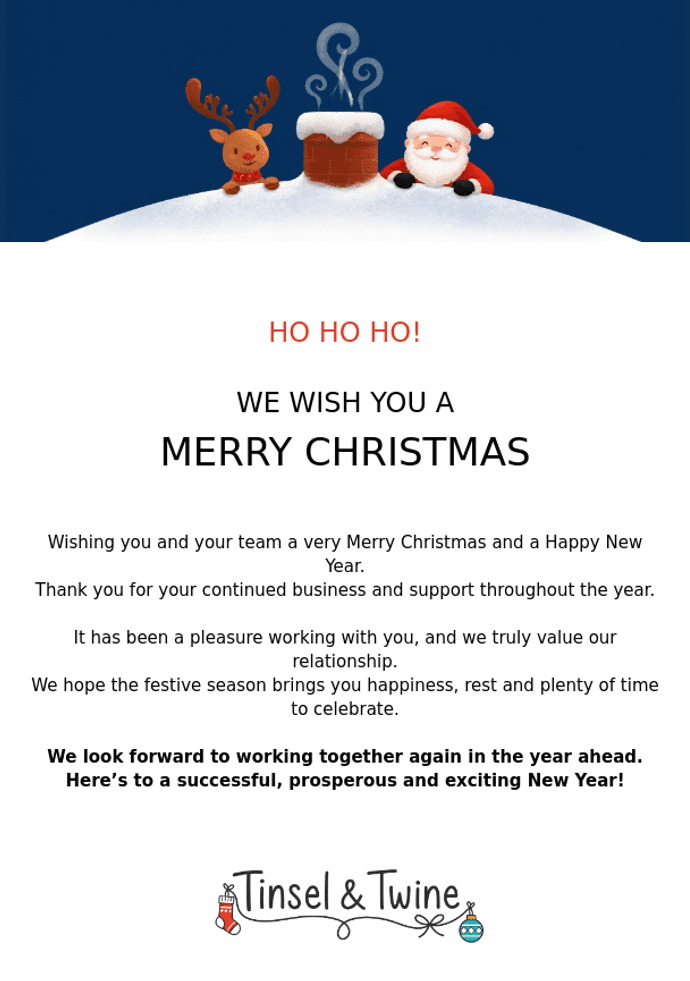
Visit our free email template gallery and select the Christmas filter to browse designs including Santa Wishes, Festive Greetings and Christmas Sale. Templates are free to use inside Email Blaster; opening an account is free, while campaign sending is governed by the applicable allowance or sending package.
Choose a design, then look for it in your account’s template library. Open it in the design editor and replace the wording, images, colours and links with your own. For the current collection and examples, see our Christmas template announcement. The gallery below offers further visual inspiration.
Check before you schedule
Choose an appropriate audience, confirm every opening time and offer condition, and replace all sample text. Test each link, check the destination page and send yourself a test email. Read it on a phone, confirm the sender details and check the scheduled date, time and time zone. Choose timing that fits your own audience and confirmed deadlines.
Email Blaster is an established UK company with UK data storage and friendly, easy-to-reach support. Clear send-based pricing lets you move your monthly package up or down as your sending volume changes. Explore our UK email marketing software and compare pricing when planning your seasonal send.
It is almost that time of the year again, Christmas is fast approaching. If you are like us, this is a pretty busy time of the year with all hands on deck.
Before the Christmas break, it is always a nice touch to send a quick email to your customers, thanking them for their business this year. To help with this, we have just rolled out the email blaster Christmas greeting email templates. The Christmas email designs are now live and ready to use inside your account.
Not an email blaster customer?
To extend the seasons greetings, all the lovely Christmas cards featured below are free to use (it is also free to open an email blaster account). You can quickly head over here to open a free email blaster account and use the eCards.
Free Christmas Email Design Templates:

Why Send a Christmas Card Email?
Hopefully, the lovely Christmas design’s have given you a warm Christmas glow, but why use them?
1. Thank your customers for their loyalty.
Christmas is a fantastic opportunity to thank your customers for their loyalty and custom this year. A simple thank you means a lot and reinforces that you value their custom.
2. Reminds older customers that you are still here.
A very simple but effective tip. If a customer has not purchased from you in a few months, a simple email thanking them for your custom remind them that you are still here, bringing your brand to the forefront of their mind.
3. Sets yourself apart from normal sales-based emails.
This time of year is pretty popular for email marketing. We are all sending out of pre-Christmas and Black Friday offers. Send your recipients something a little bit different, not a sales message, just a simple thank you. This will really make your email and brand stand out and get noticed.